Food Distribution Software and Batch Traceability: What Must Stay Connected
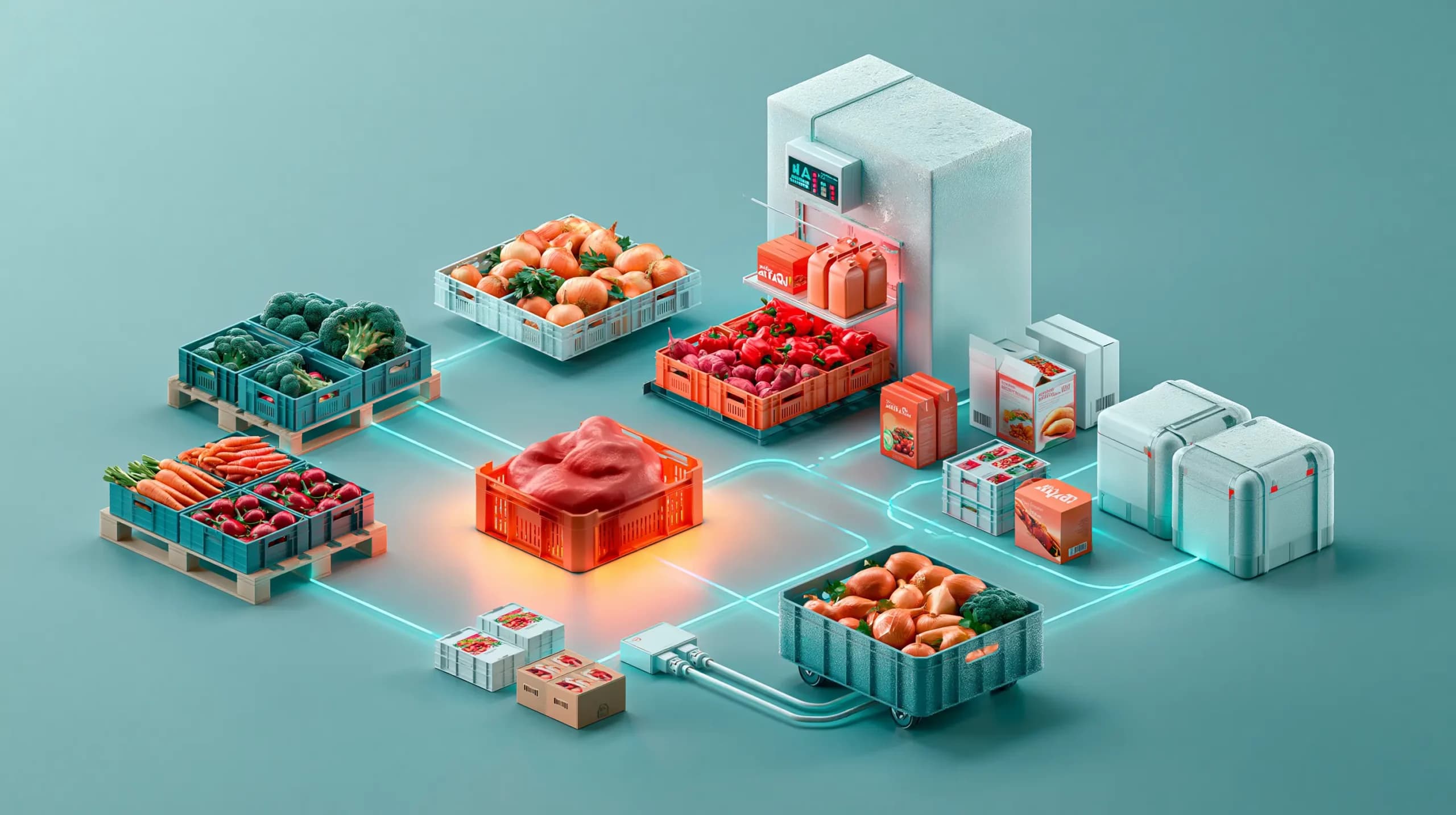

Why batch traceability depends on connected records
Imagine that a supplier tells you that a batch of chilled products needs to be withdrawn. Your team knows the product name, but the supplier document uses a different description. The warehouse knows that some stock arrived last week, but the receiving record is in a spreadsheet. Sales can find customers who ordered the product, but not which delivery contained the affected batch.
For a food distributor, practical batch traceability means being able to follow a product backwards to its source and forwards to the stock, orders, customers and deliveries affected by it. The exact legal requirements vary according to the product, location and role in the supply chain, so software should not be presented as a substitute for food safety advice or regulatory guidance.
In the United States, the FDA’s Food Traceability Rule describes Critical Tracking Events and Key Data Elements for certain foods. The broader operational lesson is that traceability depends on linked records.
The data chain a food distributor needs
The chain usually starts before the goods arrive at your warehouse. It should continue through receiving, storage, picking, dispatch, delivery and any later return or withdrawal.
| Stage | Records to connect | Why it matters |
|---|---|---|
| Supplier and purchase order | Supplier, product, quantity, purchase order, expected date and documents | Shows where the stock came from and what was ordered |
| Receiving | Received quantity, date, warehouse, batch or lot, expiry and discrepancies | Establishes what physically entered the business |
| Stock and storage | Product unit, batch, expiry, warehouse, storage location and stock movements | Shows where the stock is now |
| Conversion or repacking | Original unit, new unit, quantities and reason | Prevents a broken trail when cases become packs or pieces |
| Customer order | Customer, product, unit, quantity, price and order date | Identifies who bought the item |
| Picking and dispatch | Warehouse, picked quantity, batch where available, delivery and dispatch details | Connects stock to the shipment |
| Return or credit | Returned quantity, reason, batch information, stock decision and credit decision | Prevents returned or withdrawn goods disappearing from the record |
The important point is that each stage should reference the same product identity and unit structure. If a supplier calls an item “Tomato Sauce 6 x 2.5L” but your catalogue calls it “TS2500 CASE”, someone needs to confirm that those records describe the same sellable unit.
What must stay connected at each stage
1. Supplier, purchase order and receiving
The purchase order should identify the supplier, products, expected quantities, receiving warehouse and expected fulfilment date. When the goods arrive, the receiving record should show what was actually received rather than simply marking the purchase order as complete.
Short deliveries, damaged cases and substitutions can affect the stock position, so the receiving workflow should preserve the purchase order and record the variance.
2. Batch, expiry and warehouse location
A batch number without a physical location is of limited operational value. Your team needs to know which warehouse holds the stock and, where relevant, which storage location contains it.
Useful fields can include:
- batch or lot name;
- quantity and stock value;
- expiry date;
- warehouse and storage location;
- product unit;
- serial number or movement reason where applicable.
Inventory history should allow staff to search and filter these records by warehouse, order number, adjustment reason or product. It should also retain stock movements rather than overwriting the original state.
3. Product units and case breakdowns
Food distribution often involves cases, packs, pieces, weight and volume. If one box contains 24 pieces and is converted into pieces, the system should record the conversion without losing the connection to the original stock.
4. Customer order and dispatch
The order should connect the customer to the product, unit, quantity, delivery address, fulfilment location and order date. The business must also define whether batch allocation happens at picking, dispatch or another documented stage.
5. Returns, withdrawals and credits
A customer return is not automatically a safe stock adjustment. The process should capture the reason, decide whether the quantity returns to stock and show whether a credit note or refund was created.
A practical batch-traceability example
Consider a distributor receiving 80 cases of a chilled product from Supplier A. At arrival, the team records Batch B241, an expiry date and the warehouse storage location.
The stock is then split between two locations. Some cases are picked for a restaurant order, while the remaining cases stay in storage. A week later, the supplier identifies Batch B241 as affected.
A connected process lets the team:
- search for Batch B241;
- see remaining stock by warehouse and storage location;
- identify the purchase order and supplier;
- find affected customer orders and deliveries;
- place stock on hold and record customer contact;
- approve returns, credits and the final stock decision.
This is much faster and less error-prone than searching a supplier email, a receiving spreadsheet, a warehouse count sheet and several customer order exports separately.
What to look for in food distribution software
When comparing wholesale food inventory software, look beyond the phrase “batch tracking”. Test the complete workflow.
| Capability to test | Questions to ask |
|---|---|
| Product identity | Can the same product be managed by SKU, unit, case and measured quantity? |
| Batch records | Can staff record and search batch names, dates, quantities and values? |
| Expiry data | Can expiry dates be stored, filtered and reviewed with the stock record? |
| Locations | Can stock be assigned to warehouses and nested storage locations? |
| Purchase receiving | Does receiving stay connected to the supplier and purchase order? |
| Transfers | Can stock move between locations or warehouses without losing its history? |
| Order connection | Can the team trace stock activity back to customer orders? |
| Exports | Can records be exported for internal review, audits or a recall exercise? |
The Simplisales Dashboard includes documented operational records for suppliers, purchase orders, warehouses, storage locations, stock batches, expiry dates, inventory history, customer orders and returns. It should be positioned as an operational layer that helps teams keep the data together—not as a guarantee that every business meets every food-safety obligation.
Customer ordering can take place through the Simplisales App or Simplisales Website, while the operational team reviews the connected records in the dashboard.
How to prepare your operational process
Before implementing software, agree:
- which product and unit identifiers are authoritative;
- who records batch and expiry data at receiving;
- whether batch data is captured at picking or dispatch;
- how stock is placed on hold;
- how affected customer orders are identified;
- who approves returns and stock re-entry;
- which records are exported and retained;
- which requirements need advice from a food-safety or regulatory adviser.
Then test the process with a realistic scenario. Do not stop at “Can we record a batch?” Ask, “Can we find every affected location, customer order, delivery and return without opening four unrelated systems?”
Related Blogs
Explore more insights for your wholesale business.
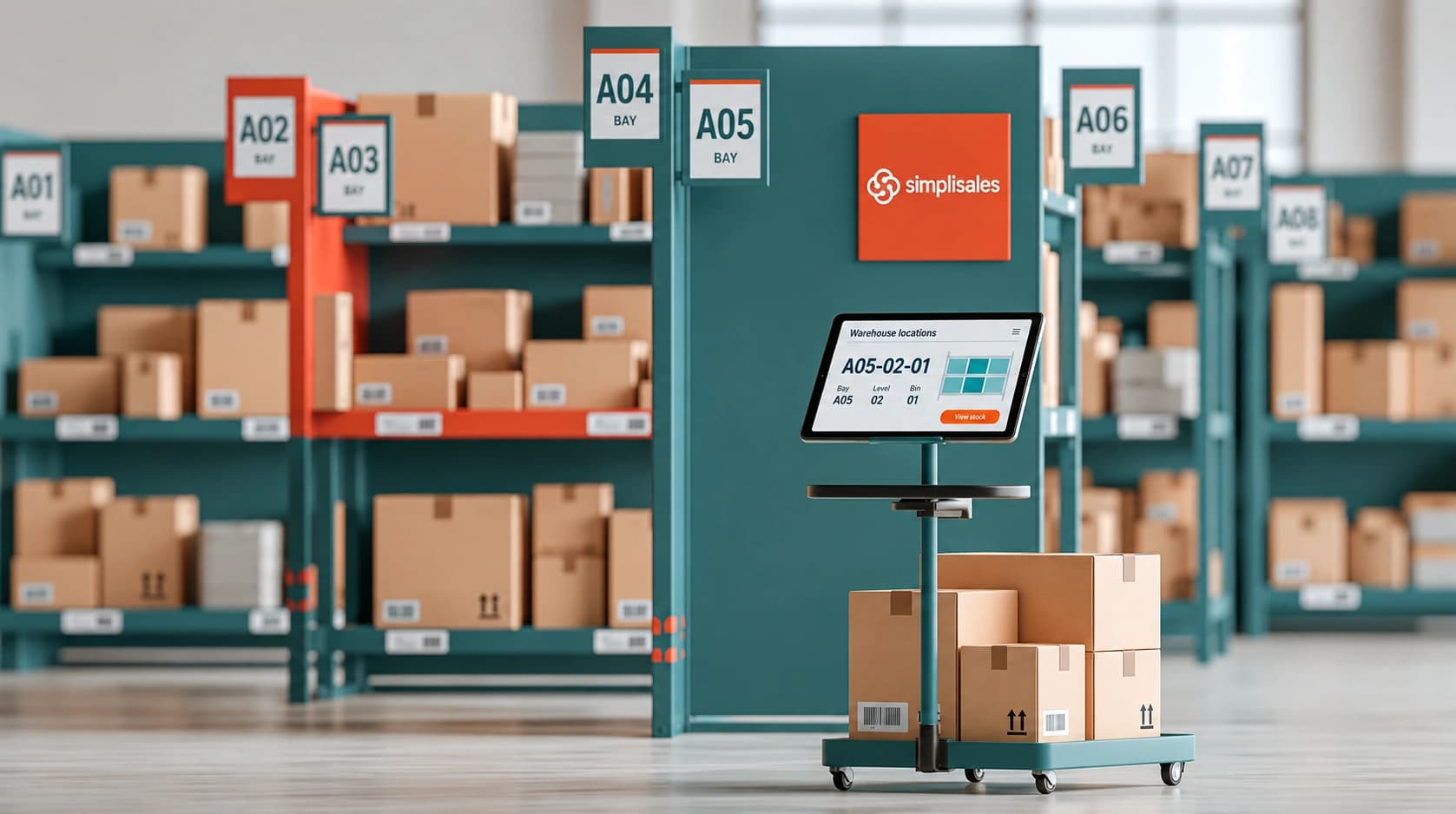
Logistics · 21 SEPT 2026
Warehouse Location Codes for Wholesalers
Why warehouse location codes matter A warehouse operative receives a picking list for twelve products. The stock is […]
Logistics · 14 FEB 2026
Why Spreadsheet-Based Inventory Management Breaks at Scale
You might perceive spreadsheets as the simplest tool for inventory control if you are a growing wholesaler, distributor, or operations manager, but once orders skyrocket and items spread across multiple warehouses, while real-time accuracy becomes critical, they instead turn into a bottleneck rather than a solution. This article begins with a discussion of why spreadsheet-based […]
Logistics · 13 JAN 2026
Why Manual Forecasting Fails in Wholesale
Manual forecasting in wholesale relies heavily on spreadsheets, past sales and gut feeling, which once worked in stable markets but now struggle to cope with today’s complex, fast-moving demand patterns. As product ranges grow, customer behaviour shifts and external factors disrupt supply chains, spreadsheet forecasts become backwards-looking guesses that lead to overstocking, stockouts, tied-up cash […]
Run your business,
without the complexity
Start free · Try paid plans for 30 days.
