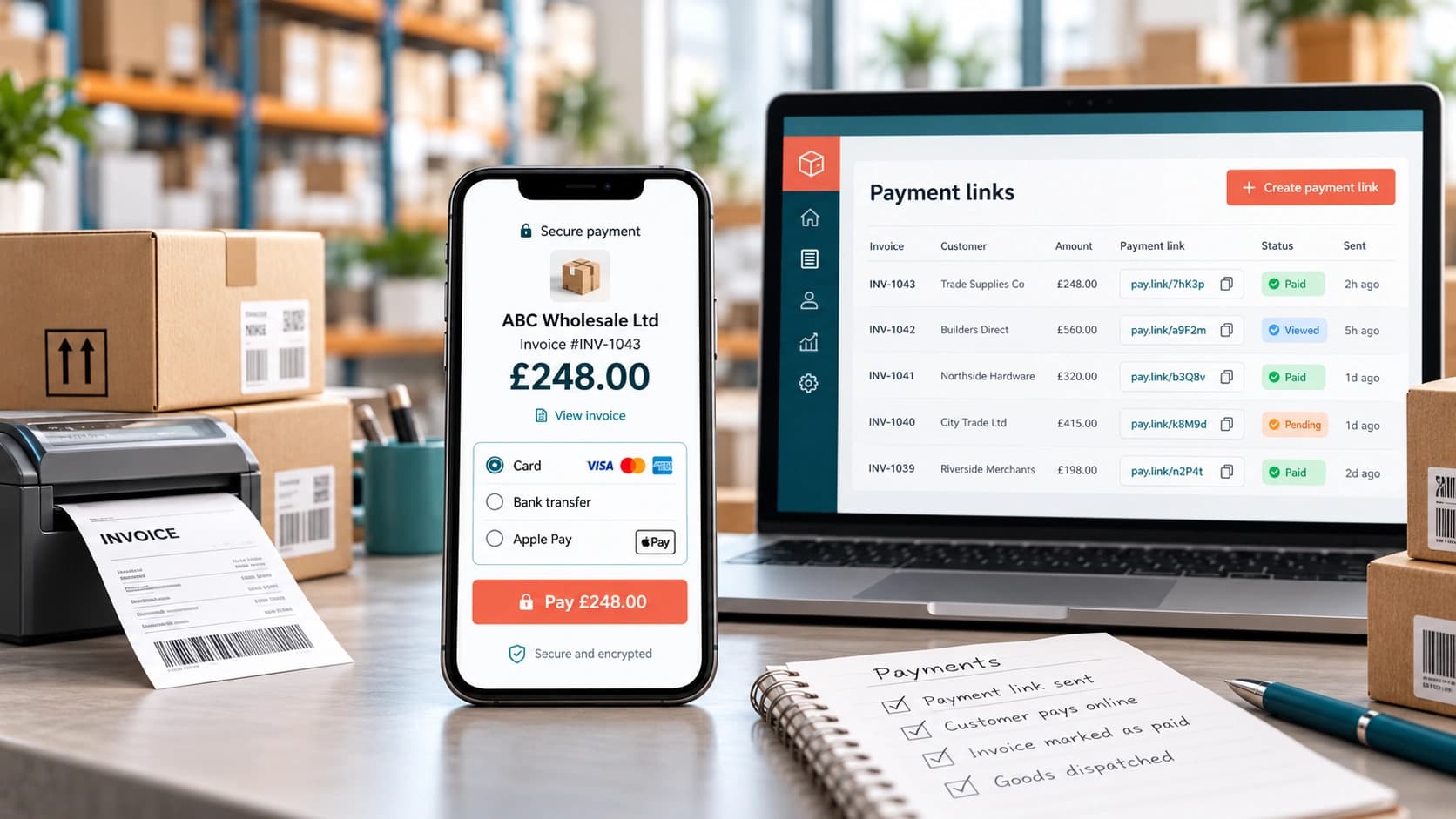

The invoice is usually overdue, so somebody is sending another email.
Two days later, they call the customer. The accounts team is told by the customer, in plain words, that they never received the original invoice. It’s resent. Then on somebody asks for the bank details again. By the time the money arrives, three Plain and simple people have touched a payment that the customer was willing to make all along.
This is generally where B2B payment links can be advantageous.
More correctly, a payment link doesn’t remove payment terms or replace credit control. It simply turns “please pay us” into a direct action, like opening the secure payment page, verifying the amount and completing the payment using the methods supported by the provider.
What a B2B payment link actually changes
Classic invoice collection often separates the request from the action. The customer receives an invoice, finds bank details, creates a payment in online banking, enters the reference and hopes the remittance information is matched correctly.
What’s more, an invoice payment link can, after all, shorten that path. The email, order screen or reminder carries a link tied to the amount or transaction. The customer is following it to a hosted checkout, and the resulting payment status can, more precisely, flow back into the order or finance process.
The perk isn’t that card payments are, as a matter of fact, always better than bank transfer. What’s great is, after all, removing avoidable phases when speed and convenience matter.
Where payment links work particularly well in wholesale
Payment links are, more exactly, strongest in precise moments rather than as a universal replacement for every B2B payment method.
- New or unproven accounts: pay before releasing the let’s start up orders rather than granting credit promptly.
- Pro-forma orders: send one clear route to payment once stock and pricing are backed up.
- Urgent order release – a customer over its credit limit can clear an agreed amount quickly before the warehouse dispatches.
- Overdue invoices: place the payment action inside the reminder, rather than asking the customer to find the original paperwork.
- What’s more, sales-rep orders – a representative can, more correctly, finish the commercial conversation without detailing themselves.
- Remote or telephone orders: the customer enters payment details on the provider page rather than reading card numbers to the team.
- Delivery or collection exceptions, such as where supported by your process, a link can settle a balance before or at handover.
These use cases share one trait, such as the customer is ready to pay, but the Unnecessary delay is being created by classic payment journey.
Payment link vs traditional invoice chasing
| Question | Payment link | Traditional invoice chasing |
|---|---|---|
| Customer action | Open link and complete checkout | Find invoice, bank details and create payment manually |
| Speed | Can be immediate | Depends on customer process and bank run |
| Best for | One-off, urgent, pro-forma or overdue collection | Normal account terms and established AP workflows |
| Reconciliation | Strong when link carries order/invoice reference | Can require remittance matching |
| Cost | Provider/transaction fees may apply | Bank transfer may be cheaper |
| Risk | Card-not-present fraud/chargebacks where cards are used | Late payment and reference-matching risk |
| Customer habit | Simple for ad-hoc payer | Often preferred by larger accounts with formal AP processes |
Where a payment link is the wrong tool
A payment link shouldn’t be forced into every wholesale relationship.
Strict accounts-payable workflows may be in place with large customers, with purchase-order controls and scheduled payment runs. A card link may well be ignored. Recurring high-value collections may be better suited to agreed bank transfer or Direct Debit arrangements. Very large card transactions can also be commercially unattractive once processing fees and chargeback exposure are considered.
Don’t use payment links to disguise a broken credit policy either. If a customer repeatedly exceeds its limit, the answer may be revised terms or a formal account review, not another improvised payment request.
Connect the link to the order and invoice
The operational value is appearing when the payment is typically identifiable without manual study.
A good wholesale payment collection flow ties the link to a customer, order or invoice reference. When payment succeeds, the team should be able to see what was paid, how much is remaining outstanding and whether the order can now move forward.
Avoid sending generic links where the team must later ask, “Which invoice was this £2,380 payment for?” The easier payment method shouldn’t create a harder reconciliation problem.
Design the reminder around action, not pressure
Payment reminders are working best when they remove confusion.
The invoice or order is, after all, a specific amount outstanding, with a valuable message, due date, contact route for disputes and the payment link. Keep the tone proportional. A customer one day late doesn’t need the same message as an account ignored for sixty days.
Clear payment terms are being recommended by the Small Business Commissioner, prompt invoicing, exact purchase-order and VAT information, and offering concrete payment methods. A link is working best as part of that discipline, not as a replacement for it.
Security, chargebacks and card-not-present risk
Hosted payment links can, more precisely, keep the customer’s card-entry page with the payment service provider rather than asking your team or your own application to collect card details directly. That can, after all, streamline the payment architecture. It doesn’t mean the merchant has no security or PCI DSS responsibilities.
The PCI Security Standards Council is making clear that compliance scope rests on the exact code and provider arrangement. Use a reputable PCI DSS-compliant payment provider and verify your validation obligations with your acquirer or provider.
Chargeback risk is also carried by card-not-present payments. GOV.UK notes that online/card-not-present transactions are more exposed than PIN-authorised in-person payments. Keep order records, proof of dispatch/delivery and clear customer communication, especially for higher-value orders.
Use payment links alongside credit control
The best payment-link process is connecting directly to the customer’s credit position.
For example:
Order exceeds balance limit -> order moves to finance; agrees that £3,000 must be paid -> payment link is mainly sent -> payment is backed up and allocated -> order is normally released.
Meaning much stronger than a sales representative telling the customer to “send something over” and the warehouse waiting for somebody to check the bank account.
For overdue debts, the same axiom applies. The link is giving the customer a route to settlement. The credit policy still is deciding whether the order is remaining on hold and whether statutory or contractual late-payment remedies are employed.
Where Simplisales fits
Simplisales can, after all, keep the payment request inside the sales-order workflow. Current payment reminders can be sent from an unpaid order and, where online payments are currently allowed, include a link for the customer to settle the outstanding amount.
Payments received by link, bank or bulk import can (at least in theory) then enter the same payment queue and be set aside to invoices, while customer payment terms, balance limits and unpaid-invoice limits continue to control whether new orders should continue.
This is, as a matter of fact, the essential connection – the payment link isn’t a separate finance trick. It becomes one action inside the customer, order, credit and reconciliation process.
Payment-link implementation checklist
- Choose a respected payment provider and understand transaction fees, settlement timing and chargeback rules.
- Verify PCI DSS responsibilities for your exact hosted-payment setup.
- Tie every payment request to a customer and order or invoice reference.
- Decide which situations explain a link, namely pro-forma, new account, overdue invoice, credit-limit release or another prescribed case.
- Keep ordinary payment terms visible. Don’t make the link the only indication of what’s due and when.
- Specify what happens automatically when payment succeeds and what still needs finance approval.
- Give customers a clear route to query a disputed invoice; better yet, avoid forcing payment before examination.
- Reconcile payments promptly so the customer balance and order status remain correct.
- Keep proof of order and dispatch for card-not-present disputes.
- Measure whether links actually decrease days-to-payment and manual chasing before expanding their use.
Related Blogs
Explore more insights for your wholesale business.
Accounting · 26 OCT 2026
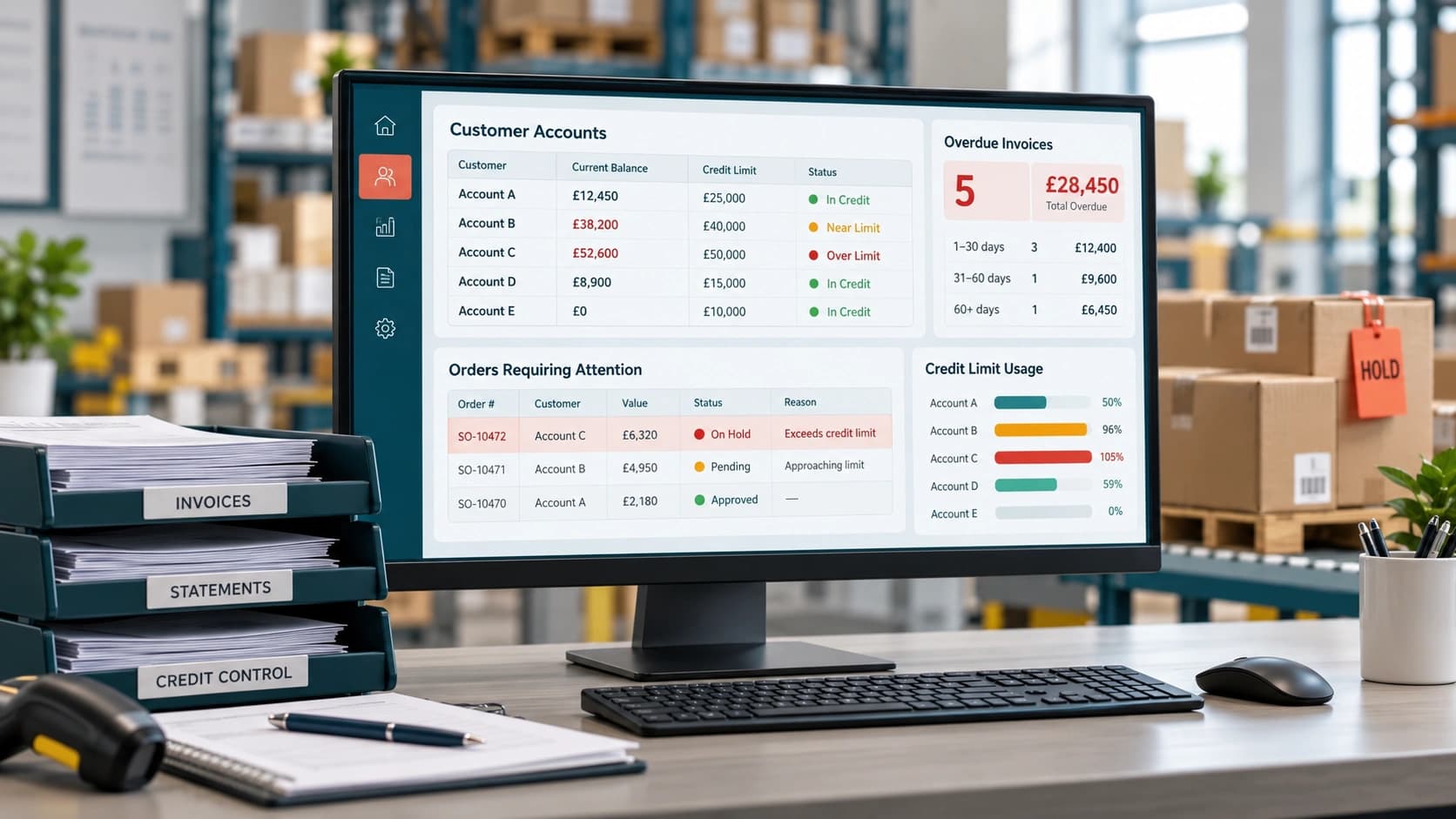
Wholesale Credit Control: Managing Credit Limits and Order Holds
Credit control is an order decision, not just a finance task Start with a written credit policy Set credit limits around exposure, not optimism Use payment terms and overdue status separately Design order holds that tell staff what to do next Handle exceptions without destroying the policy Review limits as customer behaviour changes The UK […]

Accounting · 23 MAR 2026
Integrating On-Premise Accounting Systems with Modern Operations
As B2B businesses grow, the real challenge is not outdated accounting software, but the lack of connection between stable on-premise systems and fast-moving operational processes like sales, inventory and warehouse management. Tools such as Sage 50 remain reliable for finance, compliance and reporting, but they are not designed to handle real-time operations, leading to delays, […]
Accounting · 09 FEB 2026
Why Accounting Software Is Not Enough for Growing B2B Businesses
As a B2B wholesale business owner, you would depend a great deal on the accounting software that helps you to keep track of all the invoices, the revenue, and the taxes. On the flip side, it will not be unusual if you find yourself typing in the search engine “accounting software is not enough” or […]
Run your business,
without the complexity
Start free · Try paid plans for 30 days.
