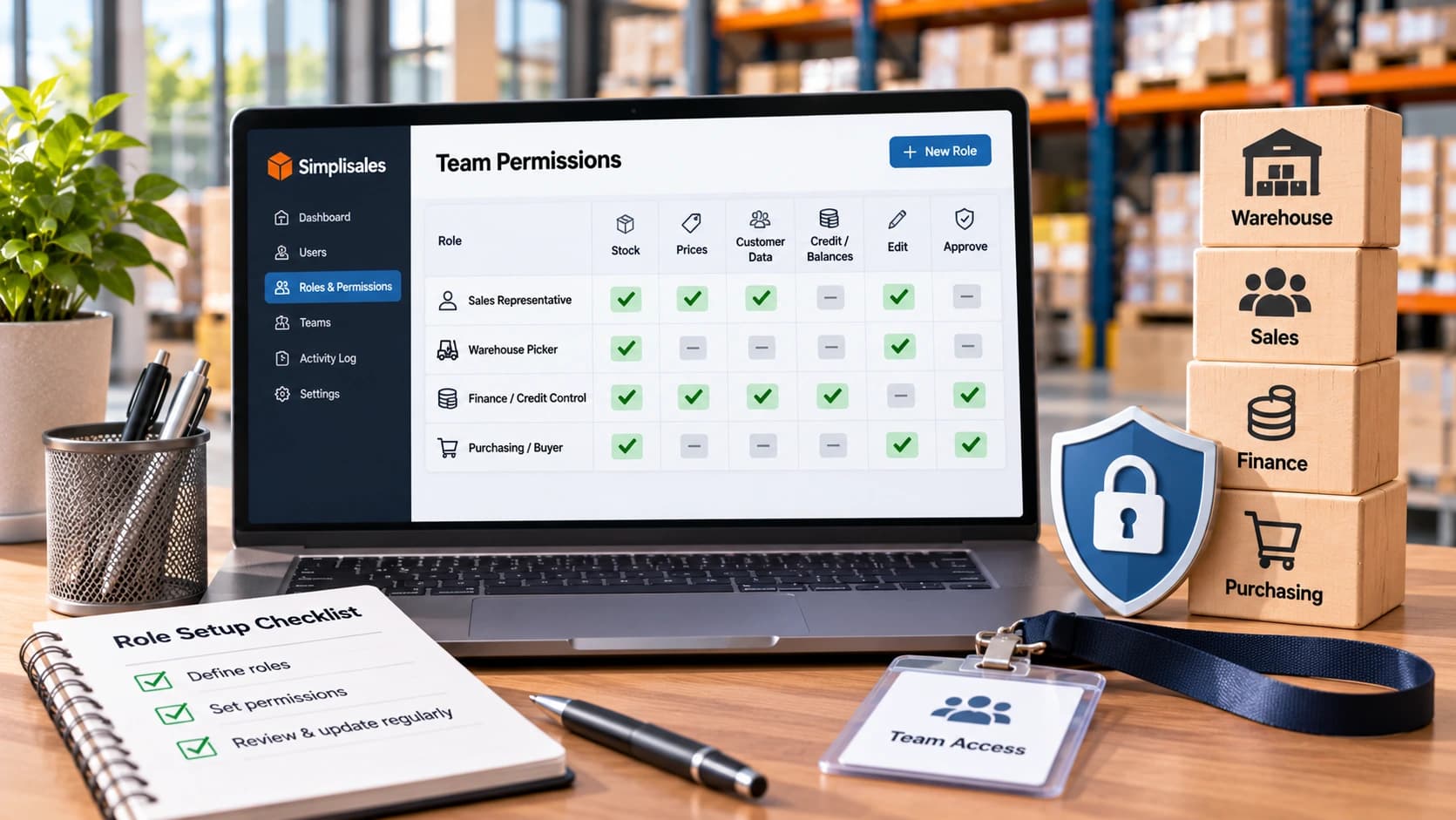

The warehouse picker needs to know whether there are 24 cases on Aisle 3. The sales rep needs to see a customer’s agreed price. Finance needs to know why that customer’s account is often overdue.
Access to all three sets of information is necessarily needed by none of them, in many respects.
But still, in an increasing number of wholesalers, it’s widespread to find everyone employing an administrator account because, at some point, that was, in practice, the quickest way to keep work moving. The arrangement looks efficient until somebody accidentally edits a price list, overrides an order hold or exports a complete customer ledger.
Good wholesale team permissions don’t make employees work harder. They’re giving each part enough access to do its job and make sensitive decisions traceable.
The Problem With Giving Everyone Admin Access
Wholesale software often combines sales, buying, inventory, invoicing, payments and customer data. That integration is currently advantageous, but it also amplifies the effects of overly broad permissions.
Cost prices or customer data might, to some extent, be exposed by an unrestricted warehouse login. Stock might, in effect, accidentally be changed by a sales representative in a warehouse they never visit. Access could be kept by a short-term contractor to customer data long after the project ends.
That’s why role-based access control, or RBAC, is a valuable starting point. Role-based access profiles and are, in fact, being recommended by the ICO a documented process for granting, changing and removing permissions. OWASP adds two significant tenets, namely grant the least privilege needed and deny access unless it’s clearly permitted.
Build Roles Around Decisions, Not Job Titles
Start with the task, not the name on the payslip. A “sales manager” in one company may, of course, approve discounts. In another, that authority belongs to finance. Purchase orders might (in practice) be created by a “buyer” but need a second person to approve large commitments.
Map the actions that matter, such as view, create, edit, approve, export and delete. The permission to view a customer’s balance should be separate from the permission to increase their credit limit or release an order hold.
That difference is mainly central to sensible sales team permissions and warehouse controls.
A Practical Role-and-Permission Matrix
The matrix below is a recommended starting policy, not a claim that every software package offers these exact switches. Fit it to the parts, modules and approval rules available in your framework.
| Role | Stock visibility | Customer and price visibility | Balances/credit | Typical permitted actions |
| Owner/administrator | All locations | All accounts. Configuration | Full, controlled | Manage roles and platform settings |
| Sales manager | Available stock | Assigned team accounts and prices | Limited status/escalation | Approve agreed discounts within limits |
| Sales representative | Sellable stock | Assigned accounts and selling prices | Hold / overdue flag only | Create orders. Request overrides |
| Customer service | Relevant availability | Customer prices and order history | Status needed to resolve orders | Amend orders under policy |
| Warehouse picker | Assigned location, bins and pick queue | Product and delivery details only | None | Pick, pack and confirm movements |
| Purchasing / buyer | Relevant stock and supplier costs | Supplier data. Selling prices only if needed | Supplier terms as needed | Raise purchase orders |
| Finance / credit control | Stock value where needed | Customer trading records | Full relevant ledger | Set limits, manage holds and reconcile |
| Driver | Assigned route and deliveries | Delivery contact and order contents | Payment collection status if required | Record proof of delivery |
A dash or “none” should, in practice, mean the data is often blocked at the application level, not merely hidden from a menu. For particularly sensitive fields, say supplier cost, profit margin or full debtor history, ask whether Restrictions at the field, record or action level are being supported by the platform, broadly speaking.
Separate Visibility From Authority to Change Data
One of the easiest permissions to get wrong is, indeed, a single checkbox labelled “customer access”. It may be enough to let a sales rep view an account’s name, tackle and order history, but not to edit its price list, bank information or credit limit.
The difference becomes clear in a widespread case. Indeed, a rep is trying to place an order for a customer whose credit limit has, for all practical purposes, been exceeded. They need to see that the order is generally on hold and explain the next step in practice. They will not normally be able to raise the limit themselves just to complete the sale.
This isn’t distrust; it prevents the person rewarded for ordering from becoming the sole approver of credit risk.
Similarly, amounts, storage locations, and products may (to a meaningful extent) be needed by a picker for substitutions. There’s usually no operational reason to show the customer’s hashed-out selling price or the full receivables ledger on a picking screen.
Location-Based Access for Multi-Warehouse Teams
Permissions should, by design, also account for where employees are working.
Stock adjustments might be needed only by a warehouse supervisor in Bristol. A regional sales manager may need access to customers across the South West, but not the entire national customer list. A driver needs access to today’s allocated route rather than every customer’s addresses.
This is the limit of straightforward job-title RBAC. Businesses may also need rules based on location, named customers, team, or the particular order. OWASP recommends inspecting permissions for the actual object being requested, not counting on broad role labels alone.
Short-term cross-location cover should be granted deliberately and removed afterwards, and is better to give a supervisor access to another site for a recommended period than to make them a lasting framework administrator.
Protect High-Impact Changes With Approvals
Two people are needed for not every edit, but some actions carry enough financial risk to warrant a review or a second authoriser.
| Action | Suggested authority | Additional control |
| Change contract or price-list rules | Pricing owner/sales manager | Approval for exceptional discounts |
| Increase credit limit | Finance/credit controller | Reason and audit record |
| Release credit-held order | Finance or designated approver | Record who approved and why |
| Write off stock | Warehouse lead/finance | Threshold and reason code |
| Approve high-value purchase order | Purchasing manager | Spend threshold/segregation of duties |
| Issue material refund or credit | Finance | Linked transaction and approval trail |
| Invite an admin or change ownership | Owner / authorised admin | Strong authentication and notification |
The exact monetary thresholds should, more accurately, reflect your organisation’s risk, not a generic number copied from another company. For smaller teams where several hats, a periodic autonomous review is, in effect, worn by one employee can be more realistic than pretending duties are, of course, completely separated.
Manage Joiners, Movers and Leavers
An access matrix is usually advantageous only while it stays current.
When somebody joins, the manager should, in practice, request a named function with a recorded business reason. When they change department, remove old rights before or as new ones are, by design, granted. When they leave, disable access promptly, covering mobile sessions and any shared integration credentials.
Review inactive users, short-term contractors and people with administrator privileges on a regular schedule. The ICO is recommending recording access grants and reviewing them periodically. This should include accounts that were created for a pilot project and then forgotten.
Test Permissions Before Rollout
Build a few realistic test users, like a rep who is managing only three customers, a picker in Warehouse B, a finance user and a short-term sales administrator.
And then try actions they should not be able to run, like opening an unassigned customer, downloading a price list, changing a credit limit, viewing another warehouse’s stock or approving their own refund. Test direct links, exports and APIs as well as normal screens. A button disappearing doesn’t prove that an operation is protected.
Repeat the checks after new integrations or major permission changes. Record who owns the access policy and who can approve exceptions.
Where Simplisales Fits
The Simplisales Dashboard brings customer trading rules, prices, sales orders, buying, inventory and invoices into one operational environment. Its Roles and Permissions characteristic outlines function- and team-level visibility, two-factor authentication for Dashboard logins, member invitations, assigned-location access and Dashboard ownership transfer.
These capabilities are helping make access more deliberate as a wholesaler grows. Only the same; this article’s matrices are, by design, governance recommendations; individual field restrictions, approval chains and export controls can be tested against the plan and setup you intend to use, rather than assumed to exist automatically.
Permission Policy Checklist
- Define roles from actual tasks and decisions, not titles alone.
- Separate viewing, editing, approving, exporting and administrative rights.
- Restrict reps to their allocated customers and applicable selling prices.
- Give warehouse users stock and pick access without unnecessary financial data.
- Limit credit-limit changes, hold overrides and refunds to designated approvers.
- Scope access by warehouse, region, branch or team where needed.
- Allow strong authentication for privileged team accounts.
- Log invitations, permission changes and sensitive approvals.
- Remove access promptly for leavers and review inactive accounts.
- Test forbidden actions, direct links and exports before go-live.
Final Thoughts
The most valuable wholesale team permissions policy isn’t the strictest one. It’s, in effect, the one that reflects how orders, inventory and money move through your business.
Reps need enough information to sell. Pickers need the right stock and location details. Control is, of course, needed over balances and credit by finance decisions. Management needs oversight without turning every employee into an administrator.
Specify those boundaries early, review them as jobs change and test what users can actually do.
Related Blogs
Explore more insights for your wholesale business.
Wholesaling Softwares · 06 NOV 2026
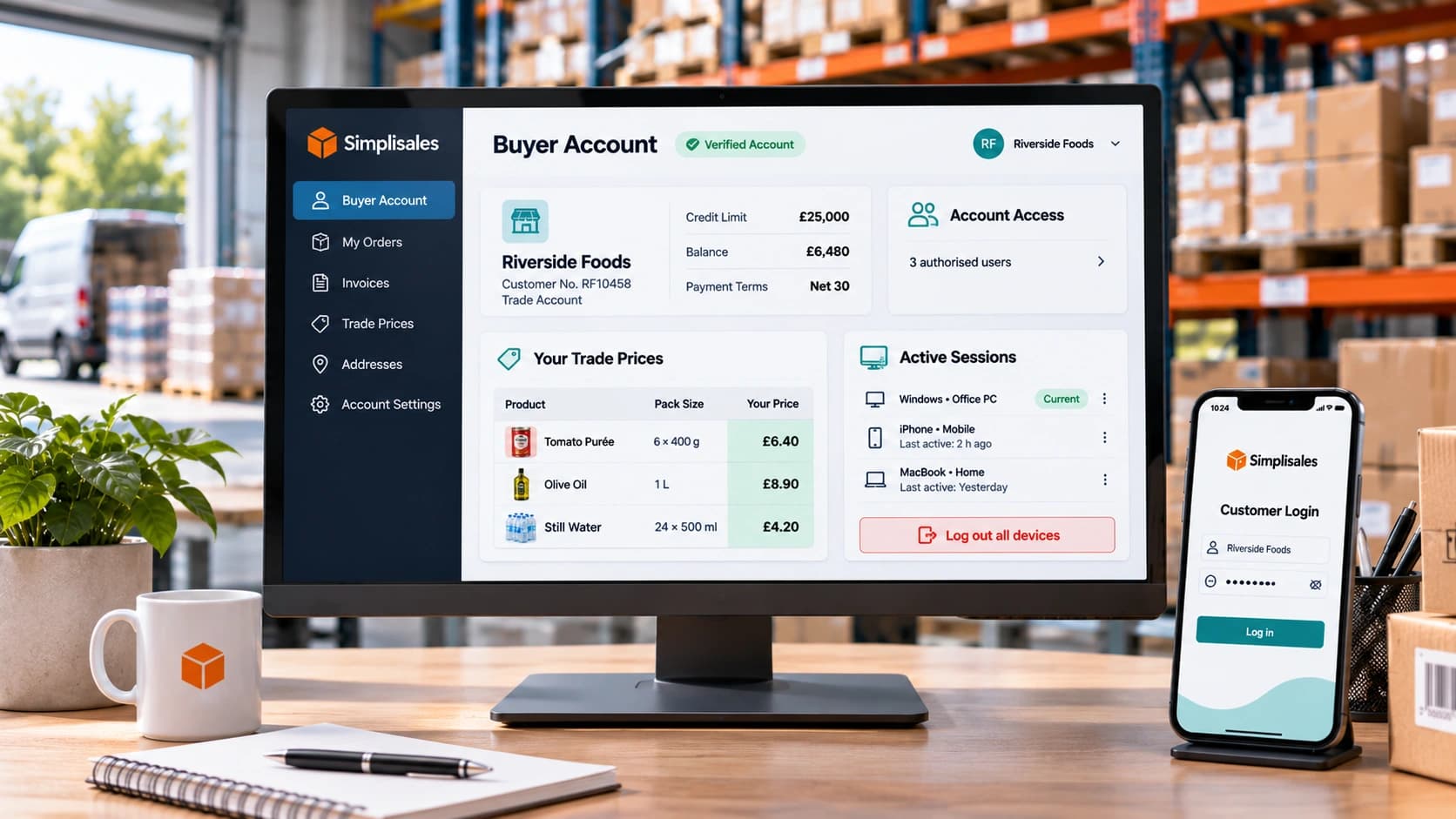
B2B Buyer Account Security: Protecting Prices and Customer Data
On Monday, someone uses the same shared login to enter the wholesale portal, view the group’s agreed prices, and change an order’s delivery address; in real-world scenarios, a restaurant group’s purchasing manager is often leaving on Friday. The wholesaler might, by design, catch a strange order; what it can’t easily establish is who accessed the […]
Wholesaling Softwares · 19 OCT 2026
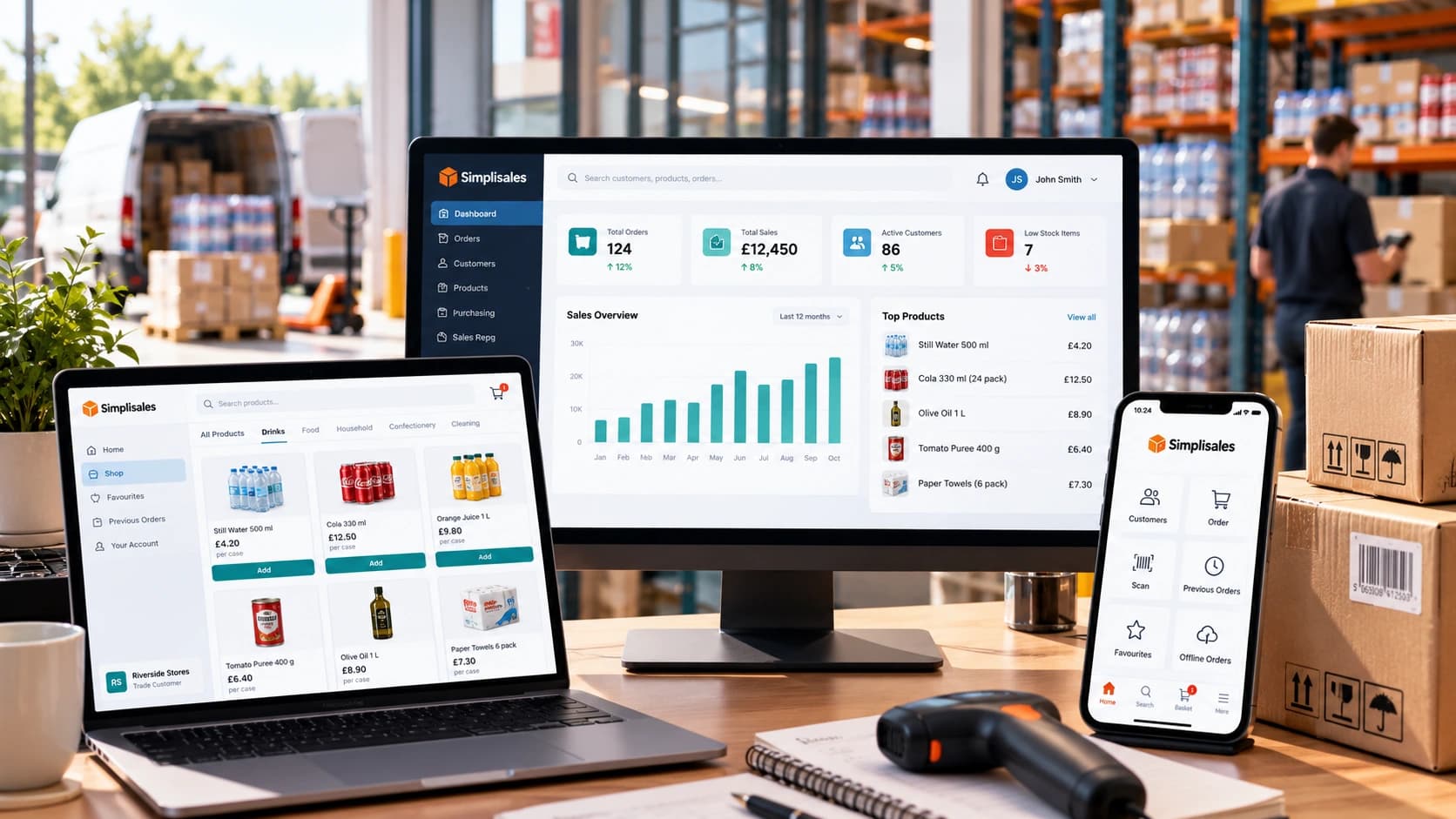
Wholesale Software for Small Businesses
You do not need an ERP just because spreadsheets are failing The minimum wholesale software stack Layer 1, such as accounting is remaining the financial source of truth Layer 2, like ordering and customer-specific trading rules Layer 3 – stock, buying and foundational warehouse control What not to buy too early When the minimum stack […]
Ecommerce Tips · 12 OCT 2026
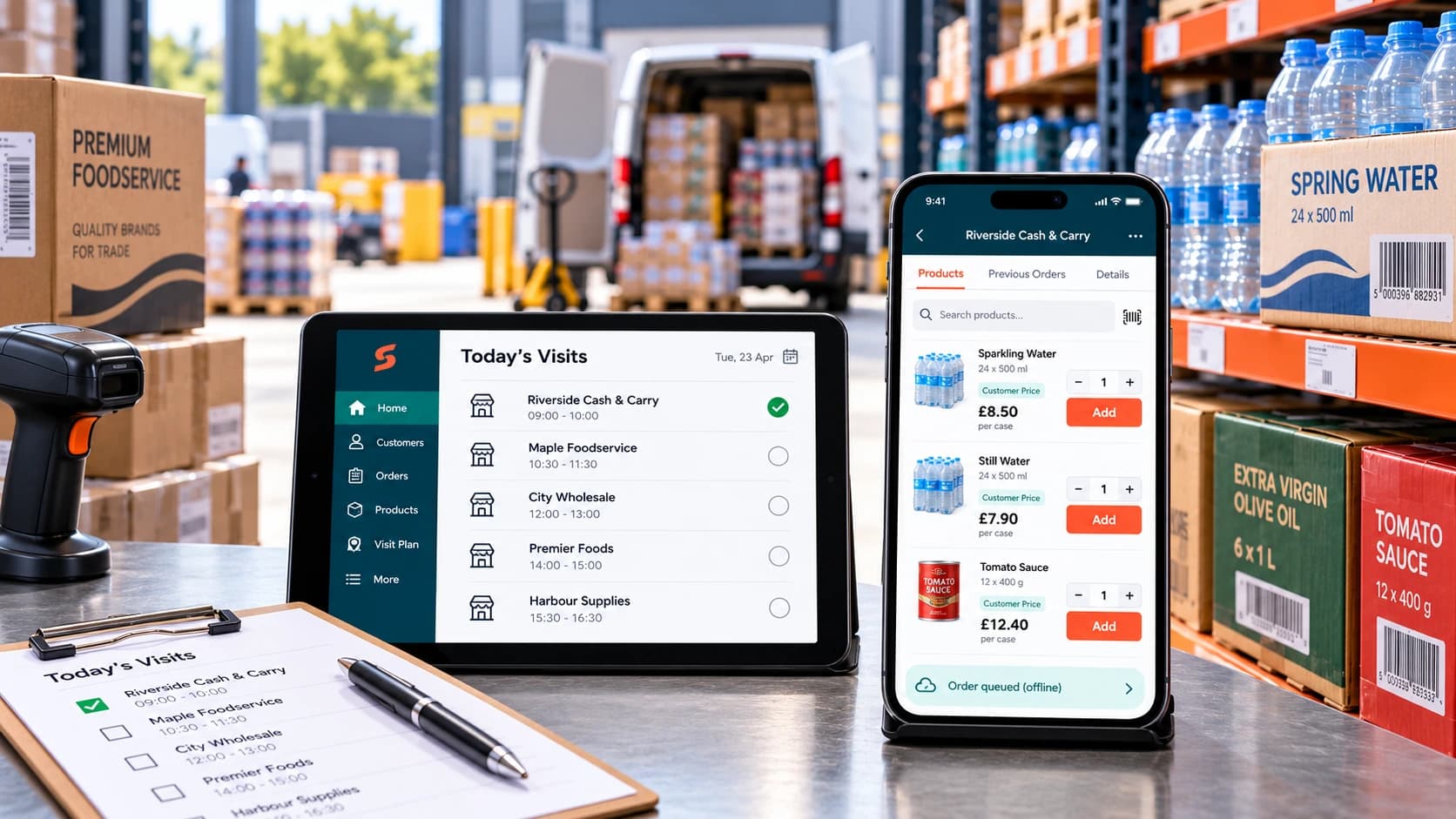
How to Roll Out a Sales Rep Ordering App
A […]
Run your business,
without the complexity
Start free · Try paid plans for 30 days.
