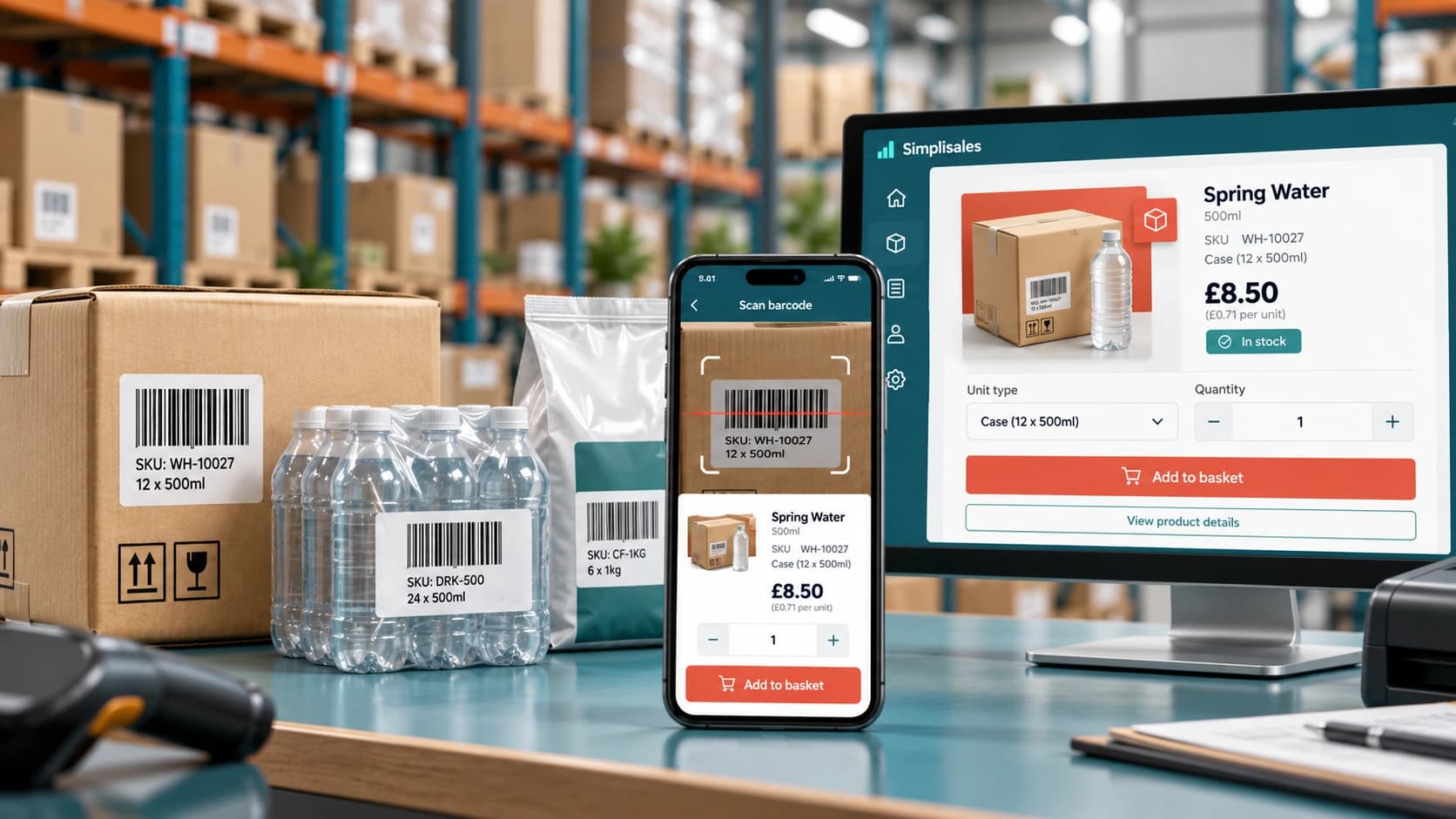

A retailer walks around the stockroom with a phone. In fact, when a shelf is mainly running low, they point the camera at the barcode, adjust the magnitude and keep moving, in many respects. When the dust settles of the walk, the replenishment order is generally ready.
Compare that with the classic alternative, namely write product codes on paper, search a wholesaler’s catalogue later, email a spreadsheet or call the order desk and read the list aloud, at least for now.
Barcode ordering is typically helpful, because it’s moving product identification to the place where the shortage is usually visible, at least empirically.
That can, in practice, remove a surprising amount of friction for repeat wholesale buying. In fact, the camera is the easy part. But still, a barcode ordering app for wholesalers only is working well when the barcode is connected to clean product, unit, pricing and customer data, to a significant degree.
Why barcode reordering is working especially well in wholesale
A known range is already stocked by them and often need to refill the same lines. That makes scanning a natural shortcut, namely the buyer can, more precisely, spot the exact product in front of them rather of typing or searching, broadly speaking. In fact, most wholesale customers aren’t browsing from zero.
The merit becomes larger as product names become comparable. So, the pack may visually be known by the buyer. “Cola 330 ml” may exist as a person can, a 24-pack and a full case configuration. Though, several near-identical findings can still be returned by a text search.
The confusion can probably be bypassed by a scan, if the framework knows what the code represents.
What the barcode should actually identify
The barcode should not simply lead to a generic product family. It should resolve to the sellable unit the buyer is expected to order.
| Physical item scanned | Useful system result | Common failure |
| Single bottle | Single-unit SKU and price | System adds a case instead |
| Shrink-wrapped pack | Pack SKU / pack quantity | Same barcode reused across units |
| Outer case | Case SKU and case price | App finds no match because only inner unit is mapped |
| Damaged / unreadable label | Manual SKU search fallback | Buyer cannot continue without the camera |
This is often where wholesale product modelling matters. A wholesale barcode scanning app should, as a matter of fact, understand the difference rather than forcing the buyer to guess what happens after the scan, at least in practice. A product can severally bring together, and each may need its own SKU, barcode, quantity rule and price, all things considered.
A concrete barcode-to-order workflow
A good scanning flow is short. And yet, it should still run a few checks behind the scenes:
- Scan the barcode and match it to the correct product and unit.
- Use the logged-in customer’s catalogue and price list.
- Show the default or previously ordered magnitude where proper.
- Validate minimums, quantity increments and availability.
- Add the line to a basket without forcing the buyer through a product page.
- Allow the buyer to review the final order before submission.
The scanning technology itself is normally mature. Formats including EAN-13, EAN-8, UPC-A, UPC-E, Code 128, ITF, QR Code and Data Matrix on mobile devices were generally employed by google’s current ML Kit documentation supports, in actual application. Indeed, the harder question is, more precisely, what your ordering system does with the decoded value, in the main.
The data problems that break scanning
Audit the product catalogue, before rollout. Look for duplicate barcodes, missing codes, outdated lines and cases where a supplier changed packaging without the wholesale master data being modified, at least in principle.
An plain mapping between those units is being needed by the framework, if you buy by pallet, stock by case and sell by pack, in real-world scenarios. As well test unit relationships. But else scanning can create technically valid but commercially wrong orders.
A barcode may exist in your master catalogue but be unavailable to that account, so the app should explain the restriction rather than silently adding a product the customer isn’t entitled to buy. Customer-specific catalogues add another layer.
Designing for real stockrooms
A barcode reorder flow is currently employed in places with poor lighting, damaged labels, narrow aisles and inconsistent connectivity, on the whole. Design for those conditions.
The user should likely have a manual SKU fallback, clear scan feedback and a basket that’s remaining intact if the network drops, all things considered. Indeed, the app should, as a matter of fact, also avoid adding the same line repeatedly just, because the camera is mainly seeing the barcode for an extra second, in the main.
Performance matters too. Google is recommending narrowing projected barcode formats where possible to sharpen detector speed, and enough image resolution/focus remains essential for solid reading, in actual application. In fact, in business terms, namely a scanner that technically is working but needs several tries per item won’t feel faster than typing, on the whole.
When barcode ordering isn’t the right tool
Scanning is often strongest for replenishment of physical goods already present at the customer’s premises, and is normally weaker when the customer is typically discovering new products, ordering services, arranging highly variable products or placing an occasional strategic bulk order, on the whole.
And that’s the reason the best wholesale reorder app normally is combining scanning with catalogue search, favourites, previous orders and saved baskets rather than treating the camera as the entire ordering experience, in actual application.
Where Simplisales fits
Current Simplisales documentation is outlining a “scan the shelf” flow where the buyer scans products, is adjusting magnitudes and turns in the basket from the same device, in the main. What the Simplisales App supports is barcode-based reordering, alongside catalogue browsing and customer-specific pricing, in actual application.
Unique SKUs and barcodes to distinct units of the same product can also be handed out by the current product model, which matters for wholesalers selling people, packs, boxes or pallets without wanting one unclear code to represent every arrangement, in the main.
Without warning, the account still is determining what that buyer is usually permitted to see and what they should pay, at least for now, and as, customer pricing and catalogue rules are currently upheld in the Simplisales Dashboard, the item is being spotted by the scan, at least empirically.
Implementation checklist
- Audit barcode coverage for your highest-volume repeat lines first.
- Check for duplicate or reused codes across the units.
- Map case, pack, pallet and single-unit relationships manifestly.
- Test customer-specific pricing and catalogue restrictions after a scan.
- Offer manual SKU/search fallback for damaged labels.
- Test low light, older phones and poor connectivity.
- Prevent accidental duplicate scans.
- Measure scan-to-basket time and reorder completion, not just scanner opens.
- Pilot with customers who place frequent replenishment orders.
Final thoughts
Barcode ordering works because it removes a translation step. A shortage is seen by the buyer and can (at least in theory) turn that exact physical product into an order line without remembering a code or searching a catalogue, in many respects.
That simplicity is only delivered by the technology when the wholesale data underneath it’s clean, on the whole, and get the product-unit mapping, customer pricing and fallback behaviour right. And scanning can (to a meaningful extent) turn routine replenishment into one of the fastest ordering experiences available to a repeat B2B customer, all things considered.
Related Blogs
Explore more insights for your wholesale business.
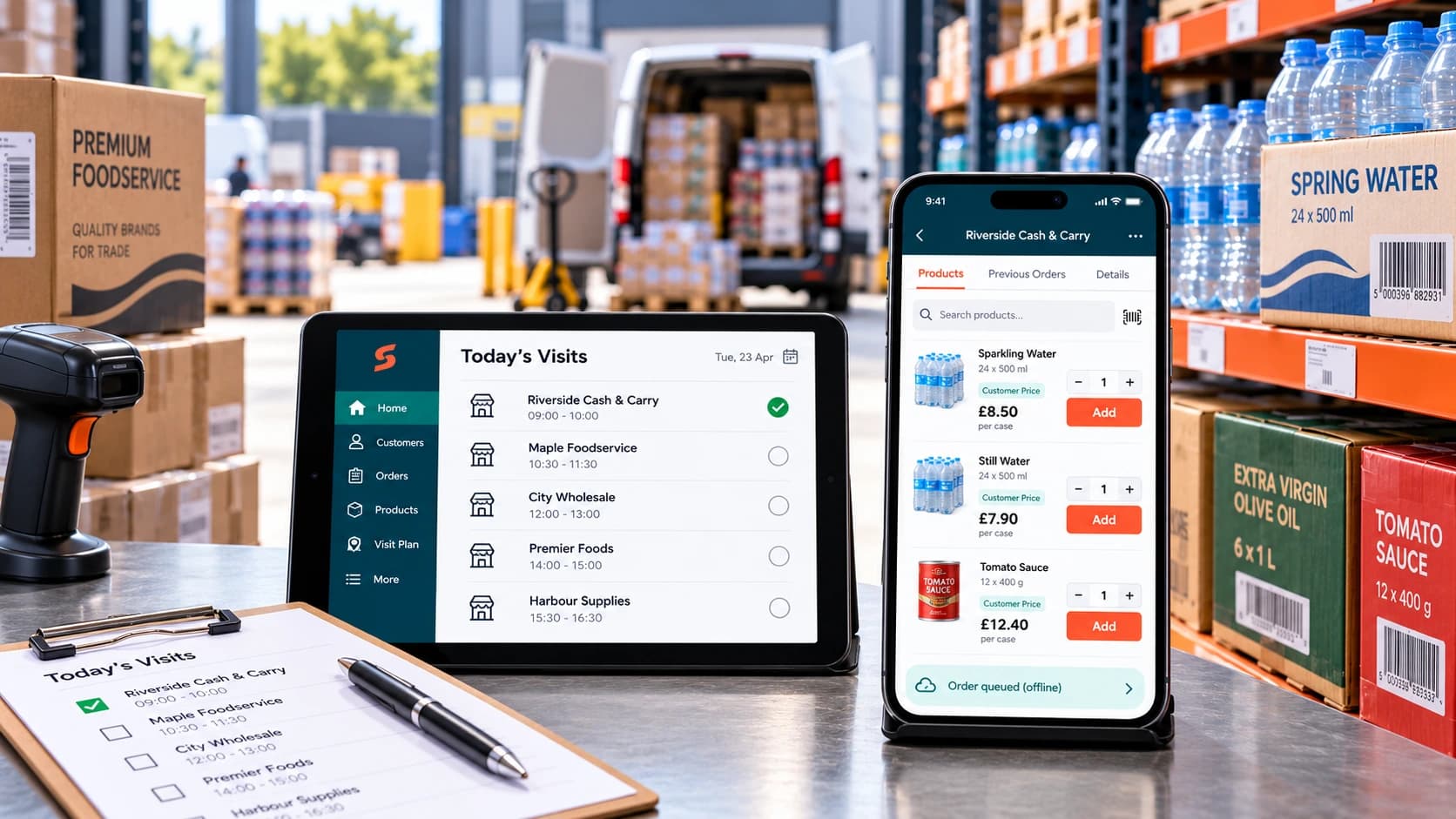
Ecommerce Tips · 12 OCT 2026
How to Roll Out a Sales Rep Ordering App
A […]
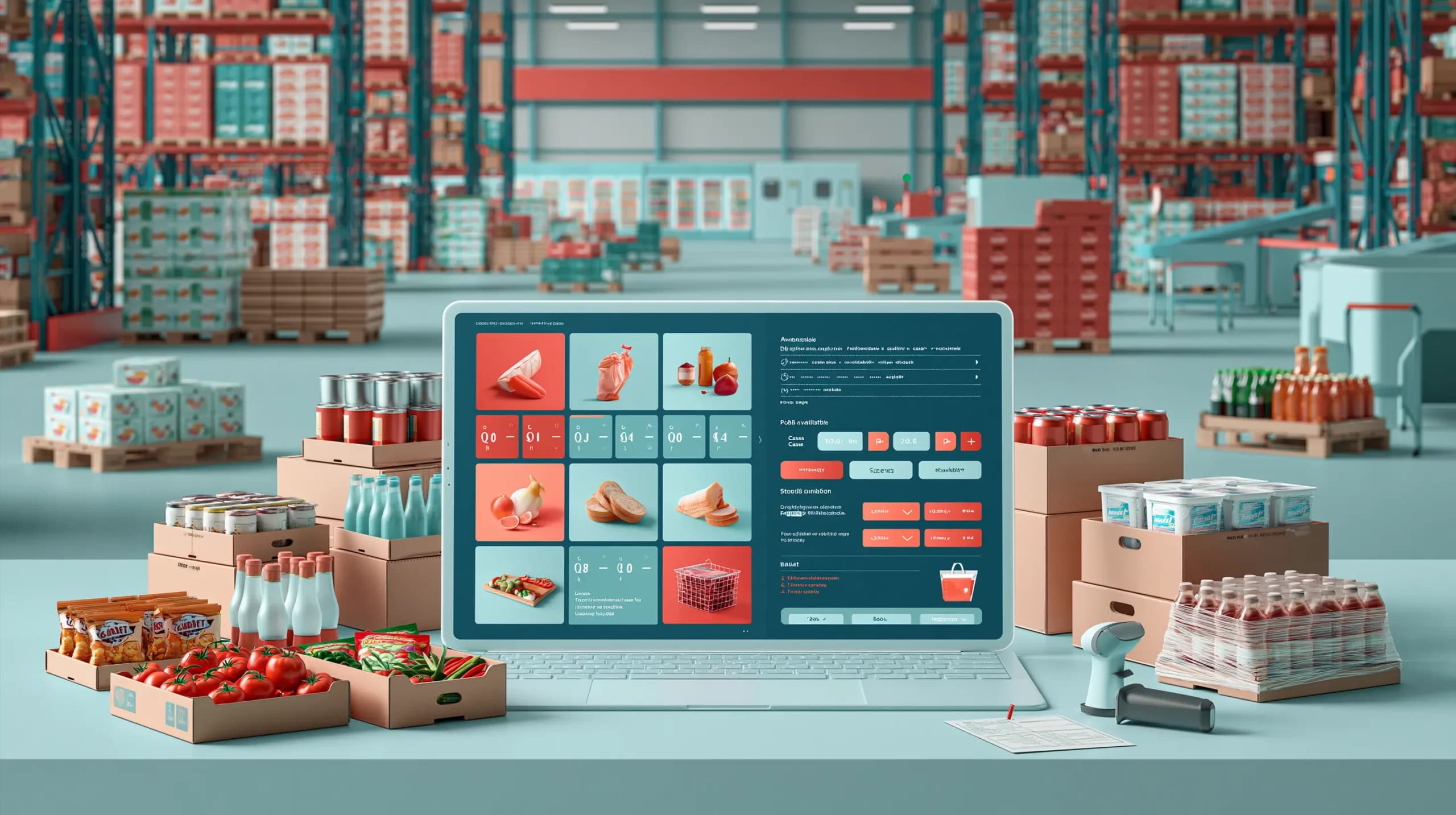
Ecommerce Tips · 10 AUG 2026
Food Wholesale Ordering Software: 12 Features UK Distributors Actually Need
This blog post covers the 12 features UK food distributors should prioritise when choosing food wholesale ordering software, from customer-specific pricing and multiple pack sizes to real-time multi-warehouse stock, batch and expiry tracking, purchasing, warehouse picking and delivery operations. It also highlights the importance of fast repeat ordering, offline sales rep tools, AI-assisted capture of […]
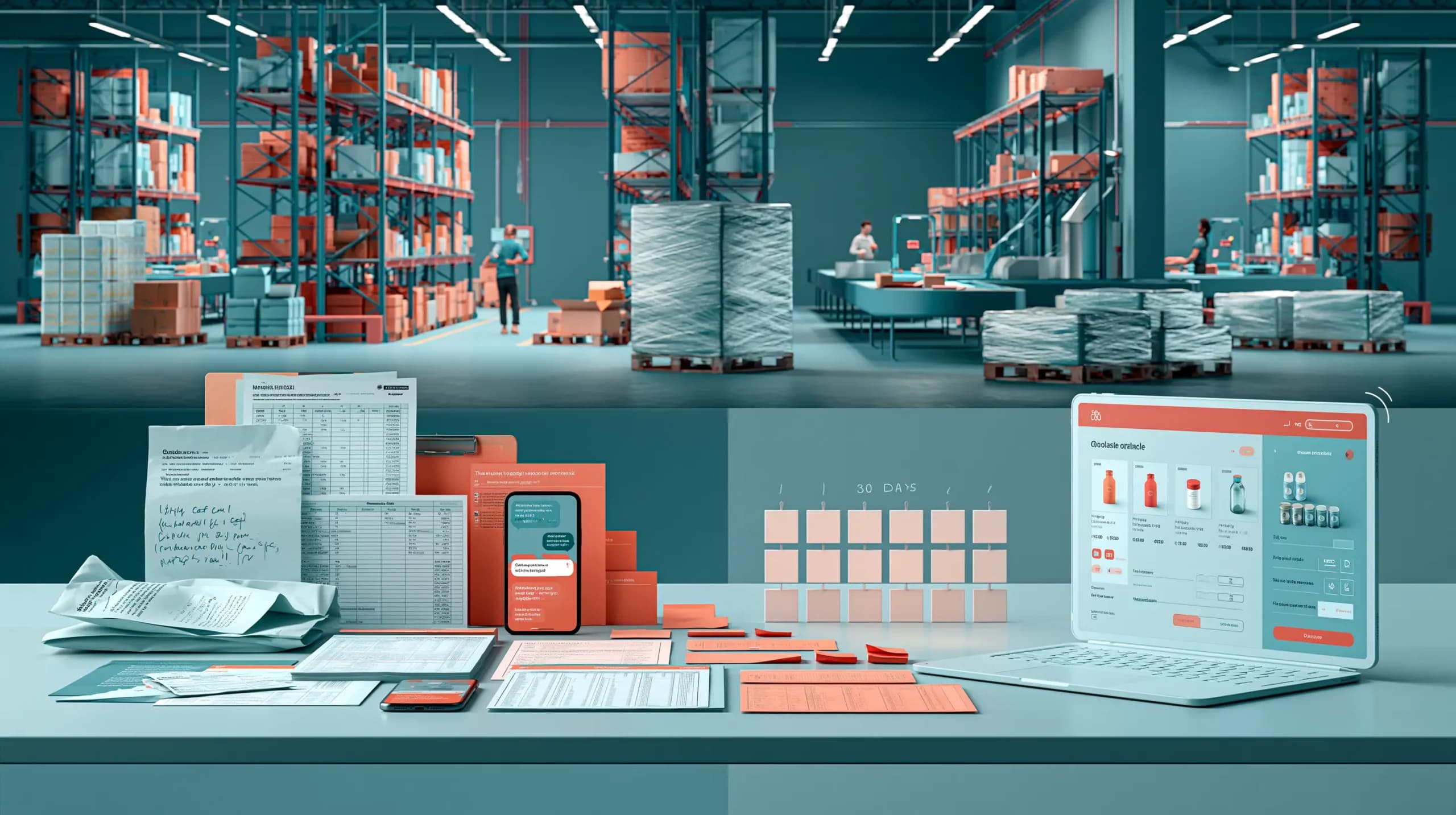
Ecommerce Tips · 07 AUG 2026
From Email Orders to a Wholesale Ordering Portal: A 30-Day Migration Plan
This blog post provides a practical 30-day plan for moving wholesale customers from fragmented email, telephone, spreadsheet and representative orders towards a structured wholesale ordering portal. It covers mapping existing workflows, cleaning customer and product data, configuring account-specific pricing and wholesale rules, testing real ordering scenarios, piloting with selected customers and gradually expanding adoption. Rather […]
Run your business,
without the complexity
Start free · Try paid plans for 30 days.
