From Email Orders to a Wholesale Ordering Portal: A 30-Day Migration Plan
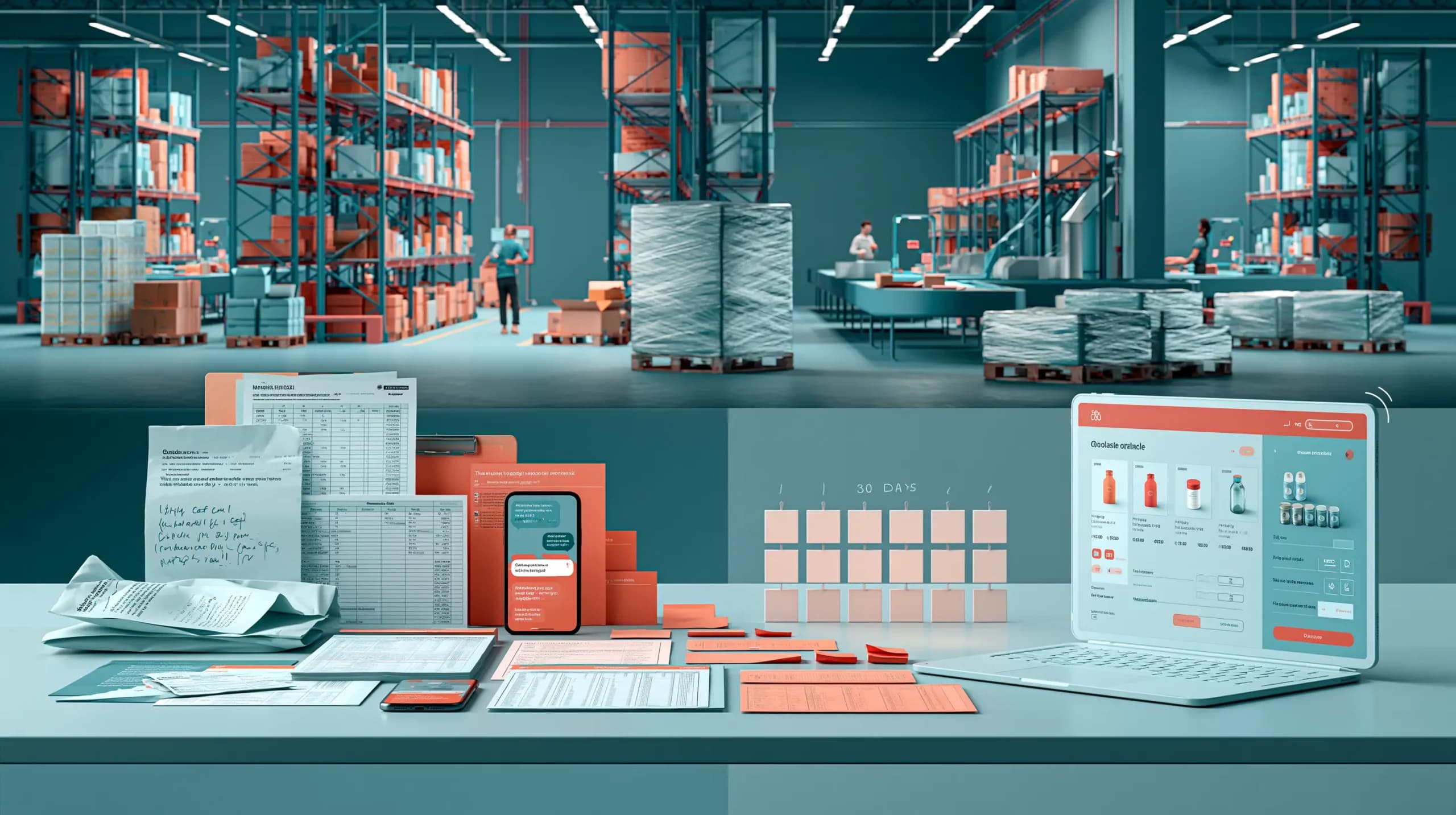

Monday morning starts with twelve unread order emails.
One customer has attached a spreadsheet. Another has written quantities directly into an email. A third has sent an updated order five minutes after the original one. Meanwhile, someone from sales has taken another order over the phone.
None of this is unusual in wholesale.
The problem begins when every order has to be manually checked against customer prices, pack sizes, stock and delivery rules before someone can enter it into the system.
A wholesale ordering portal can remove much of that friction by giving customers a structured way to browse products, see their own prices and place orders directly.
But moving customers from email to a portal should not mean switching everything off on Friday and telling everyone to use a new system on Monday.
A better approach is a controlled migration.
Here is a practical 30-day plan.
What Is a Wholesale Ordering Portal?
A wholesale ordering portal is a private B2B ordering environment where trade customers can log in and place orders using the products, pricing and terms assigned to their account.
Unlike a standard ecommerce shop, a B2B ordering portal may need to handle:
- Customer-specific catalogues and prices
- Pack, case, pallet and other units
- Minimum order requirements
- Payment and credit terms
- Repeat ordering
- Live or synchronised stock
- Multiple delivery locations
- Order history
The objective is not simply to create another website.
It is to move repetitive ordering work away from email, spreadsheets and manual re-entry while still supporting customers who prefer traditional ordering channels.
The 30-Day Migration Plan
| Period | Main Goal |
| Days 1-5 | Map your current ordering process |
| Days 6-10 | Clean customers, products and pricing |
| Days 11-15 | Configure the ordering portal |
| Days 16-20 | Test real wholesale scenarios |
| Days 21-25 | Launch with a pilot customer group |
| Days 26-30 | Roll out and monitor adoption |
Thirty days is a useful framework rather than a guarantee. Businesses with complex ERP integrations, poor data or extensive custom requirements may need longer.
Days 1-5: Map How Orders Arrive Today
Before changing the process, understand it.
List every channel customers currently use to order:
Email, WhatsApp, telephone, sales representatives, spreadsheets, PDFs and existing ecommerce channels may all be involved.
Then follow several real orders from arrival to fulfilment.
Ask:
“How many times is this order entered or checked before it reaches the warehouse?”
You may discover that customer service checks the price, someone else checks stock, another employee enters the sales order and the warehouse receives a separate document.
That is exactly the duplication a wholesale online ordering platform should reduce.
Also decide which system will remain the source of truth for customers, products, stock and financial information.
Do this before configuring anything.
Days 6-10: Clean Your Customer and Product Data
A portal cannot fix incorrect data.
If the same customer exists three times, old SKUs are still active or nobody knows which price list is current, those problems will simply appear in the new system.
Start with the information customers will actually see.
Check customer accounts, delivery addresses, product names, SKUs, barcodes, units of measure, pack sizes, price lists and catalogue access.
This is particularly important in B2B.
Two customers may buy the same product but receive completely different prices. One may order individual cases while another buys pallets. Certain products may only be available to selected accounts.
Your B2B online ordering platform needs to understand those relationships before customers log in.
Days 11-15: Configure the Portal Around Wholesale Rules
Now build the buying experience.
Do not copy a consumer ecommerce structure and hope customers adapt to it.
Configure the portal around how your customers actually order.
That may include customer-specific pricing, restricted catalogues, minimum quantities, multiple units, payment terms, delivery options and account-specific product availability.
Pay particular attention to repeat ordering.
Wholesale customers rarely want to browse from scratch every week. Order history, favourites, saved products, barcode scanning and fast quantity entry can make the difference between a portal customers actually use and one they ignore.
If your portal integrates with accounting, ERP or inventory software, this is also the stage to confirm what synchronises and in which direction.
Days 16-20: Test Real Orders, Not Perfect Ones
Do not test only the easiest scenario.
Use situations your team deals with every day.
What happens when a customer:
- Has a special price?
- Orders a case instead of a single unit?
- Wants more stock than is available?
- Has two delivery addresses?
- Reorders an old basket?
- Buys from a restricted catalogue?
- Changes an order after submitting it?
Your internal sales and customer-service teams should test the portal as well.
They will usually identify problems that are invisible during a technical demonstration.
The warehouse should also confirm that portal orders arrive with enough information to pick and fulfil them correctly.
Days 21-25: Launch With a Small Customer Group
Do not migrate every customer at once.
Choose a small pilot group.
Ideally, include different customer types: a frequent buyer, a smaller account, a customer with special pricing and perhaps one customer who normally sends orders by email.
Give them access and watch what happens.
Do they find products quickly?
Do they understand pack quantities?
Are their prices correct?
Can they repeat a previous order without assistance?
The goal is not to prove the portal works. It is to discover where customers still need help before the wider rollout.
Days 26-30: Roll Out Without Killing Email
This is where many migrations go wrong.
A business launches its new wholesale ordering portal and immediately announces:
“All orders must now be placed online.”
That can create unnecessary resistance, particularly among long-standing customers.
Instead, make the portal the easiest way to order.
Show customers that they can see their own prices, reorder previous purchases and order whenever they want without waiting for the office to open.
At the same time, keep alternative channels available during the transition.
Some customers will continue emailing orders. Others will call their representative. That does not mean the migration has failed.
The real objective is to bring those channels into a more consistent internal workflow while gradually increasing portal adoption.
What Should You Measure After Launch?
Portal adoption alone does not tell you whether the project worked.
Monitor practical operational improvements such as the percentage of orders placed digitally, manual order-entry time, pricing corrections, order-processing time and the number of customers actively reordering online.
Also listen to customers.
If adoption is low, the problem may not be resistance to technology. Their prices could be wrong, products could be difficult to find or the ordering process might simply take longer than sending an email.
Fix the friction rather than blaming the customer.
Migration Checklist
Before completing the rollout, confirm that your customer records, product data and price lists are clean; wholesale ordering rules have been configured; integrations have been tested; staff understand the new workflow; pilot customers have placed real orders; traditional channels remain manageable during transition; and you have defined how adoption and order-processing performance will be measured.
Final Thoughts
Moving from email orders to a wholesale ordering portal does not need to be a disruptive digital transformation project.
The safest approach is gradual.
Understand the current workflow, clean the data, configure the portal around real wholesale rules, test difficult scenarios and introduce customers in stages.
Most importantly, do not treat the portal as a replacement for customer relationships.
A good wholesale online ordering platform gives customers another, easier way to buy while giving your team fewer orders to retype, fewer prices to manually check and a clearer view of what is happening across the business.
That is what makes the migration worthwhile.
Related Blogs
Explore more insights for your wholesale business.
Ecommerce Tips · 16 OCT 2026
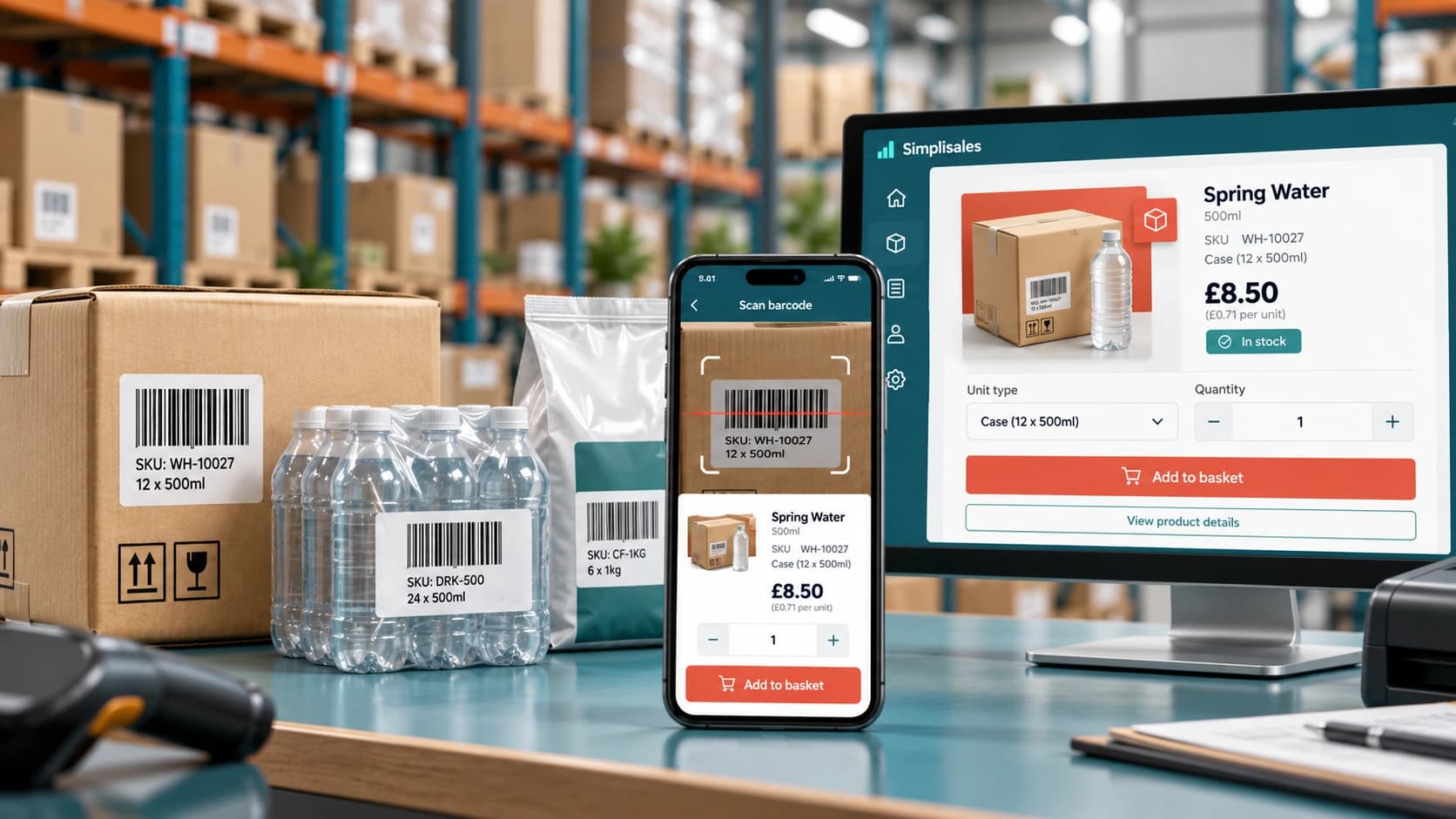
Barcode Ordering Apps for Wholesale
A retailer walks around the stockroom with a phone. In fact, when […]
Ecommerce Tips · 12 OCT 2026
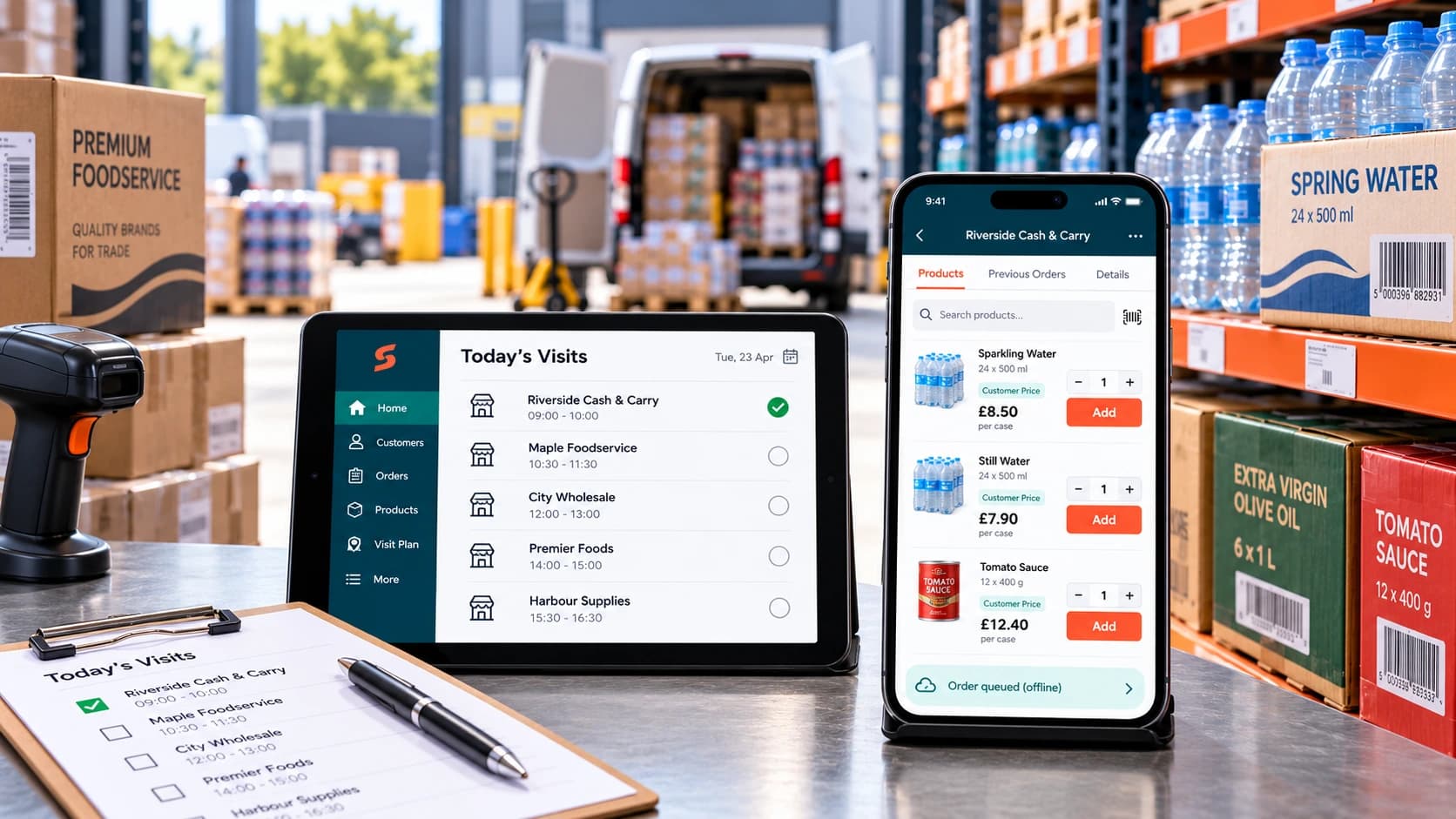
How to Roll Out a Sales Rep Ordering App
A […]
Ecommerce Tips · 10 AUG 2026
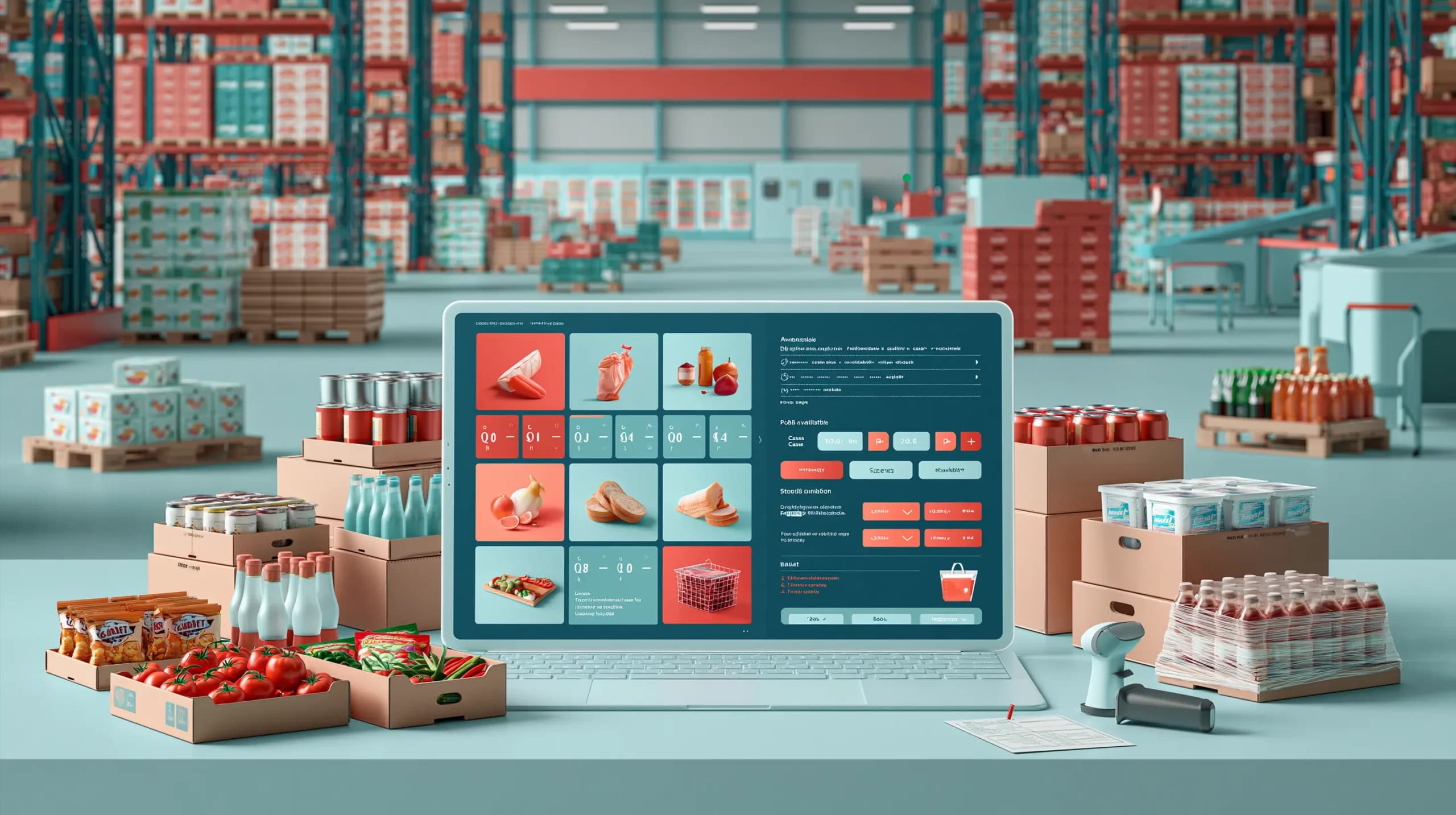
Food Wholesale Ordering Software: 12 Features UK Distributors Actually Need
This blog post covers the 12 features UK food distributors should prioritise when choosing food wholesale ordering software, from customer-specific pricing and multiple pack sizes to real-time multi-warehouse stock, batch and expiry tracking, purchasing, warehouse picking and delivery operations. It also highlights the importance of fast repeat ordering, offline sales rep tools, AI-assisted capture of […]
Run your business,
without the complexity
Start free · Try paid plans for 30 days.
