Food Wholesale Ordering Software: 12 Features UK Distributors Actually Need
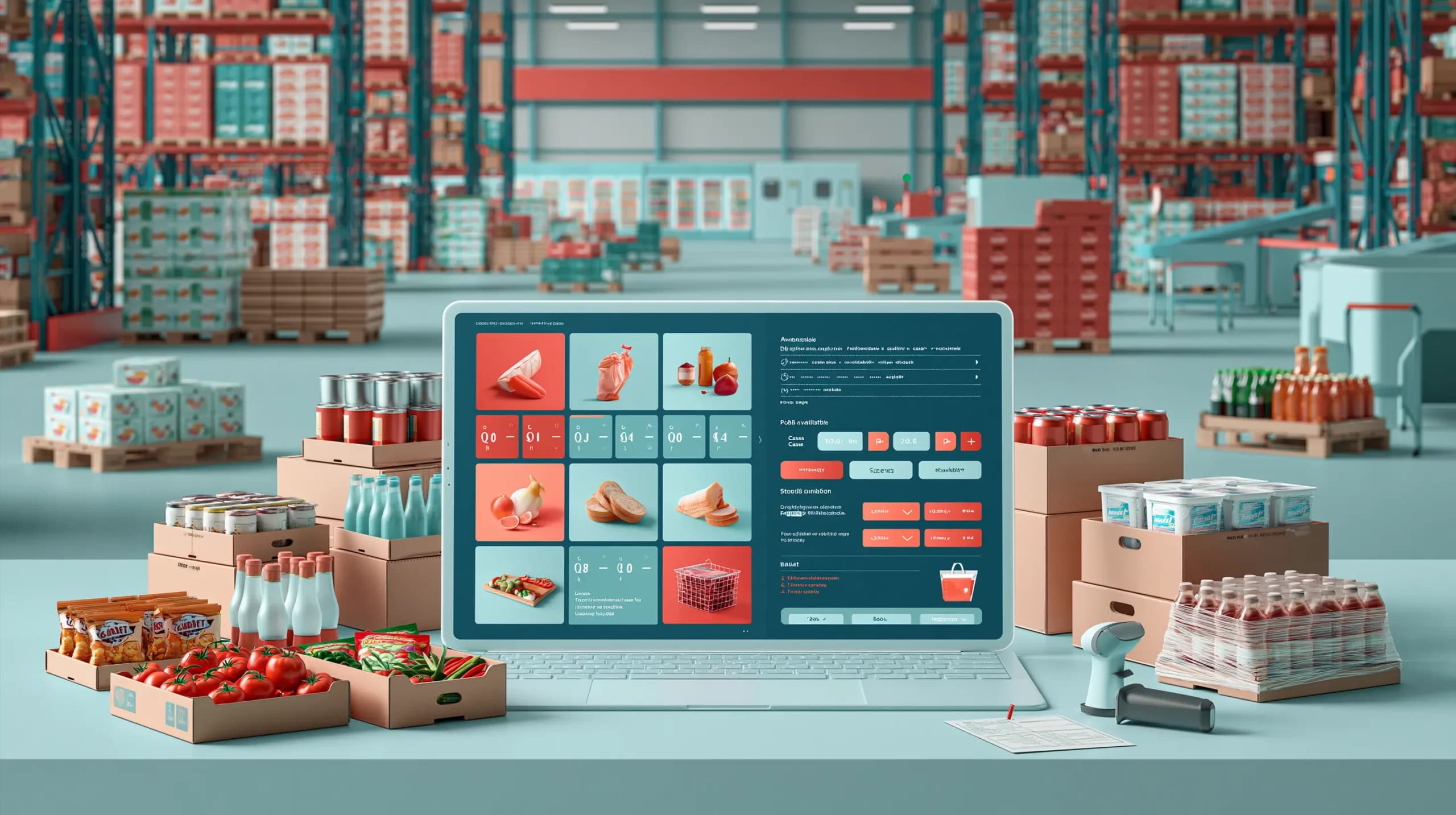

A restaurant orders six cases of tomatoes by WhatsApp. A convenience store emails a spreadsheet. Another customer calls because the price they normally pay is different from the one showing online.
Meanwhile, yesterday’s chilled delivery has arrived, one product expires next week, and the warehouse needs to know which orders should be picked first.
This is why choosing food wholesale software is different from choosing an ordinary e-commerce platform.
Food distributors are not simply taking online payments. They are managing repeat B2B customers, negotiated prices, multiple units, stock across warehouses, supplier purchasing, short shelf lives and orders arriving through several channels.
The right food wholesaler ordering system needs to reflect that reality.
Here are 12 features worth looking for.
Customer-Specific Pricing and Catalogues
Wholesale customers rarely pay one public price.
A restaurant group may have contracted rates. An independent retailer may use a standard price list. Another customer might receive volume discounts or access to a restricted product range.
Your software should automatically recognise the account and apply its agreed pricing, catalogue, payment terms and ordering rules.
Otherwise, putting ordering online simply moves pricing mistakes from the order desk to the customer.
Multiple Units and Pack Sizes
Food products are rarely sold in one unit.
The same product might be purchased from a supplier by pallet, stored by case and sold as:
- Individual units
- Packs
- Boxes
- Cases
- Pallets
- Kilograms or litres
Good foodservice distribution software should understand these relationships without forcing you to create duplicate products for every unit.
This becomes especially important when purchasing, warehouse stock, and customer ordering all use different quantities.
Real-Time Multi-Warehouse Stock
A customer does not just want to know whether you stock a product.
They want to know whether they can actually order it.
For distributors operating more than one warehouse, the system should show stock by location and keep availability synchronised as goods are received, transferred, allocated and sold.
Multi-warehouse visibility also helps teams decide whether an order should be fulfilled locally or whether stock needs to move between sites.
Lot, Batch and Expiry Date Tracking
This is where food distribution requirements become very different from many other wholesale sectors.
Products can have limited shelf lives, and certain goods may need to be identified by batch or lot.
Your system should therefore be capable of recording information such as lot numbers, batches and expiry dates where required.
If a supplier reports a problem with a particular batch, your team should not have to reconstruct its history from spreadsheets, invoices and warehouse paperwork.
Batch-aware inventory gives you a much clearer starting point for investigating affected stock.
Supplier and Purchase Order Management
Sales ordering is only half of wholesale.
Every product on the shelf had to come from somewhere.
A useful food wholesale platform should connect suppliers with products, purchasing and incoming stock. Buyers should be able to raise purchase orders, monitor outstanding deliveries and compare what was ordered with what actually arrived.
Goods received notes are particularly useful here.
If you ordered 100 cases but only 94 arrived, that discrepancy should be visible before incorrect inventory reaches sales.
Product Information You Can Actually Maintain
Food buyers may need more than a product name and price.
Depending on your range, customers may need pack information, ingredients, allergen details, storage information, barcodes, product images or other specifications.
Your software should make structured product information easy to maintain and distribute consistently across ordering channels.
This does not replace your food-labelling or compliance responsibilities. It prevents commercial product data from being scattered across PDFs, spreadsheets and different ecommerce systems.
Fast B2B Reordering
Most food wholesale customers are not browsing for entertainment.
They already know what they buy.
A restaurant may reorder similar ingredients several times a week. A convenience store may repeatedly purchase the same drinks, snacks and chilled products.
A good food wholesale ordering app should therefore support favourites, previous orders, quick quantity entry and barcode-based reordering.
Reducing the number of clicks matters far more in repeat wholesale buying than creating an elaborate consumer-style storefront.
Sales Rep Ordering, Including Offline
Not every order will come through self-service ecommerce.
Field representatives remain important for many food distributors, particularly when visiting independent retailers, restaurants and hospitality customers.
Sales reps should be able to access the customer’s correct catalogue and pricing and create orders without calling the office for every stock or price check.
Offline capability is useful when representatives are working in basements, stockrooms or locations with unreliable mobile reception.
Orders From Email, WhatsApp and PDFs
Launching an app does not mean every customer will immediately stop sending WhatsApp messages.
Food wholesale ordering is often messy because customers order while working.
A chef may send a message between services. A retailer might email a purchase order. Someone else may photograph a handwritten list.
Modern software should help bring these channels into a structured ordering workflow rather than forcing staff to retype every line manually.
AI-assisted order capture can be particularly useful when it converts incoming messages, PDFs or images into draft orders for staff to review.
Warehouse Picking and Location Management
An accepted order still needs to leave the building correctly.
Food wholesale software should connect sales with the warehouse so pickers can see what needs fulfilling and where products are located.
Aisle, shelf and bin locations become increasingly important as the SKU count grows.
The difference between:
“We have 14 cases somewhere in the warehouse.”
and:
“We have 14 cases in Warehouse A, Aisle 4, Location B12.”
is significant during a busy picking shift.
Delivery Routing and Proof of Delivery
Food distribution often involves repeated multi-drop delivery routes.
Orders may need to be grouped by delivery area, vehicle, day or time window rather than treated as isolated ecommerce parcels.
For distributors managing their own fleet, look for software that can connect completed orders with delivery runs, drivers and vehicles.
Proof of delivery, delivery notes and payment collection can also reduce the administrative gap between “the warehouse dispatched it” and “the customer actually received it”.
Accounting and ERP Integration
Your ordering platform should not create another isolated database.
Customers, stock, orders, invoices and payments may already exist inside Sage, QuickBooks, Xero, an ERP or another accounting environment.
Before choosing software, ask exactly what integrates.
“Integrates with our accounting system”
is not specific enough.
Find out whether products, customers, pricing, stock, sales orders, invoices, payments and credit notes move between systems, how frequently they synchronise and which platform remains the source of truth.
Quick Feature Comparison
| Capability | Generic Ecommerce | Basic Inventory Software | Food Wholesale Software |
| Customer-specific pricing | Sometimes | Limited | ✓ |
| Multiple wholesale units | Limited | Sometimes | ✓ |
| B2B self-service ordering | ✓ | Usually no | ✓ |
| Multi-warehouse stock | Sometimes | ✓ | ✓ |
| Lot/batch/expiry tracking | Rare | Sometimes | ✓ |
| Supplier purchasing | Limited | ✓ | ✓ |
| Sales rep ordering | Rare | Rare | ✓ |
| Multi-channel order capture | Rare | Rare | ✓ |
| Warehouse fulfilment | Limited | Sometimes | ✓ |
| Delivery operations | Limited | Limited | Often |
| Accounting/ERP integration | Varies | Varies | Should be expected |
The point is not that generic ecommerce or inventory software is bad. Both can be excellent at what they were designed to do.
The question is how many additional systems and manual processes you will need to make them work for food wholesale.
Where Simplisales Fits
Simplisales brings ordering and wholesale operations into one connected platform.
The Simplisales Dashboard manages customer trading rules, customer-specific price lists, suppliers, purchase orders, multi-unit products, inventory and multiple warehouses. Advanced stock management can also track lots, batches and expiry dates.
Customers can order using a branded Simplisales Ecommerce Website or Simplisales Ecommerce App, with account-specific prices and stock visibility. The app supports barcode reordering, while sales representatives can capture orders offline.
Orders that still arrive through WhatsApp, email, PDFs or photographs of handwritten lists can be turned into structured draft orders using AI order capture rather than being manually entered from scratch.
Warehouse and delivery workflows can then continue from the same operation, including picking, stock movement and delivery routing.
The objective is not simply to give customers another place to order. It is to connect customer ordering with everything that needs to happen before and after the order.
What Should You Check Before Choosing Food Wholesale Software?
Do not buy based on the longest feature list.
Take several real orders from your business and ask each software provider to show how the system would handle them.
Use your awkward examples: the customer with special pricing, the product sold in several units, the short-dated stock, the partial supplier delivery and the order sent as a WhatsApp message.
If those scenarios require spreadsheets and workarounds during the demonstration, they will probably require them after implementation too.
Final Thoughts
The best food wholesale software should understand how food distributors actually operate.
That means more than accepting online orders.
It should connect customers, pricing, products, purchasing, inventory, warehouses, representatives and fulfilment while giving customers a faster way to reorder.
Features such as batch and expiry tracking, multi-unit products, customer-specific pricing and multi-channel order capture may sound specialised compared with ordinary ecommerce.
For a growing food distributor, they are often the difference between having an online shop and having a genuine food wholesaler ordering system.
Related Blogs
Explore more insights for your wholesale business.
Ecommerce Tips · 16 OCT 2026
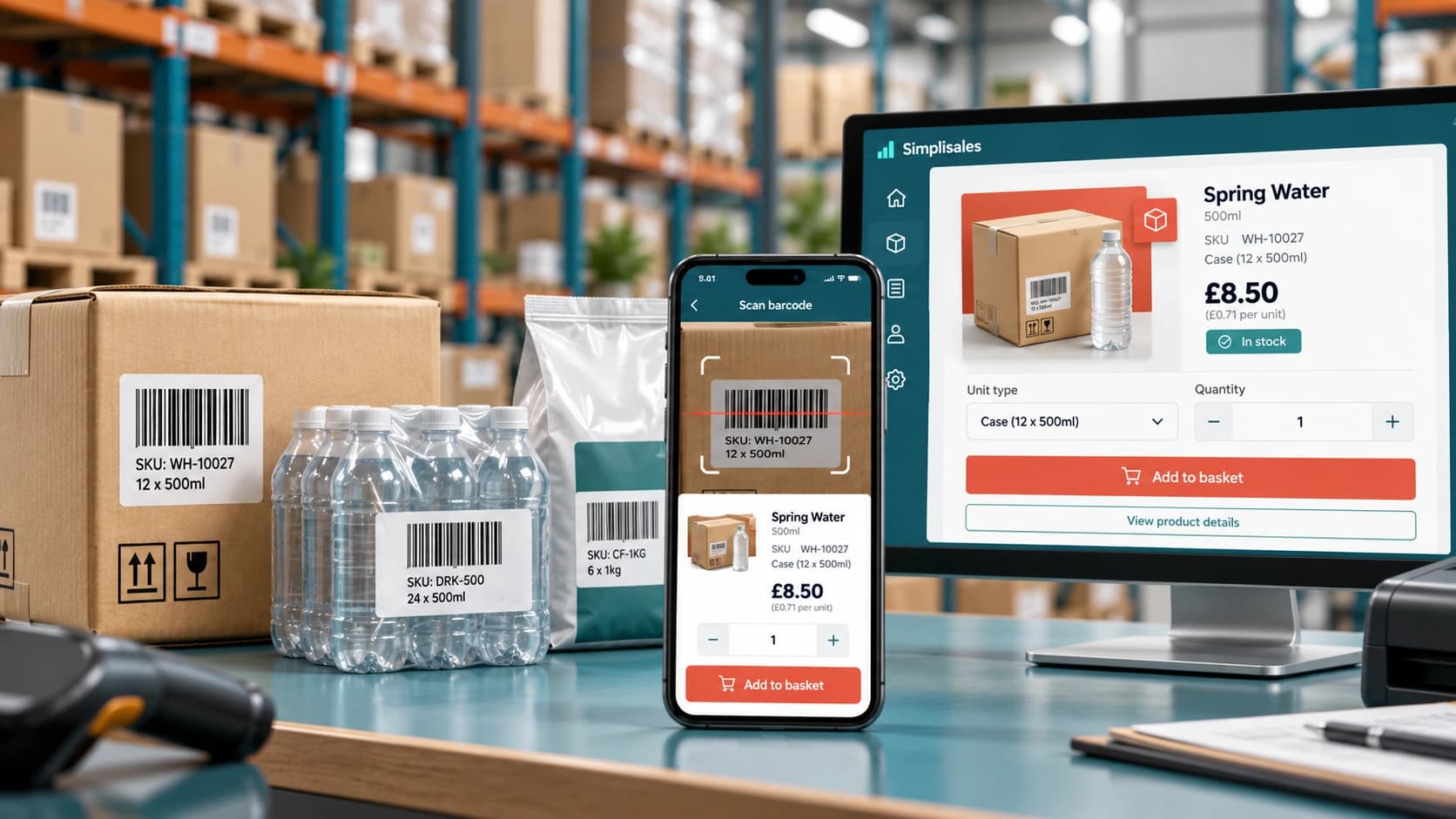
Barcode Ordering Apps for Wholesale
A retailer walks around the stockroom with a phone. In fact, when […]
Ecommerce Tips · 12 OCT 2026
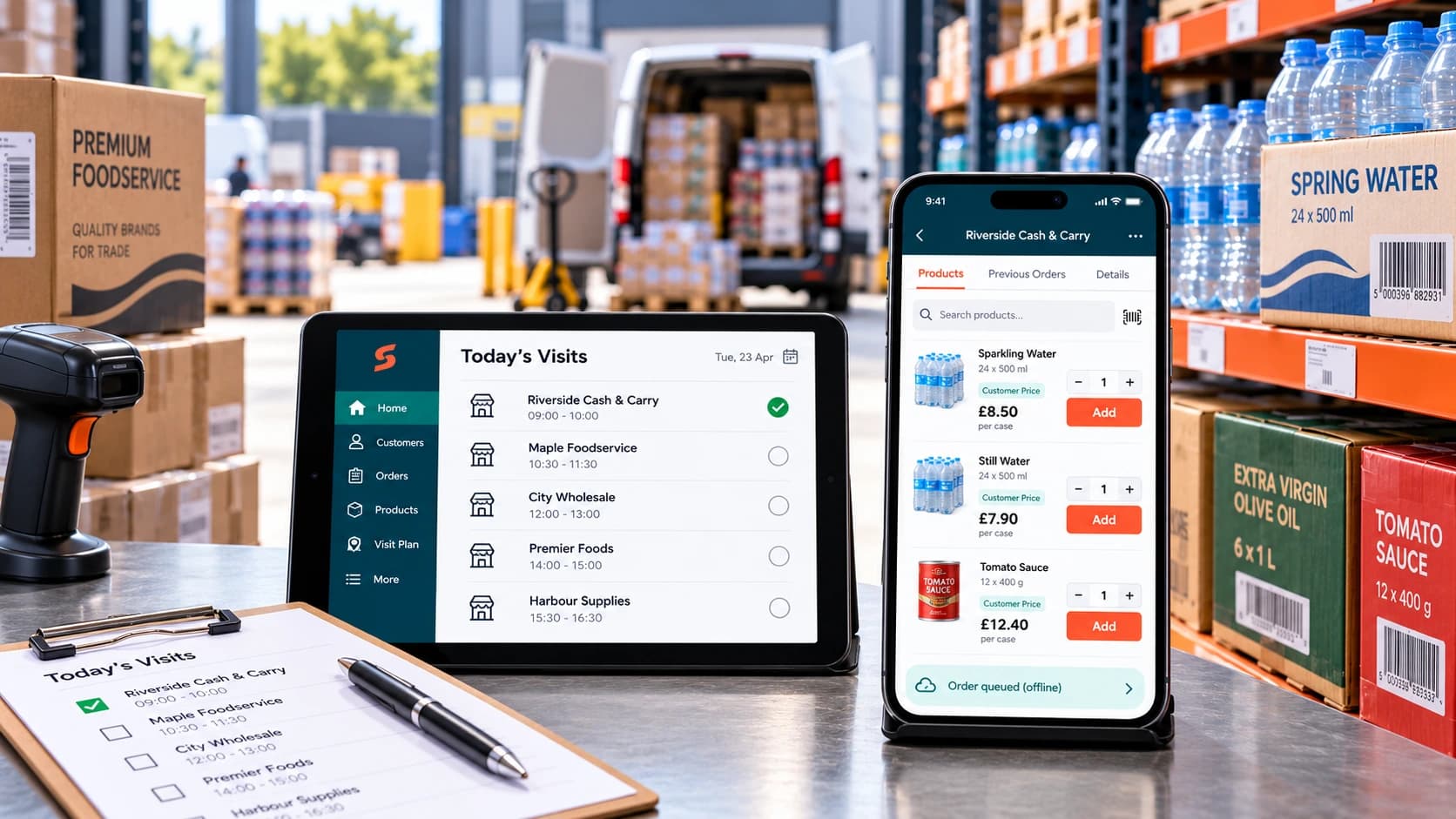
How to Roll Out a Sales Rep Ordering App
A […]
Ecommerce Tips · 07 AUG 2026
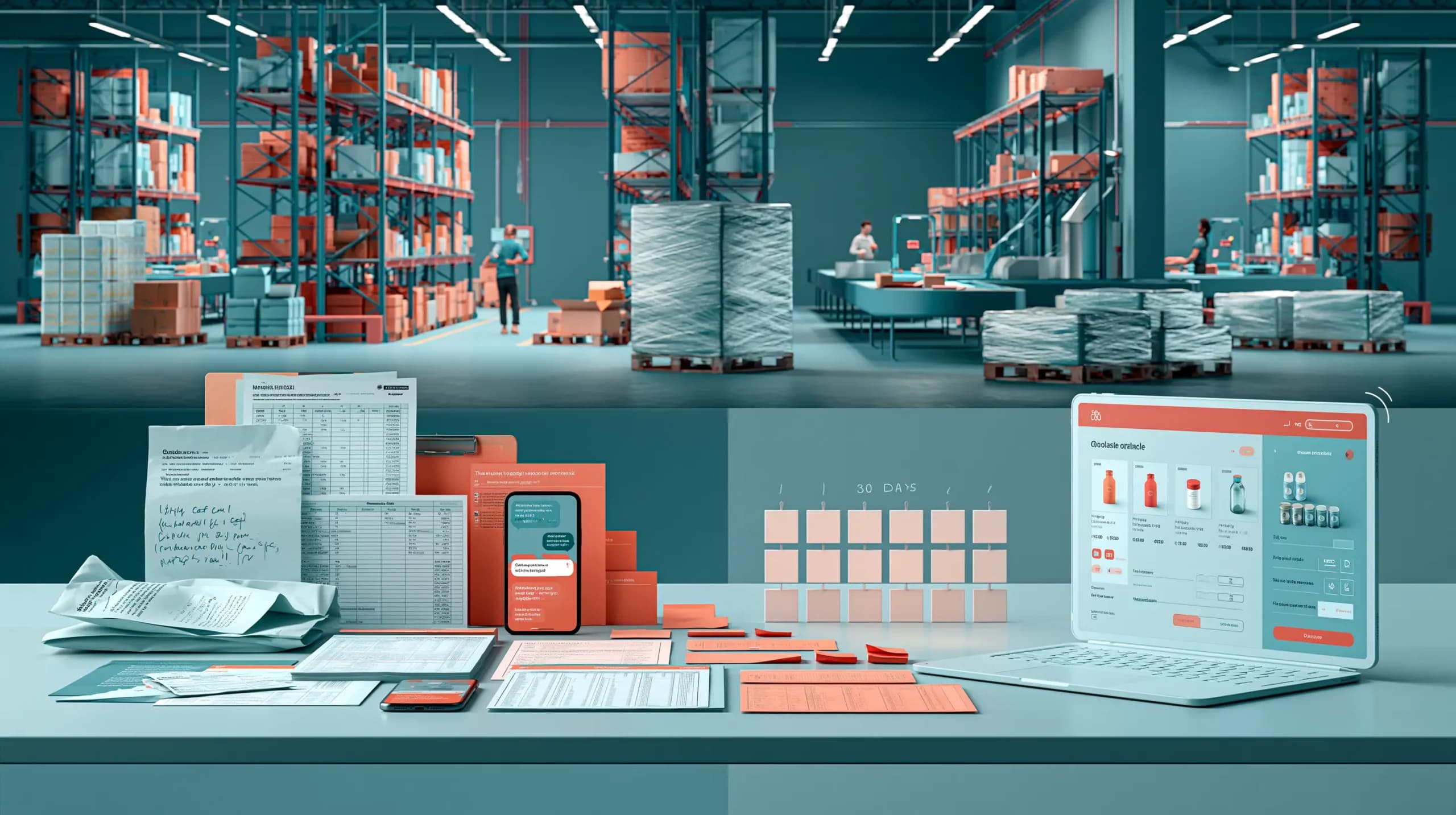
From Email Orders to a Wholesale Ordering Portal: A 30-Day Migration Plan
This blog post provides a practical 30-day plan for moving wholesale customers from fragmented email, telephone, spreadsheet and representative orders towards a structured wholesale ordering portal. It covers mapping existing workflows, cleaning customer and product data, configuring account-specific pricing and wholesale rules, testing real ordering scenarios, piloting with selected customers and gradually expanding adoption. Rather […]
Run your business,
without the complexity
Start free · Try paid plans for 30 days.
