Xero and B2B eCommerce: Where Accounting Ends and Operations Begin


A wholesaler connects a new B2B ecommerce website to Xero.
Customers can order online. Finance can see invoices. Stock quantities update as products are bought and sold.
At first, everything feels connected.
Then the business grows.
A second warehouse opens. Sales representatives start taking orders in the field. Some customers have their own prices and catalogues. The warehouse needs to know what is allocated, what is being picked and what can actually be promised to the next customer.
That is usually when the question changes from:
“Can Xero manage this?”
to:
“Should Xero be the system managing this?”
A good Xero B2B ecommerce integration does not replace Xero. It gives Xero a clear role as the financial system while allowing a dedicated operational platform to manage the parts of wholesale that happen before an invoice reaches accounting.
Xero Already Does More Than Basic Bookkeeping
Xero is primarily accounting software, but its UK platform includes useful inventory and purchasing capabilities.
Xero can maintain contacts, products and services, invoices, credit notes, payments and purchase orders. Its stock control tools can also track quantities and values for up to 4,000 finished inventory items.
As products are bought and sold, Xero can update stock records and calculate cost of goods sold.
For many smaller product businesses, that can be enough.
The difficulty begins when inventory accounting and physical wholesale operations stop being the same thing.
Knowing that 500 cases exist in the accounts does not necessarily tell a sales representative:
“How many cases can I promise this customer from Manchester today?”
That is where the operational layer begins.
A Practical Xero B2B eCommerce Workflow
A connected wholesale setup can look like this:
| Layer | Main responsibility | Typical activity |
| B2B website / app / sales reps | Customer ordering | Products, account access, basket, delivery details |
| Wholesale operations platform | Day-to-day execution | Pricing, stock availability, warehouses, purchasing, fulfilment |
| Xero | Financial control | Contacts, invoices, credits, payments, VAT, reporting |
| Integration | Controlled data exchange | Customers, products, financial transactions and relevant stock information |
The objective is not to synchronise everything in both directions.
It is to decide which system should own each process.
1. Customers: Share the Financial Account, Keep Ecommerce Behaviour Outside Xero
Xero contacts can contain information such as account numbers, addresses, contact details, default currency, tax settings and payment terms.
Your B2B ecommerce software may need some of that information.
An established customer record can therefore be synchronised so finance and sales are talking about the same business.
But ecommerce-specific information does not need to enter Xero.
Saved baskets, favourites, app passwords, catalogue preferences and browsing behaviour belong in the customer-facing or operational platform.
New registrations should also be controlled.
A visitor completing a wholesale application form should not necessarily become a live accounting contact immediately.
A cleaner workflow could be:
Registration → account review → approval → Xero contact created or matched.
2. Products: Xero Can Own Accounting Data Without Owning the Entire Catalogue
Xero inventory items can include product codes, descriptions, purchase and sales information, tax treatment, quantities and stock value.
That information can form part of an integration.
But a B2B ecommerce catalogue often contains far more.
| Data | Typical owner |
| Product code / SKU | Shared |
| Accounting cost | Xero |
| Tax treatment | Xero or controlled master |
| Stock value | Xero if it owns inventory accounting |
| Product images | B2B ecommerce platform |
| Rich descriptions | B2B ecommerce platform |
| Customer-specific catalogue access | Wholesale platform |
| Merchandising and related products | Ecommerce platform |
Trying to push every ecommerce field into Xero simply creates unnecessary integration work.
The finance team needs accurate product accounting.
The customer needs a usable catalogue.
Those are related requirements, but they are not identical.
3. Customer-Specific B2B Pricing Usually Belongs Closer to the Order
Wholesale pricing is rarely simple.
One customer might receive a contract price. Another receives a quantity discount. A third has access to a completely different range.
A growing wholesaler may also manage:
- Customer-specific price lists
- Restricted catalogues
- Volume pricing
- Promotions
- Different units of measure
- Pack and case pricing
That logic needs to be correct when the customer builds the order, not discovered afterwards when finance creates the invoice.
If the operational platform controls B2B pricing, the validated selling price can flow into Xero with the financial transaction.
The important rule is simple:
Do not maintain the same complex price structure manually in two systems.
Choose one pricing master.
4. Inventory: Accounting Stock and Operational Availability Are Different Questions
This is the most important distinction in Xero wholesale inventory management.
Xero can track inventory quantities and values as products are bought and sold.
That is useful accounting information.
But consider a distributor with 800 units recorded in stock.
Operationally:
- 150 are allocated to existing orders
- 100 are in another warehouse
- 40 are damaged
- 60 are being picked
- 50 are held for a key customer
The accounting quantity may still be correct.
But the customer-facing question is:
“What can I actually order right now?”
For a straightforward single-stock-location operation, Xero inventory may be perfectly suitable.
As warehouses, reservations, transfers, picking and other physical workflows become more complicated, a dedicated operational platform may be better placed to calculate available-to-sell stock.
The integration should then ensure the financial and operational views remain reconciled rather than allowing two unrelated stock systems to develop.
5. Purchasing Can Start in Xero or in the Operational Platform
Xero supports purchase orders and allows businesses to reuse product information when purchasing from suppliers.
Purchase orders can later be converted into bills.
That works well for straightforward purchasing.
But a wholesaler may eventually need purchasing to respond directly to warehouse operations.
For example:
Stock below threshold → buyer reviews demand → PO created → supplier delivery arrives → quantities checked → warehouse stock updated → supplier bill reaches Xero.
If the warehouse platform manages replenishment, supplier deliveries and goods received, it may make sense to start the operational purchase order there and pass the relevant financial transaction into Xero later.
If Xero already handles the purchasing process effectively, there is no reason to duplicate it.
Again, choose one master workflow.
6. Customer Orders Should Not Automatically Become Final Invoices
A B2B ecommerce order is not always ready for accounting the moment the customer presses Place Order.
The order may still require:
- Credit approval
- Stock confirmation
- Warehouse allocation
- Quantity changes
- Substitutions
- Partial fulfilment
That creates an important boundary.
The wholesale platform manages the order.
Xero manages the financial transaction.
A typical workflow might be:
Customer order → pricing validated → credit checked → warehouse fulfils → final quantities confirmed → Xero invoice created.
The exact point varies between businesses, but it should be deliberately defined.
Otherwise finance may receive invoices for orders that later change.
7. Invoices, Credit Notes and Payments Belong in the Financial Layer
Once the transaction becomes financial, Xero should normally take the lead.
Invoices, credit notes and payments affect:
- Customer balances
- VAT
- Accounts receivable
- Bank reconciliation
- Profit reporting
- Financial statements
Xero’s Accounting API supports contacts, items, invoices, credit notes, payments and purchase orders, giving integration providers several ways to move relevant information between systems.
The operational platform can display invoice status or customer balances where appropriate.
But it should not create a competing version of the books.
Where Accounting Ends and Wholesale Operations Begin
The boundary can be summarised like this:
| Capability | Xero | Wholesale operational platform |
| Bookkeeping | ✓ | |
| VAT and financial reporting | ✓ | |
| Invoices and credit notes | ✓ | Can synchronise |
| Payment accounting | ✓ | Can display/synchronise |
| Basic finished-goods stock | ✓ | ✓ |
| B2B customer ordering | ✓ | |
| Customer-specific catalogues | ✓ | |
| Complex wholesale pricing | Limited / depends on setup | ✓ |
| Multi-warehouse operational stock | Specialist layer often preferable | ✓ |
| Sales-rep ordering | ✓ | |
| Picking and warehouse workflow | ✓ | |
| Delivery operations | ✓ |
This is not about identifying features Xero “should” have.
Accounting software and wholesale operational software solve different problems.
The integration works best when those responsibilities remain clear.
Where Simplisales Fits
Simplisales can provide the operational layer around Xero without requiring the accounting system to be replaced.
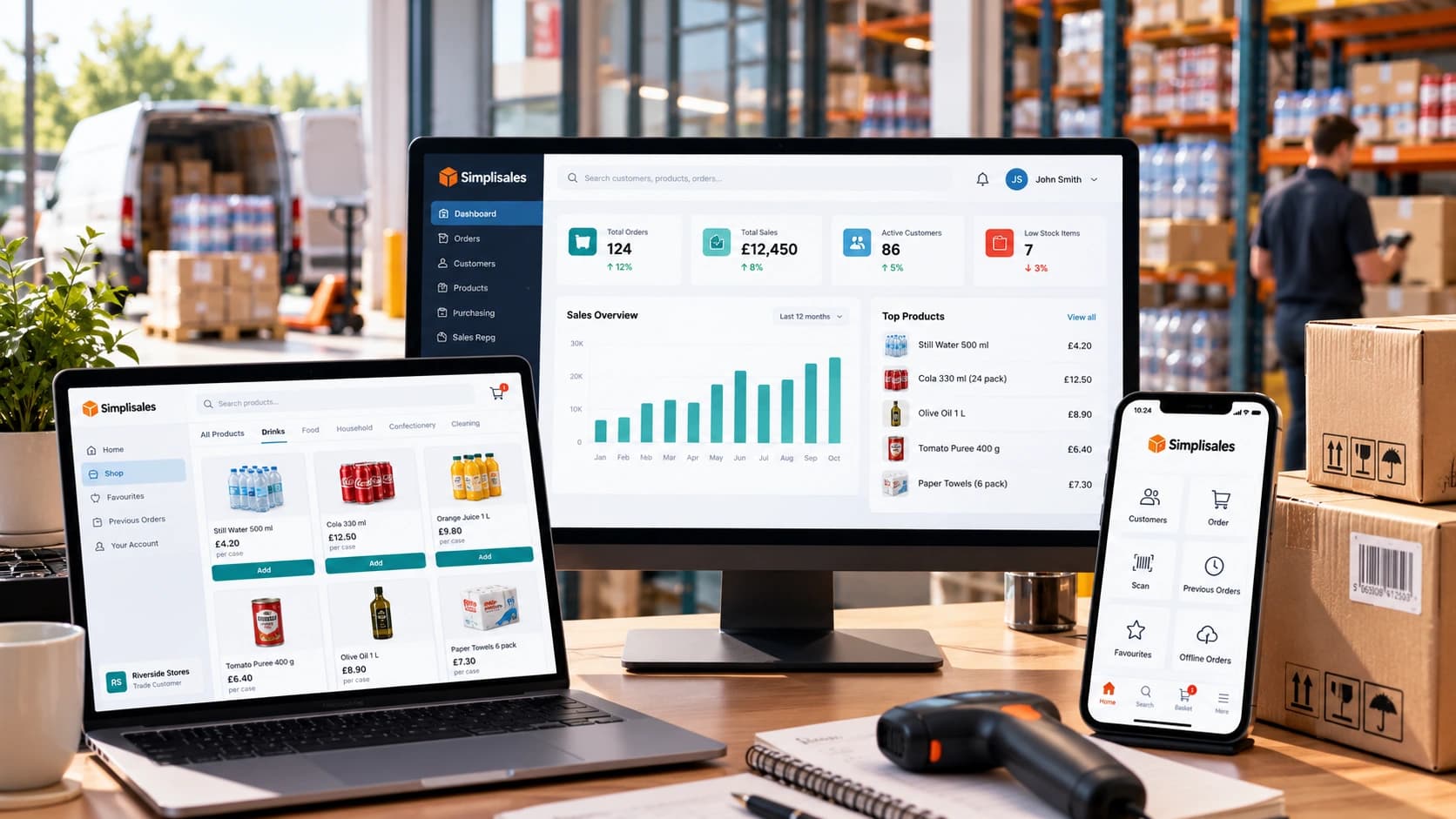
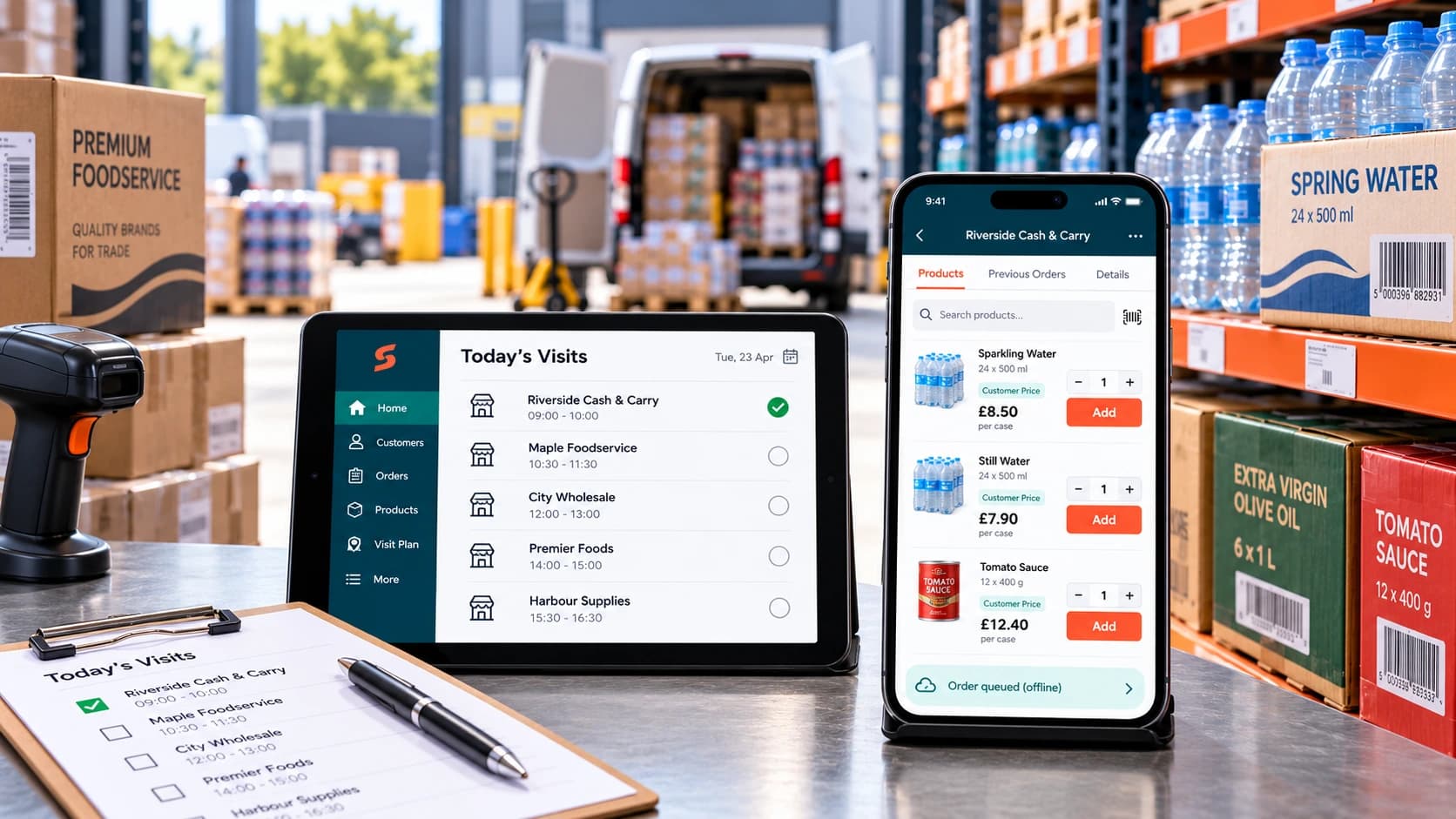
The Simplisales Website and Simplisales App provide B2B customer and sales-representative ordering, while the Simplisales Dashboard manages customer pricing, sales orders, purchasing, inventory, multiple warehouses and fulfilment.
Xero remains responsible for the accounting workflow.
Simplisales currently describes its Xero integration as two-way and states that wholesale invoices, credit notes and payments can flow into Xero with VAT and contacts mapped.
That creates a simple division:
Simplisales manages the wholesale operation.
Xero manages the financial books.
Customers and operational teams can work at wholesale speed without asking finance software to become the warehouse management layer.
Xero B2B eCommerce Integration Checklist
Before implementation:
- Decide which system owns customer accounts.
- Define when online registrations become Xero contacts.
- Choose a master for product data.
- Decide where customer-specific prices are calculated.
- Define what “available stock” means.
- Decide whether Xero or the operational platform owns purchasing.
- Define when a customer order becomes an invoice.
- Confirm how credit notes and returns flow between systems.
- Define how payment status is synchronised.
- Prevent duplicate contacts and products.
- Document how failed integrations are handled.
- Test VAT, discounts, partial fulfilment, returns and payments.
Final Thoughts
Xero can already handle important parts of a product business.
It tracks finished inventory, supports purchase orders and manages the accounting records surrounding customers, invoices, credits and payments.
That does not mean every growing wholesaler needs another system immediately.
The operational gap appears when the business begins asking questions that accounting stock alone cannot answer easily:
“Which warehouse has it?”
“How much is already committed?”
“What price should this particular customer see?”
“What is the warehouse picking right now?”
“Can the sales rep place the order without calling the office?”
That is where B2B ecommerce software and wholesale operations platforms become valuable.
A good Xero B2B ecommerce integration therefore does not compete with Xero.
It protects Xero’s role as the financial source of truth while giving sales, customers and warehouse teams the operational tools they need to run the business.
Related Blogs
Explore more insights for your wholesale business.
Wholesaling Softwares · 19 OCT 2026
Wholesale Software for Small Businesses
You do not need an ERP just because spreadsheets are failing The minimum wholesale software stack Layer 1, such as accounting is remaining the financial source of truth Layer 2, like ordering and customer-specific trading rules Layer 3 – stock, buying and foundational warehouse control What not to buy too early When the minimum stack […]
Ecommerce Tips · 12 OCT 2026
How to Roll Out a Sales Rep Ordering App
A […]

Wholesaling Softwares · 18 SEPT 2026
Wholesale Stock Control Software: How to Prevent Overselling Across Sales Channels
Why wholesalers oversell A warehouse holds 50 cases of a product. The website shows all 50 as available. A sales representative promises 20 to a customer, a telesales colleague […]
Run your business,
without the complexity
Start free · Try paid plans for 30 days.
