Wholesale Stock Control Software: How to Prevent Overselling Across Sales Channels


Why wholesalers oversell
A warehouse holds 50 cases of a product. The website shows all 50 as available. A sales representative promises 20 to a customer, a telesales colleague enters 15 for another account and two customers place orders through the mobile app at almost the same time.
The physical stock did not change because anyone deliberately ignored the numbers. The problem was that different channels were making decisions from different moments in time. By the time the warehouse starts picking, the business has promised more than it can deliver.
Wholesale stock control software cannot remove every operational risk, but it can make the rules visible and reduce the number of manual assumptions.
The stock numbers your team needs to understand
“Stock available” can mean several different things. Before choosing wholesale stock management software, agree which numbers your team will use.
| Stock concept | Meaning |
|---|---|
| Physical stock | Quantity currently recorded at a warehouse or storage location |
| Committed stock | Quantity already allocated to placed customer orders |
| Available-to-sell stock | Quantity that can still be promised after committed and protected stock |
| Buffer stock | Quantity reserved to protect operations from delays or unexpected demand |
Whatever the calculation, customers should not be promised the same quantity twice. Define whether the number includes baskets, orders, transfers or buffer stock.
In the documented Simplisales Dashboard workflow, customer baskets do not reduce stock until they are converted into orders. That is useful because an abandoned basket does not permanently reserve inventory, but it also means a busy sales team should treat baskets as buying intent rather than confirmed allocation.
Eight controls that reduce overselling
1. Use one operational stock source
Every sales channel should refer to the same stock context. If the Simplisales App, Simplisales Website, sales representatives and telesales teams each maintain separate stock files, overselling becomes likely.
The operational record should show the product, unit, warehouse, storage location and quantity. When an order is placed, the relevant stock position should update according to the agreed workflow.
2. Separate warehouses and storage locations
Stock in London is not automatically available for an order that must leave from Manchester. A location-based model should show where the stock is physically held, which companies are assigned to a fulfilment point and where a collection order can be prepared.
Warehouse transfers also need a clear process. Moving stock between locations should create a movement record rather than changing a number without an explanation.
3. Set the correct stock behaviour at product-unit level
For each sellable unit, decide whether customers can order when the quantity reaches zero. Two common options are:
- Prevent orders: the unit becomes unavailable when stock reaches the out-of-stock threshold.
- Allow backorders: customers can continue to order, with the business communicating that fulfilment depends on incoming or replenished stock.
Do not use backorders as a substitute for accurate availability. They are a commercial choice that should be applied only where the supplier lead time, customer expectation and order workflow support it.
4. Use buffer stock deliberately
Buffer stock protects the quantity needed for operational uncertainty. If a product has 100 units physically available but 15 are reserved as a safety buffer, the sales team should not promise all 100 unless the business has consciously chosen to do so.
Buffer stock should be reviewed by product and kept visible to purchasing and sales.
5. Control minimums, maximums and quantity increments
Wholesale orders often move in cases, packs or pallets rather than individual units. Product-unit rules can prevent a buyer from ordering an impossible quantity and reduce the risk of accidental overselling.
Useful controls include:
- minimum order quantity;
- maximum order quantity;
- quantity increments;
- unit contains relationship;
- maximum quantity for a particular order;
- minimum order value where required.
If a box contains 12 pieces and customers must order full boxes, the system should accept 12, 24 or 36 pieces—or two, four or six boxes—according to the way your warehouse and catalogue are configured. The rule should be expressed in the unit the customer understands.
6. Keep order statuses connected to stock decisions
Not every record should affect stock in the same way. A draft may be under discussion, a placed order may require allocation, and a cancelled order should release or preserve stock according to your process.
Document when stock is:
- displayed as available;
- reserved or committed;
- deducted;
- released after cancellation;
- restored after an approved return;
- quarantined after a problem.
This prevents the sales team and warehouse from making their own interpretations of “confirmed”.
7. Review baskets without treating them as orders
Customer baskets are useful for identifying buying intent and following up with customers who have not completed an order. They can also create confusion if sales staff assume that every basket has reserved stock.
Use basket data to prioritise follow-up, but make the conversion point clear. Once the basket becomes an order, the system can apply the selected warehouse, quantities and fulfilment rules. Before that point, the quantity remains available to other buyers unless your business has deliberately implemented a reservation process.
8. Record adjustments and physical counts
Cycle counts, damaged goods, expiry, returns, stock conversions and manual corrections all affect availability. Record the date, reason, quantity, warehouse, storage location and responsible person so a change from 100 to 72 can be explained.
Product units and warehouse locations
Many overselling problems are really master-data problems. The product name looks correct, but the unit, packaging, SKU or warehouse relationship is inconsistent.
Before publishing a product to a customer channel, confirm:
| Data point | Check |
|---|---|
| SKU | The product and each relevant unit have unique identifiers |
| Unit | Piece, pack, box, pallet, weight or volume is clearly defined |
| Unit contains | The relationship between grouped and base units is correct |
| Price | The customer price applies to the selected unit |
| Quantity rule | Minimum, maximum and increment match fulfilment reality |
| Stock behaviour | The unit allows or prevents backorders as intended |
| Warehouse | The available quantity belongs to the correct location |
| Storage and channel | Staff can find the stock and the unit is enabled only where it can be sold |
| Buffer | The protected quantity is set and reviewed |
The Simplisales Dashboard documents product units, warehouse stock, storage locations, stock batches, inventory history, transfers and buffer-stock settings. These controls are most effective when the catalogue, warehouse and sales teams use the same definitions.
Wholesale stock control software checklist
Test whether the software can:
- show stock by product, unit, warehouse and storage location;
- update order-related stock according to documented statuses;
- distinguish baskets from placed orders;
- support product-specific backorder and out-of-stock behaviour;
- set buffer, low-stock and out-of-stock thresholds;
- enforce minimums, maximums and quantity increments;
- record transfers, conversions, returns and manual adjustments;
- preserve stock history and reasons;
- control channel sales, multiple warehouses and fulfilment points;
- show customer-facing availability without exposing unwanted information;
- connect stock activity to customer orders and purchasing.
Do not test only a single product with one channel. Use a realistic scenario with two warehouses, two sales channels, one customer-specific price list, a case-to-piece conversion and a return. That is where weak stock processes become visible.
Related Blogs
Explore more insights for your wholesale business.
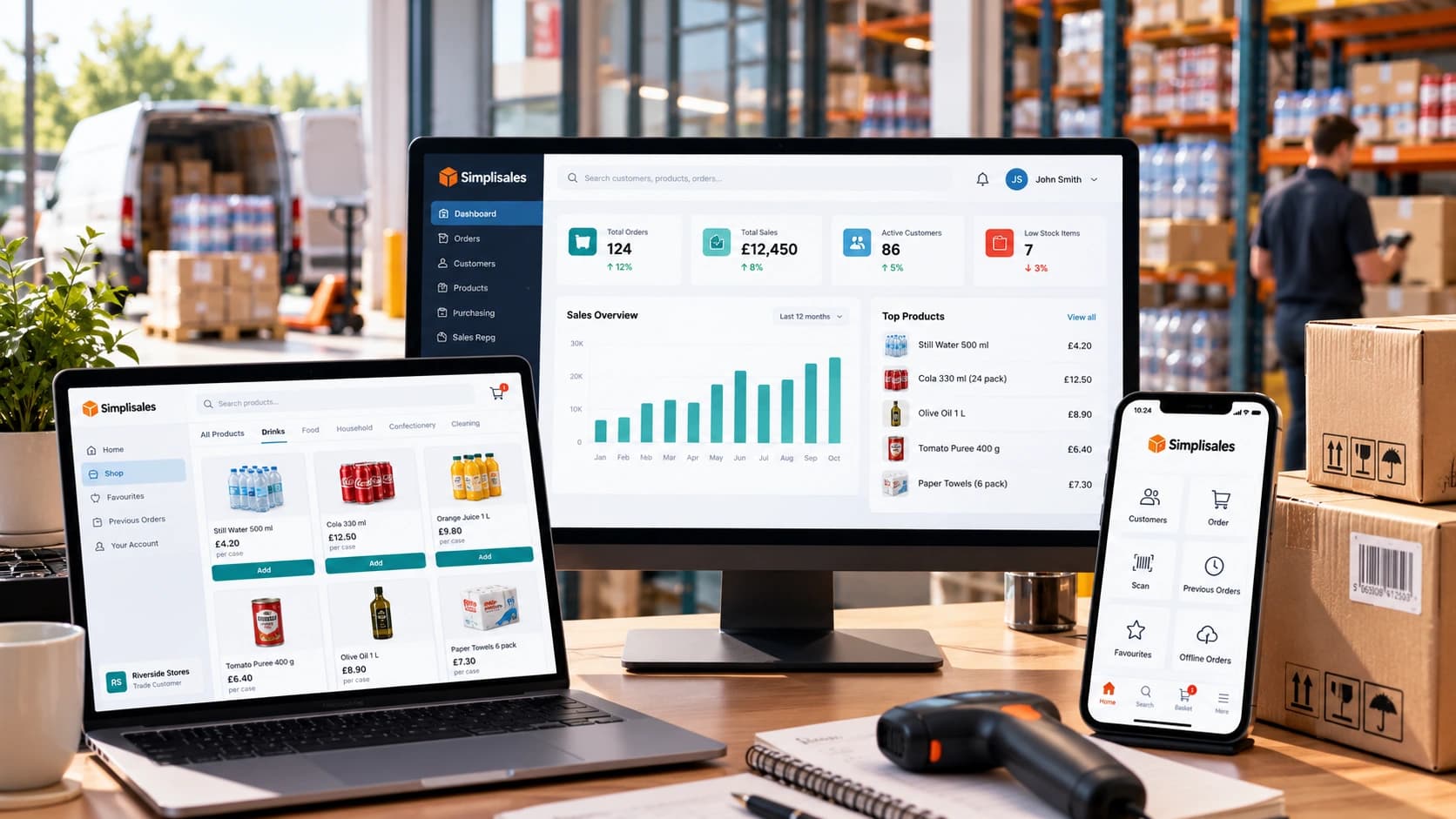
Wholesaling Softwares · 19 OCT 2026
Wholesale Software for Small Businesses
You do not need an ERP just because spreadsheets are failing The minimum wholesale software stack Layer 1, such as accounting is remaining the financial source of truth Layer 2, like ordering and customer-specific trading rules Layer 3 – stock, buying and foundational warehouse control What not to buy too early When the minimum stack […]
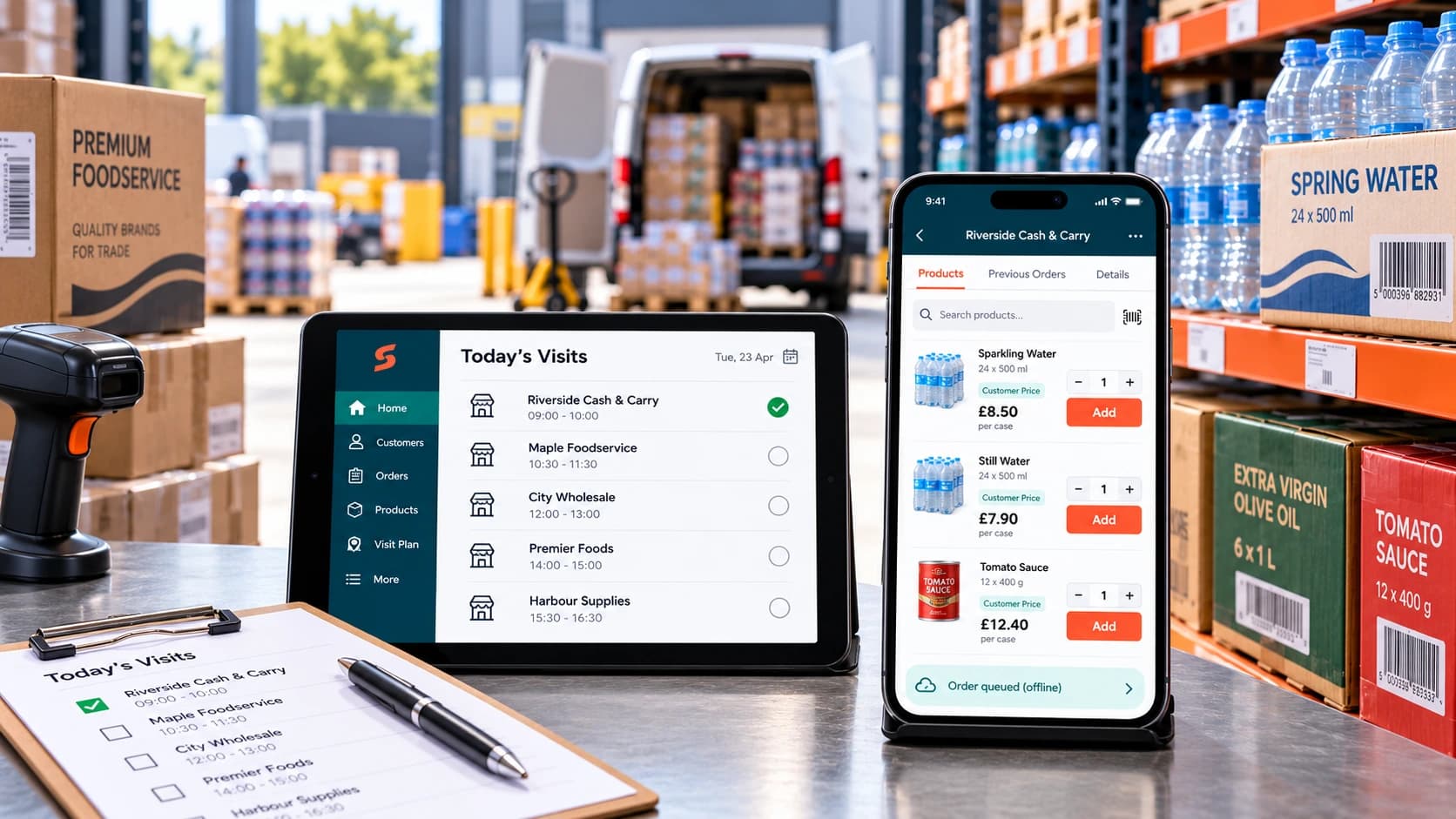
Ecommerce Tips · 12 OCT 2026
How to Roll Out a Sales Rep Ordering App
A […]

Wholesaling Softwares · 14 SEPT 2026
Wholesale Inventory and Order Management Software: Why One Shared Data Layer Matters
What is a shared data layer? Sales promises a customer that stock is available. The warehouse […]
Run your business,
without the complexity
Start free · Try paid plans for 30 days.
