Wholesale Inventory and Order Management Software: Why One Shared Data Layer Matters


What is a shared data layer?
Sales promises a customer that stock is available. The warehouse checks a spreadsheet and finds a different quantity. Customer service sees an old price. Finance receives an order with a product description that does not match the invoice record. Nobody is necessarily making a careless mistake; each team is working from a different version of the truth.
A shared data layer gives the teams a common operational foundation. It connects the products, units, customers, prices, stock, orders, fulfilment locations and delivery rules that need to work together every day.
This does not mean one system must own every business function. A wholesaler can use an accounting system for the books, a payment provider for transactions and a delivery service for transport while using one operational layer to manage the relationship between customer demand and physical stock.
The important question is not, “Where is every piece of data stored?” It is, “Can the people who need to act on the data see the same relevant record?”
Why disconnected data creates wholesale problems
Wholesale operations are full of changes that affect several teams at once:
- a supplier changes the cost of a product;
- a customer receives a negotiated price;
- stock moves from one warehouse to another;
- a branch changes its delivery address;
- a product is sold in a new case size;
- a customer places an order through a mobile app;
- a return affects stock and a credit decision;
- a delivery region gains a new cut-off time.
If each change is re-entered in several places, the business creates several opportunities for mismatch. The customer may see a price that sales cannot honour. The order may be allocated to a warehouse that no longer has stock. The warehouse may pick a unit that does not match the customer’s order.
Disconnected systems also make questions difficult to answer. Which customers bought a product from a particular location? Which orders are waiting for payment? Which branches have not reordered this month? How much stock is available to sell after committed orders and buffer stock?
The problem becomes more serious as the business adds a warehouse, sales channel, product unit or customer segment. Growth increases the number of relationships that need to stay aligned.
Which records need to be connected?
A practical shared data layer normally brings together the following objects.
| Shared record | Information it should connect | Downstream decisions |
|---|---|---|
| Product | SKU, category, brand, unit, measurements, tax and sales channels | What can be sold and how it appears |
| Product unit | Piece, pack, box, pallet, quantity increment, price and stock behaviour | How customers order and warehouses fulfil |
| Customer company | Status, contacts, addresses, payment terms and balance rules | Whether the account can order and on what terms |
| Catalogue | Product visibility, collections and customer access | What each account can see and buy |
| Price list | Customer prices, discounts, rules, currency and overrides | What the customer should pay |
| Warehouse and location | Stock, storage areas, collection and fulfilment settings | Where stock is held and where orders leave from |
| Inventory history | Movements, costs, reasons, serials, batches and expiry | What happened to stock over time |
| Sales order | Customer, products, quantities, prices, status, payment and fulfilment | What must be processed next |
| Purchase order | Supplier, items, quantities, expected date and receiving warehouse | What stock is expected |
| Delivery rules | Region, minimum order value, fee, days and cut-off | What delivery promise can be made |
These records do not all need identical screens. A buyer needs a simple catalogue and checkout. A warehouse colleague needs locations, quantities and picking information. A sales manager needs order status, margin signals and customer activity. The shared layer makes sure each view is based on the same underlying facts.
Six workflows improved by shared data
1. Customer-specific pricing
When a company is assigned a price list, the same pricing context should be used in the customer-facing channel and the internal order screen. This reduces the risk of a buyer seeing one price while a sales representative enters another.
Price lists should also work with product units. A box, case and piece may each have a different price and quantity rule, so the product, unit and customer relationship must be connected before ordering.
2. Stock-aware ordering
An order is only useful if the business can understand where the stock will come from. A shared layer links the product unit to warehouses, storage locations, stock limits, buffer stock and fulfilment rules.
This helps the customer-facing experience show a realistic availability status and helps operations understand what must be picked. It also makes transfers between locations easier to review.
3. Order-to-fulfilment hand-off
Once an order is placed, warehouse staff should not need to re-key product names, quantities or delivery information. The order should carry its customer, address, unit, quantity, warehouse and fulfilment method into the next stage.
Clear statuses then show whether the order is new, in progress, on hold, pending payment or completed. The shared record prevents sales and warehouse teams from acting on different versions of the same request.
4. Purchasing and replenishment
Sales demand and purchasing should not be entirely separate conversations. If the business knows which products are low, which customer orders are waiting and which purchase orders are expected, procurement can make better decisions.
The shared layer does not need to provide advanced demand forecasting to be valuable. It should at least connect the customer order, available stock, supplier, purchase order and receiving information so that exceptions can be investigated quickly.
5. Customer service and returns
When a customer asks about a delivery, the service team needs more than an order number. They may need to see the company, contact, products, payment status, fulfilment location, internal notes and return history.
A connected return process can show the original order, the item returned, the reason, whether stock is added back and whether a credit note is created. This makes the outcome easier to explain and audit.
6. Reporting and decision-making
Reports are only as useful as the relationships behind them. If product, customer, location and order data use inconsistent names, management may not be able to compare sales by category, channel or warehouse confidently.
With shared records, a dashboard can answer practical questions such as:
- Which locations generated the most orders?
- Which products are low in stock?
- Which channels are producing repeat orders?
- Which orders are on hold and why?
Shared data does not mean one system does everything
A common concern is that a shared data layer sounds like another attempt to turn an operational platform into a complete ERP. That is not the purpose.
Accounting software may remain the system of record for the general ledger, formal financial controls, reconciliation and statutory reporting. Specialist warehouse and delivery tools may retain their own responsibilities.
The operational layer should have clear ownership boundaries:
| Area | Operational layer should manage | Specialist or accounting system may manage |
|---|---|---|
| Products and selling units | Catalogue identity, visibility and ordering behaviour | Financial valuation or specialist product records |
| Customer orders | Order capture, status, pricing and fulfilment context | Formal accounting entries and reconciliation |
| Stock | Sellable availability, locations, transfers and operational history | Advanced costing or specialist warehouse automation |
| Payments | Payment terms, order payment context and allocations | Bank reconciliation and statutory finance |
| Reporting | Sales, order, channel, product and location insight | Deep financial reporting and consolidation |
The integration should define which system owns each field and when updates move between systems. Without that agreement, a shared data layer becomes another place where contradictory values can appear.
What to check before choosing software
When comparing wholesale inventory management software and wholesale order management software, test the relationships rather than individual features.
- Can one product support multiple units, such as piece, pack and box?
- Can the same unit be restricted or enabled by sales channel?
- Can each company receive its own catalogue, price list, payment terms and warehouse?
- Can stock be viewed by warehouse and storage location?
- Do transfers and adjustments create a searchable history?
- Can an order carry customer, price, delivery and fulfilment context?
- Are minimum quantities, maximum quantities, quantity increments and buffer stock supported?
- Can delivery fees, regions, dates and cut-offs be configured?
- Are returns linked to the original order and inventory decision?
- Can accounting ownership and data hand-offs be documented?
- Can users view only the information relevant to their role?
- Can the business export records for review and reporting?
The Simplisales Dashboard is positioned as a wholesale operations layer that connects customers, products, pricing, inventory, orders, purchasing and fulfilment. The Simplisales App and Simplisales Website extend that operational context to customer ordering, while accounting integrations can remain responsible for the financial system of record.
Related Blogs
Explore more insights for your wholesale business.
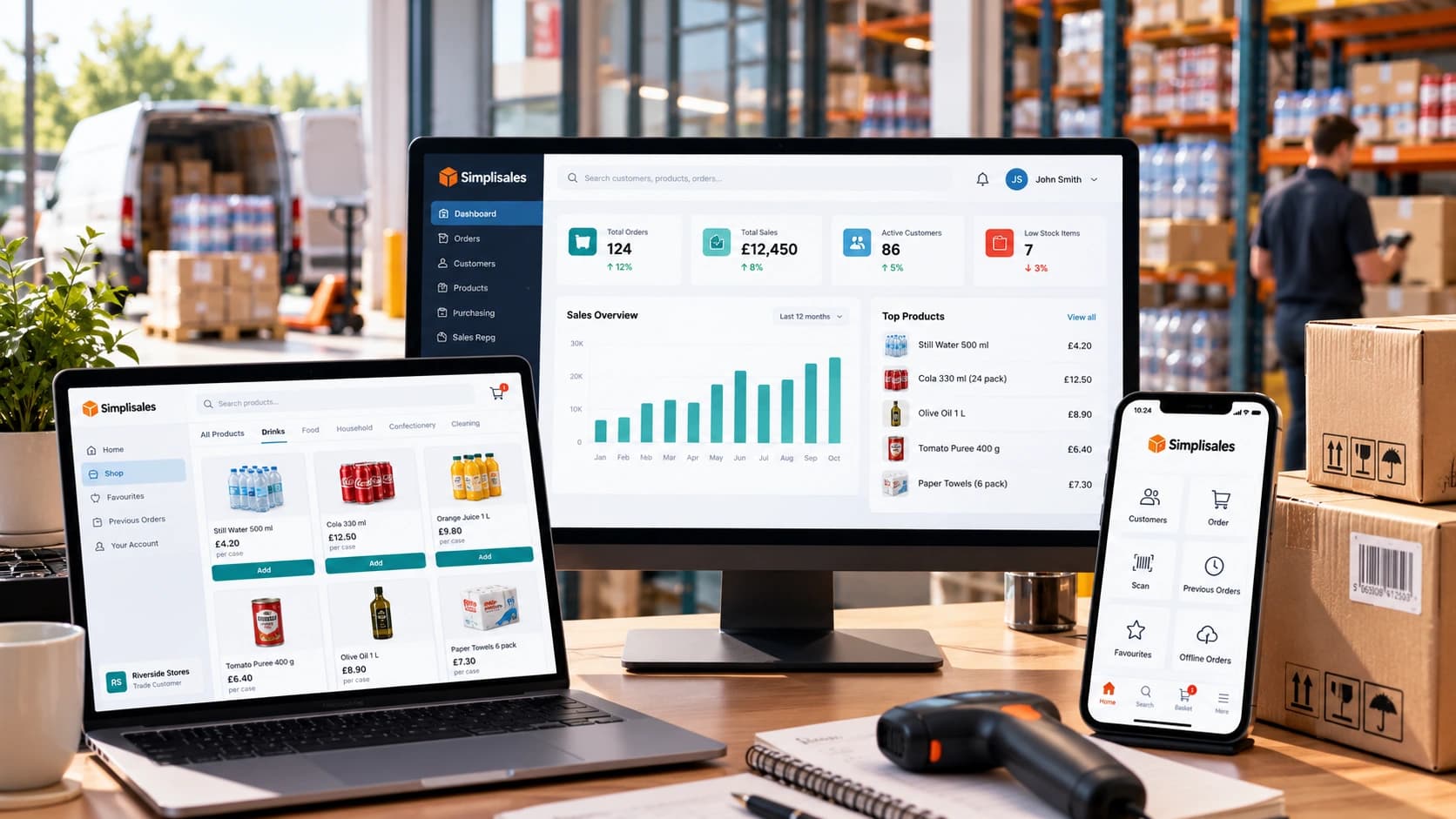
Wholesaling Softwares · 19 OCT 2026
Wholesale Software for Small Businesses
You do not need an ERP just because spreadsheets are failing The minimum wholesale software stack Layer 1, such as accounting is remaining the financial source of truth Layer 2, like ordering and customer-specific trading rules Layer 3 – stock, buying and foundational warehouse control What not to buy too early When the minimum stack […]
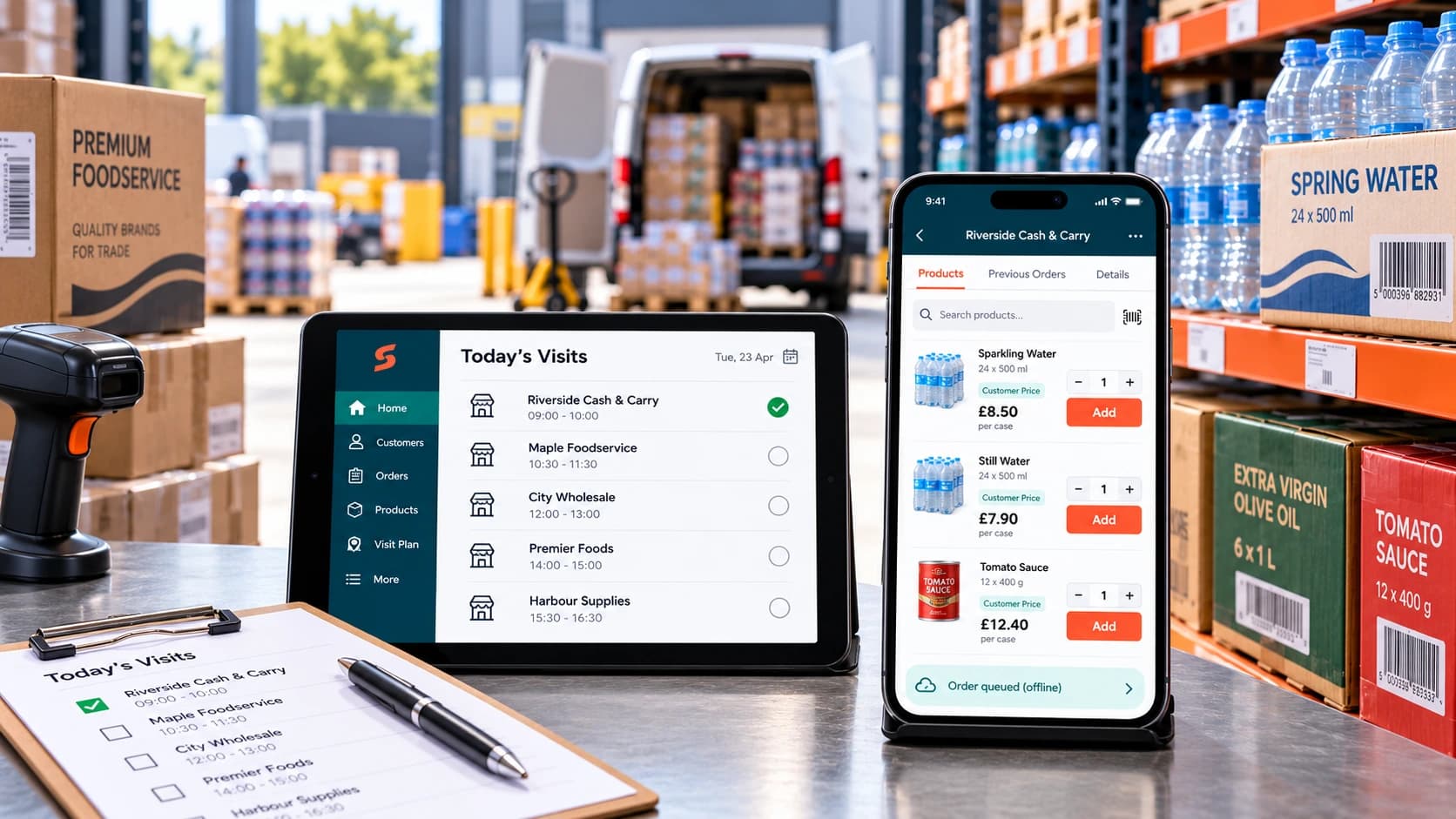
Ecommerce Tips · 12 OCT 2026
How to Roll Out a Sales Rep Ordering App
A […]
Wholesaling Softwares · 18 SEPT 2026
Wholesale Stock Control Software: How to Prevent Overselling Across Sales Channels
Why wholesalers oversell A warehouse holds 50 cases of a product. The website shows all 50 as available. A sales representative promises 20 to a customer, a telesales colleague […]
Run your business,
without the complexity
Start free · Try paid plans for 30 days.
