Distributor Ordering Systems: Supporting Branches, Buyers and Account-Specific Pricing

Why distributor ordering is different
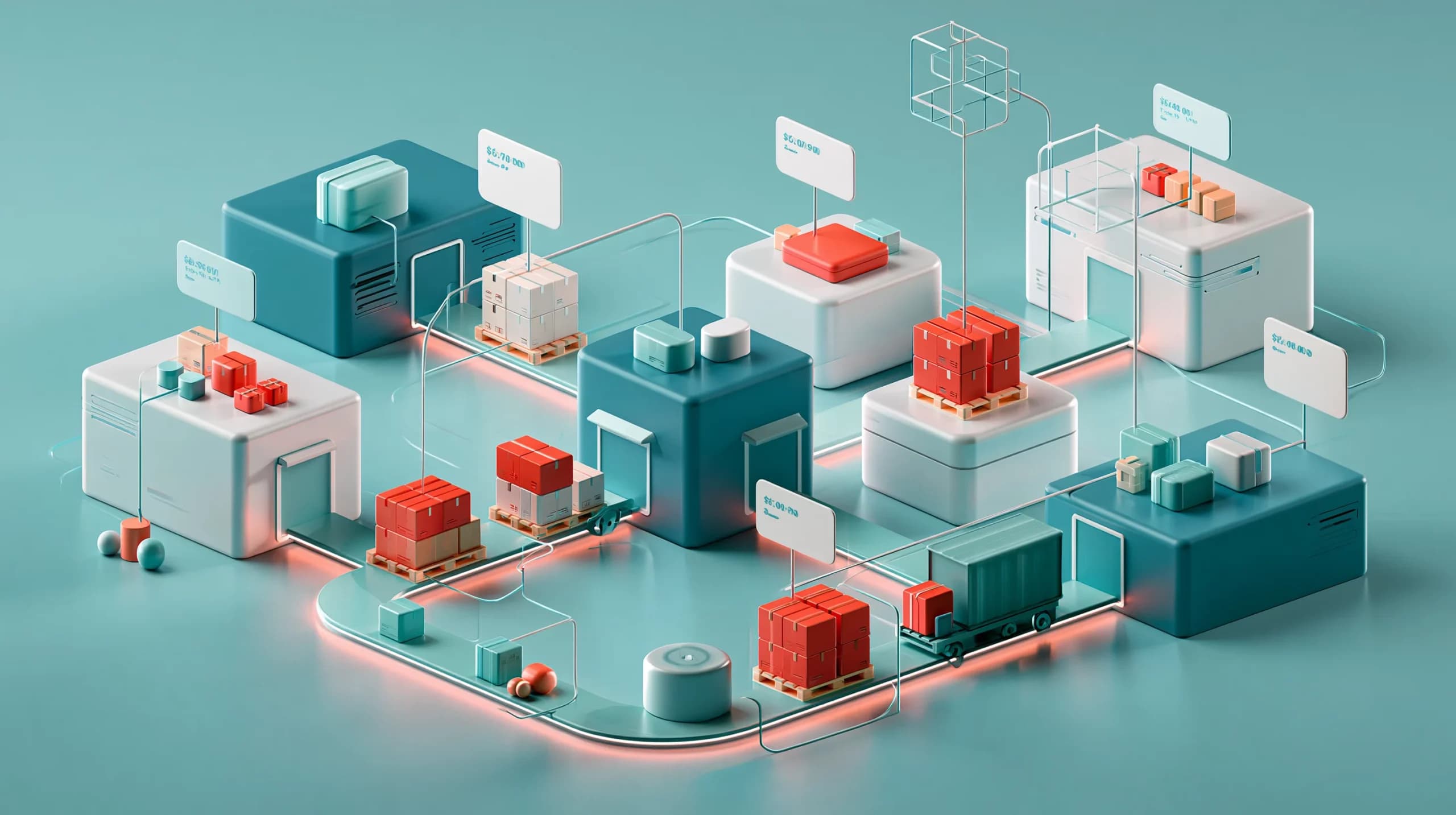
A distributor may have one customer account with five branches, twenty buyers and several delivery addresses. The head office may negotiate the price list, while each branch places its own replenishment orders. One buyer may be allowed to order the full catalogue. Another may only be able to buy approved lines. A third may need a sales representative to review the order before it is released.
Without that structure, a generic ecommerce journey may show the wrong products, prices or delivery options, leaving sales to correct orders manually.
A distributor ordering system should turn the commercial agreement into a practical buying experience. It should know who the buyer is, which company and branch they belong to, what they can order, which prices apply, where the order should be fulfilled and what happens after they click Place Order.
How to model branches and buyers
The first decision is how your business defines a customer. In some organisations, each branch is a separate company record. In others, the branches belong to one account with different delivery addresses and contacts. Neither model is automatically right. The system needs to support the structure that matches your contracts, invoicing and fulfilment.
Before you choose a distributor ecommerce platform, map these relationships:
| Business relationship | Data the system should connect |
|---|---|
| Head office and branch | Parent account, branch identity, billing details and delivery address |
| Company and buyer | Contacts, roles, login access and ordering permissions |
| Buyer and sales representative | Account ownership, assisted ordering and follow-up responsibility |
| Branch and warehouse | Assigned fulfilment location, available stock and delivery route |
| Branch and catalogue | Approved product range and customer-specific visibility |
| Branch and price list | Negotiated prices, discounts, currency and effective dates |
| Branch and payment terms | Due dates, instalments, permitted methods and balance controls |
Branch-level ordering permissions
Not every buyer should have the same access. A central procurement manager may need to order for multiple branches. A branch manager may only order for one location. A staff member may be allowed to create a basket but not submit the final order.
Useful permissions can include:
- view the catalogue assigned to the company or branch;
- see prices only after login;
- order on behalf of an assigned branch;
- save or repeat previous orders;
- request approval before submission;
- select from approved delivery addresses;
- view order history for the correct account;
- communicate with the assigned sales team.
The practical benefit is accountability: every order shows the company, branch and contact responsible for it.
Customer status matters too
A buyer can have a valid login while the company account is suspended, pending approval or outside its agreed trading terms. Ordering access should therefore be connected to the company’s status, not only to the existence of a username and password.
How account-specific pricing should work
Account-specific pricing is one of the main reasons distributors need a proper B2B ordering system. A trade customer may have:
- a standard or branch-specific price list;
- quantity breaks, discounts or promotions;
- different prices by unit, case or pack;
- a separate currency, minimum order quantity or delivery threshold.
The buying experience should apply the correct rule automatically. Asking customers to remember which products have special prices creates avoidable disputes and manual corrections.
Price lists and catalogues are not the same thing
A catalogue controls what a customer can see and order. A price list controls what that customer pays. They often work together, but they solve different problems.
For example, a restaurant group may be allowed to order 200 products but only see 150 of them in its standard catalogue. Within that catalogue, the group may have an agreed price list, while a specific branch receives a temporary discount on selected lines. Keeping visibility and pricing separate gives you more control.
Make price precedence clear
Your team should document which rule takes priority when prices overlap. A typical order might use:
- the customer’s assigned currency and price list;
- the relevant product and unit;
- quantity or volume rules;
- an approved promotion or permitted manual override.
The exact sequence will differ between distributors, but it should be predictable. Every person should be able to explain the price shown.
Units and packaging affect pricing
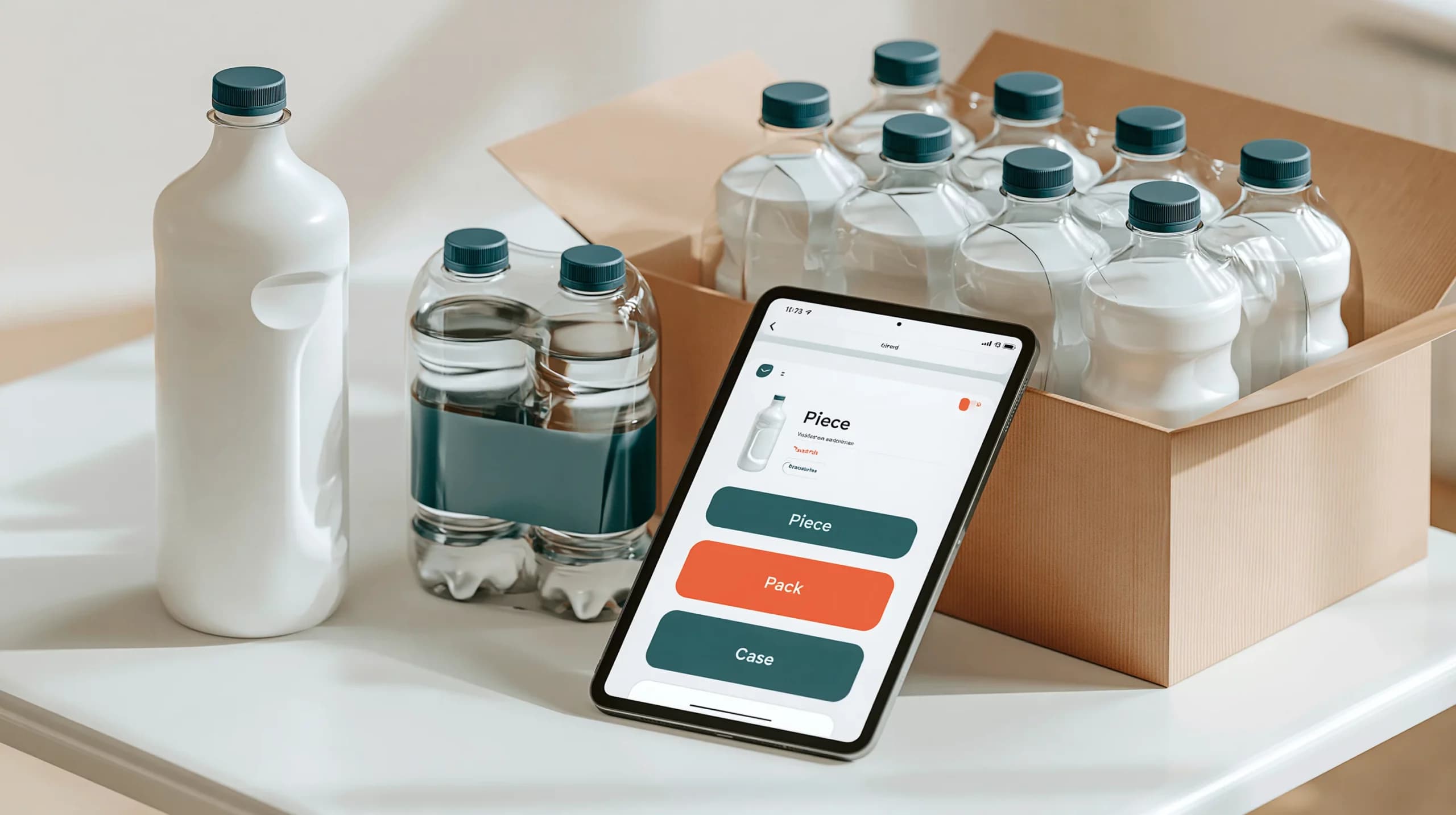
Distributors often sell the same product as a piece, pack, box or pallet. A distributor ordering system should not treat those as simple labels. It needs to understand how many base units each pack contains, whether a unit is measured by weight or volume, and whether the customer can order in a particular increment.
For example, a buyer may be able to order six boxes at a time, while another can order individual pieces. If the system does not connect the unit, quantity rule and price, the order may be commercially correct but operationally impossible to pick.
Supporting every ordering channel
Customer self-service is valuable, but distributors rarely sell through one channel only. A buyer may use the website for a routine replenishment order, the mobile app while visiting a branch, a sales representative for a negotiated order, or a telephone conversation for an urgent request.
Each channel should use the same customer, pricing and stock context. Sales staff should not have to rebuild online orders or guess which price list applies.
The Simplisales App supports branded mobile ordering for customers and sales teams, while the Simplisales Website provides a browser-based route for trade buyers. Orders, customer records and operational information can then be managed through the Simplisales Dashboard.
For distributors, useful multi-channel capabilities include:
- customer-specific product visibility;
- account-specific prices on every channel;
- saved baskets and repeat ordering;
- sales-representative ordering on behalf of a customer;
- order notes and purchase order references;
- consistent delivery and collection choices;
- visibility of current and previous orders;
- one operational record for customer service.
This does not mean every channel must offer exactly the same interface. It means the commercial rules should not change simply because the order came from a different place.
Connecting orders to stock and fulfilment
Branch ordering becomes difficult when the customer can order from a catalogue but the warehouse does not know where the stock should come from. A good system connects each order to a fulfilment location, delivery address and available stock source.
For a multi-site distributor, consider:
| Requirement | Why it matters |
|---|---|
| Assigned warehouse or location | Prevents orders being fulfilled from the wrong site |
| Branch delivery address | Keeps the physical destination separate from billing details |
| Regional delivery rules | Allows different minimum order values, fees and delivery days |
| Stock visibility by location | Helps buyers understand what is available and where |
| Collection settings | Supports branches that collect from a warehouse |
| Cut-off times | Stops customers selecting an operationally impossible date |
| Order history by branch | Makes replenishment and customer support more useful |
The customer-facing message should be honest. If stock is only available from another branch or a later delivery date, the system should not imply immediate fulfilment. Clear availability is better than a fast order that requires an apologetic phone call later.
Comparing distributor ordering approaches
| Approach | Suitable for | Main weakness as the distributor grows |
|---|---|---|
| Email and telephone ordering | Small account bases and highly assisted sales | Pricing, branch ownership and order history depend on people |
| Generic online catalogue | Simple product ranges and uniform prices | Limited support for account-specific rules and branch permissions |
| Separate portals for large accounts | Customers with unusual requirements | More systems to maintain and more opportunities for data mismatch |
| Connected distributor ordering system | Multiple branches, buyers, prices and channels | Requires clean customer, product and pricing data |
Distributor ordering system checklist
Before choosing software, check whether it can:
- represent your actual company, branch, contact and delivery relationships;
- restrict access by customer status, buyer role or branch;
- assign customer-specific catalogues and price lists;
- support quantity breaks, unit-level prices and negotiated overrides;
- apply payment terms, balance limits and permitted methods;
- connect accounts to warehouses, delivery regions and collection points;
- support mobile, web, sales-representative and telesales ordering;
- retain baskets, order history, notes and purchase order references;
- show the same price and availability logic across every channel;
- provide reports by company, branch, buyer, location and channel.
The most useful test is to demonstrate a real order from one of your customers. Use the actual branch structure, actual price list, actual delivery rule and actual unit of sale. A polished demo with generic data will not reveal the difficult parts.
Related Blogs
Explore more insights for your wholesale business.
Operations · 28 SEPT 2026
Digital Wholesale Catalogues: Managing Pack Sizes
Why digital catalogues are more than online product lists A buyer opens a wholesale catalogue and finds three versions of […]

Operations · 31 AUG 2026
B2B Order Management Systems: Which Statuses, Approvals and Rules Do You Need?
Why B2B order management needs more than an order list At 8.30 on a Monday morning, a wholesaler’s […]

Operations · 02 MAR 2026
Scaling B2B Operations Without Increasing Headcount
Accomplishing this is possible by having smart workflows and connected systems be the drivers of growth rather than having more people being added to the processes that are already considered inefficient. With the increase in the number of orders comes the rise of things such as data entry, stock movements, customer queries, and reconciliations, which […]
Run your business,
without the complexity
Start free · Try paid plans for 30 days.
