Wholesale Ordering Software: Features, Costs and Implementation
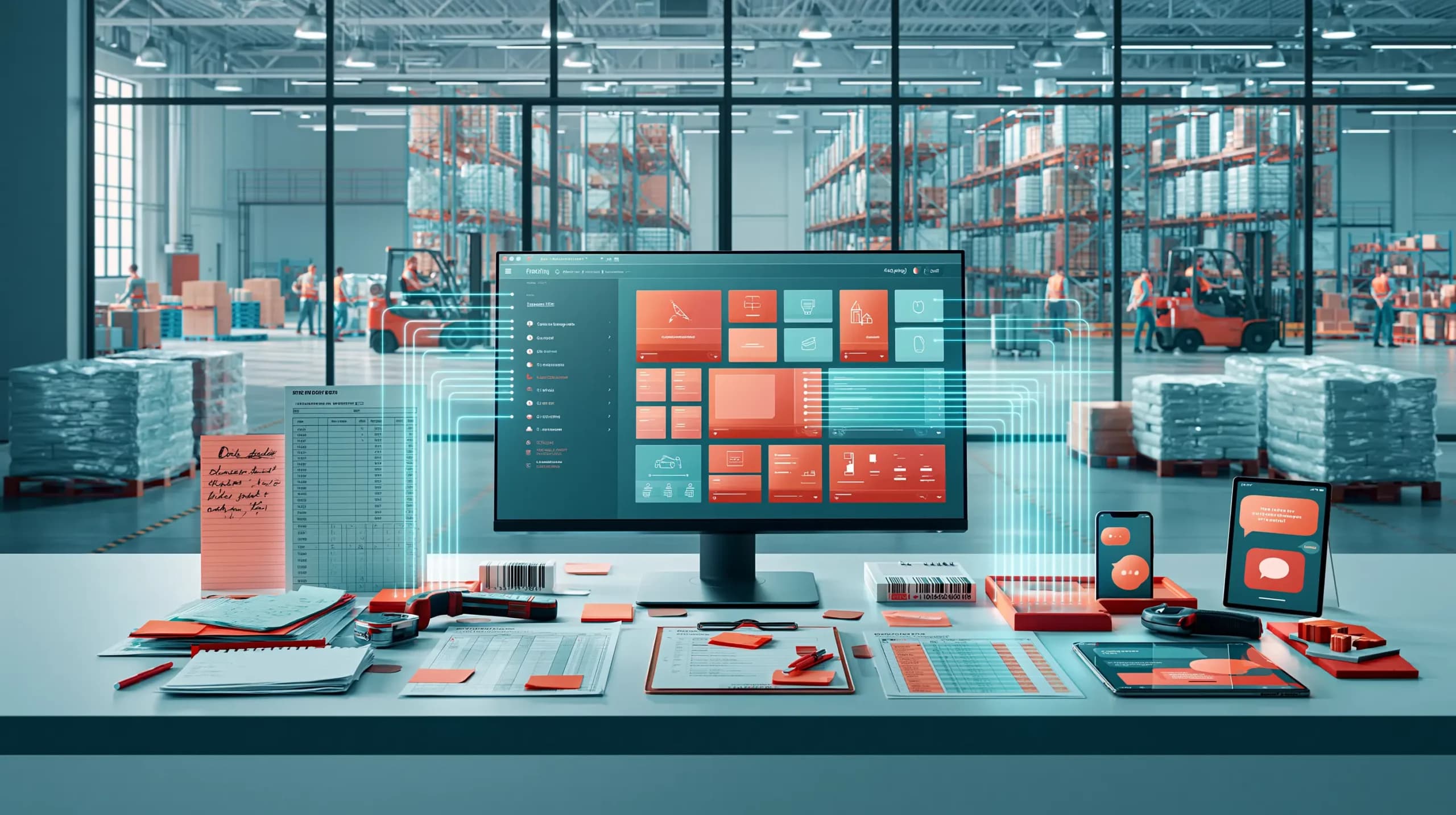

A customer sends a photo of a handwritten order. Another emails a spreadsheet. A sales representative calls with changes, while a long-standing account expects its own price list, payment terms and delivery day.
The order desk eventually enters everything after checking stock, correcting product codes and confirming prices.
That is usually when a wholesaler asks:
“Would an online shop solve this?”
Sometimes. Ordinary ecommerce software is mainly designed for consumers buying at public prices. Wholesale ordering software is built for repeat business customers, negotiated pricing, larger baskets and orders arriving through several channels.
This guide explains which features matter, what a wholesale ordering system can cost and how to implement one without disrupting daily operations.
What Is Wholesale Ordering Software?
Wholesale ordering software allows trade customers, sales representatives and internal teams to create and manage B2B orders.
The customer-facing part may be a wholesale online ordering system, branded website or mobile app. Behind it, the business needs controls for catalogues, customer pricing, stock, payment terms, approval and fulfilment.
The difference is context. A retail checkout treats most buyers similarly. An online ordering system for wholesalers must recognise the account and apply the correct products, prices, quantities, credit rules and delivery options.
Features to Look For
Customer-specific catalogues and pricing: Buyers should automatically see the products and prices agreed for their account, including contract rates, quantity breaks and restricted ranges.
Fast repeat ordering: Order history, favourites, saved baskets, quick-order forms and barcode scanning help regular customers reorder without rebuilding every basket.
Reliable stock visibility: Customers and sales teams need accurate availability, including stock held across multiple warehouses where relevant.
Wholesale rules: The system should support pack sizes, multiple units, minimum orders, payment terms, credit customers, delivery fees, collection and order approval.
Sales representative tools: Representatives should be able to access accounts and place correctly priced orders on behalf of customers. Offline access is useful in stockrooms and areas with poor signal.
Operational integrations: Check whether customers, products, prices, stock, invoices, payments and credit notes synchronise with your accounting or ERP software.
Multi-channel capture: Some buyers will continue ordering through email, WhatsApp, PDFs or telephone. A stronger platform brings these orders into the same workflow rather than creating another isolated channel.
Comparing Wholesale Ordering Options
| Option | Best suited to | Strengths | Limitations |
| Email, telephone and spreadsheets | Very low order volumes | Familiar and inexpensive initially | Manual entry, errors and weak visibility |
| Generic ecommerce platform | Straightforward B2B catalogues | Quick launch and broad design options | Wholesale rules may need apps or workarounds |
| B2B ecommerce add-on | Adding wholesale to an existing store | Lower entry cost and self-service ordering | Operations may remain split between systems |
| Dedicated wholesale ordering software | Account pricing, reps, stock and repeat orders | Purpose-built workflows and stronger control | Requires data preparation and staff adoption |
| Enterprise or custom platform | Large or highly specialised operations | Deep customisation | Higher cost and longer implementation |
The cheapest subscription is not necessarily the lowest-cost choice. A basic system becomes expensive when staff still re-enter orders, update duplicate price lists or correct avoidable mistakes.
How Much Does Wholesale Ordering Software Cost?
The market ranges from lightweight ordering add-ons to complete wholesale platforms.
Entry-level products may offer free plans or subscriptions below £150 per month. Mid-market systems usually move into the hundreds per month, while complex enterprise platforms can begin in the thousands. Data migration, onboarding, integrations and custom development may cost extra.
Total cost commonly depends on:
- Internal users and sales representative access.
- Orders, products, customers and price lists.
- Accounting, ERP, payment, shipping and warehouse integrations.
- Modules such as mobile ordering, AI capture or advanced stock control.
- Migration, training and ongoing support.
Ask for a complete first-year cost rather than focusing only on the advertised monthly fee. Confirm how pricing changes as users, orders, warehouses and integrations increase.
Also calculate the value of time saved. Include manual order entry, pricing corrections, duplicate administration, missed orders and customer enquiries in the business case.
Implementation Checklist
- Map the current process. Record how orders arrive, who checks them and which systems are updated.
- Choose the source of truth. Decide where customers, products, prices, stock and invoices will be controlled.
- Clean your data. Remove duplicates, inactive products and obsolete price lists before migration.
- Document wholesale rules. Include units, pack sizes, customer pricing, credit terms and delivery restrictions.
- Confirm integrations. Agree which records synchronise, how often they update and how failures are handled.
- Test real scenarios. Include special pricing, out-of-stock products, large repeat orders and returns.
- Run a pilot. Start with selected customers and representatives before a full rollout.
- Train and measure. Give each role relevant training, then track adoption, processing time and order errors.
Where Simplisales Fits
Simplisales combines customer ordering with the operational controls wholesalers need behind it.
Customers can use the Simplisales Ecommerce Website or branded Simplisales Ecommerce App to view account-specific catalogues, agreed prices and stock, then place or repeat orders. Sales representatives can capture orders in the field, including offline, and use barcode scanning for faster entry.
The Simplisales Dashboard brings website, app, representative and manually captured orders into one place. It connects ordering with customers, inventory, multiple warehouses, purchasing, price lists and reporting. Orders received through WhatsApp, email, PDFs or handwritten lists can also be converted into structured drafts using AI order capture.
This is useful when the aim is not simply to launch another website, but to reduce manual work across the wider ordering process while continuing to integrate with established accounting or ERP systems.
Final Thoughts
Wholesale ordering software should make buying easier for customers and order processing easier for your team.
Choose the system around your actual pricing, stock, delivery and approval rules rather than the longest feature list. Then treat implementation as an operational project involving data, integrations and people, not simply a website launch.
Related Blogs
Explore more insights for your wholesale business.
Ecommerce Tips · 16 OCT 2026
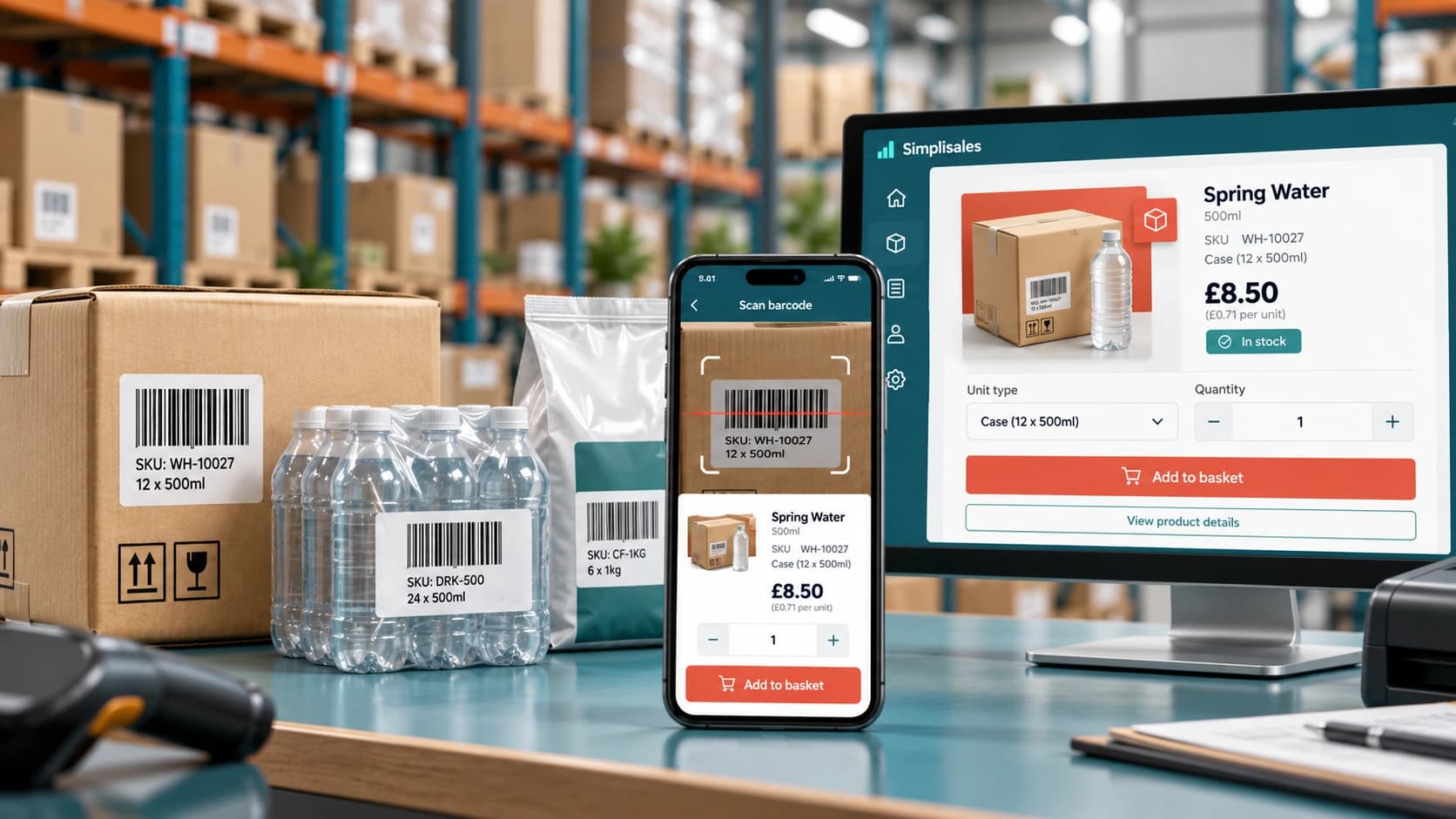
Barcode Ordering Apps for Wholesale
A retailer walks around the stockroom with a phone. In fact, when […]
Ecommerce Tips · 12 OCT 2026
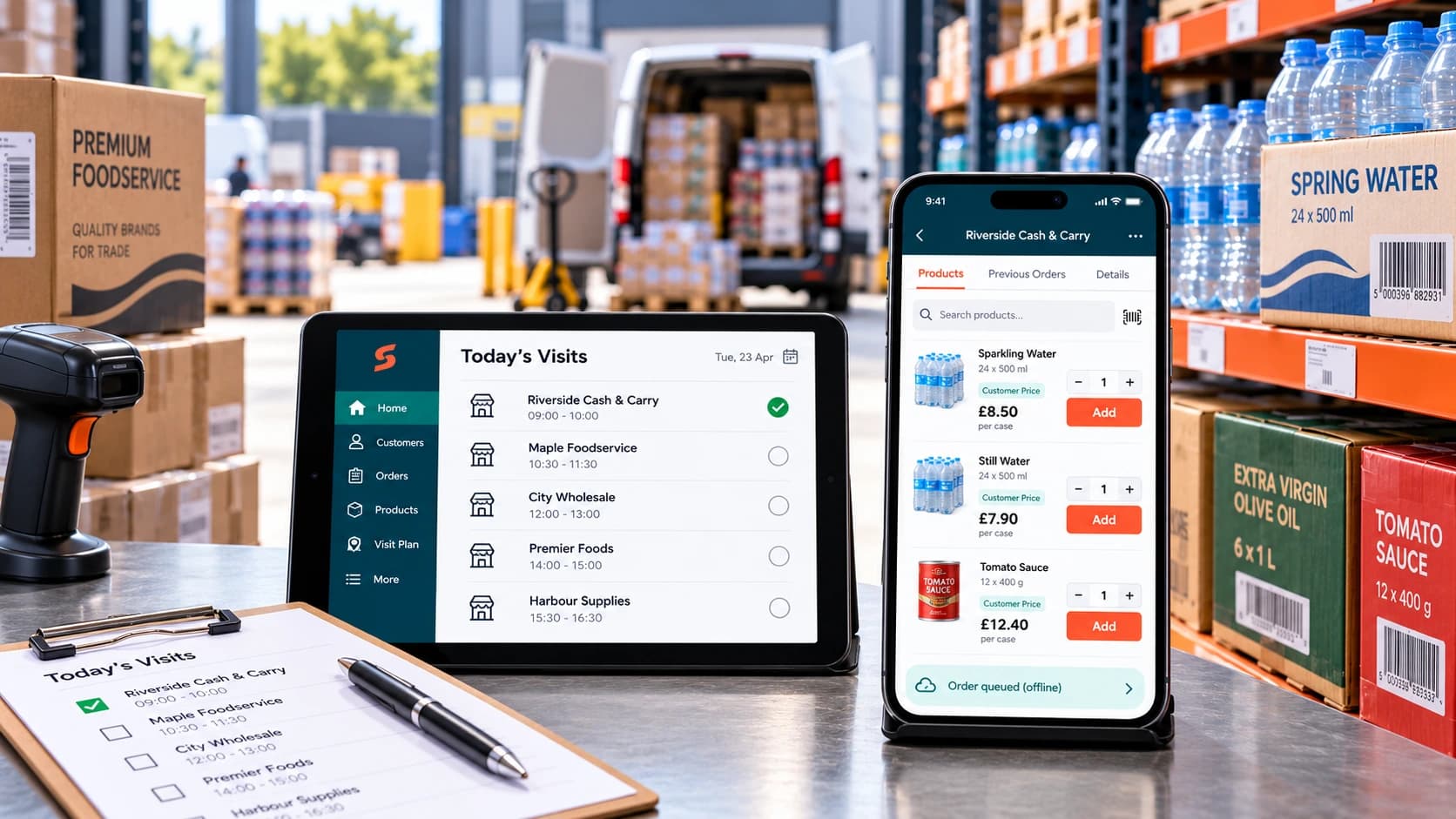
How to Roll Out a Sales Rep Ordering App
A […]
Ecommerce Tips · 10 AUG 2026
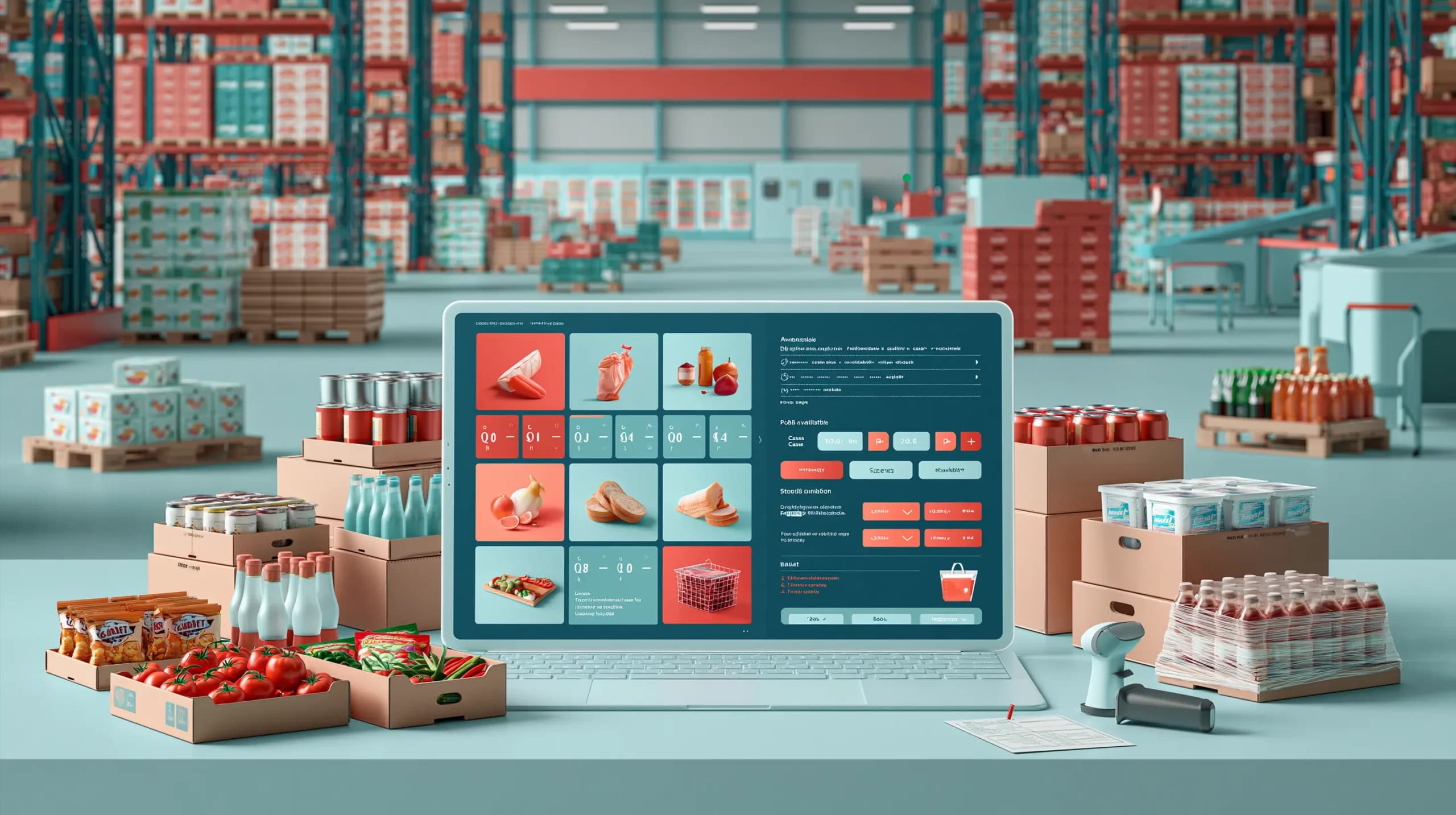
Food Wholesale Ordering Software: 12 Features UK Distributors Actually Need
This blog post covers the 12 features UK food distributors should prioritise when choosing food wholesale ordering software, from customer-specific pricing and multiple pack sizes to real-time multi-warehouse stock, batch and expiry tracking, purchasing, warehouse picking and delivery operations. It also highlights the importance of fast repeat ordering, offline sales rep tools, AI-assisted capture of […]
Run your business,
without the complexity
Start free · Try paid plans for 30 days.
