Sage 50 eCommerce Integration: Which Data Should Sync and Which Should Not?
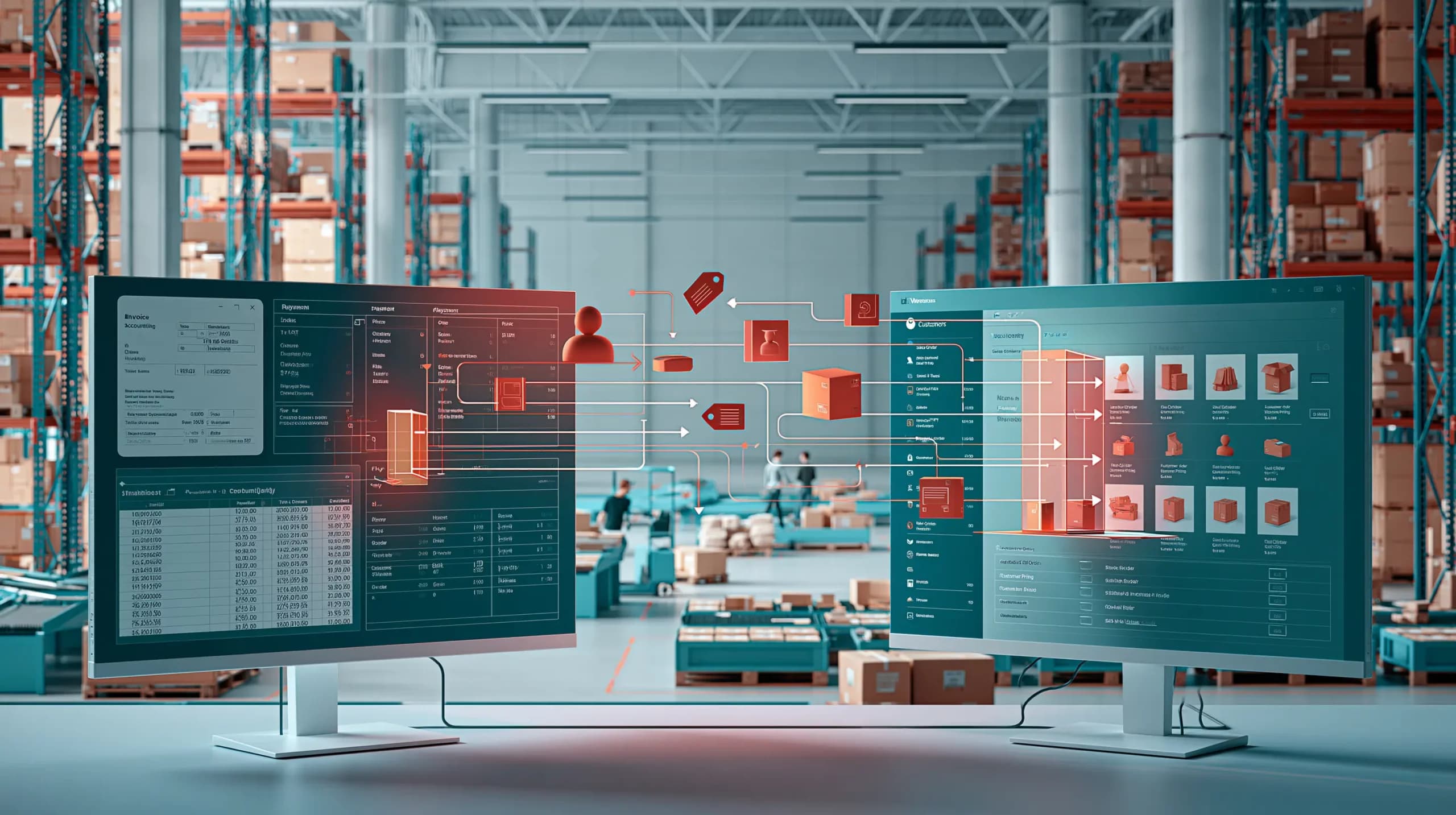

A wholesaler launches a new B2B ecommerce website.
Customers can finally order online. The sales team is excited. The warehouse expects fewer phone calls.
Then the questions start.
“Should the website update Sage stock?”
“Should Sage control customer pricing?”
“What happens when someone changes an address online?”
“Do we sync invoices, payments and credit notes as well?”
This is where many Sage 50 ecommerce integration projects become unnecessarily complicated.
The objective should not be to copy every field between two systems.
A better integration gives each platform a clear responsibility and synchronises only the data required to keep sales, warehouse and finance aligned.
For wholesalers, that usually means keeping Sage 50 as the financial system of record while connecting it to the faster operational layer used for ecommerce, customer ordering and fulfilment.
Sage 50 Can Already Hold More Than Basic Accounts
Sage 50 Accounts is primarily an accounting platform, but it can also hold operational data.
Depending on the edition and configuration, Sage 50 can manage customer records, stock products, sales and purchase orders, invoices, credits and trading terms. Sage 50 Accounts Professional also supports customer price lists, special customer prices and more advanced stock functionality.
That matters because a good integration should use the data already maintained reliably in Sage rather than rebuilding it unnecessarily somewhere else.
The question is not:
“Can this field sync?”
It is:
“Which system should own this field?”
The Recommended Integration Model
A practical Sage 50 wholesale setup normally looks something like this:
| System or channel | Main responsibility | Typical data or activity |
| Customer-facing channels | Customer access and ordering | Website, mobile app and sales-rep orders |
| Wholesale operations platform | Day-to-day ecommerce and wholesale workflows | Customer ordering, catalogue presentation, operational stock, warehouse workflow and order validation |
| Sage 50 | Financial system of record | Customer accounts, invoices, credit notes, payments, VAT and financial reporting |
| Integration between systems | Controlled data exchange | Validated sales orders move into Sage 50, while relevant customer, product, pricing, invoice and account information can be synchronised back to the operational platform |
The exact ownership depends on how your business operates, but the principle remains the same:
operational data should move quickly; accounting data should remain controlled.
1. Customer Accounts: Sync, but Choose a Master
Customer records are one of the first things worth synchronising.
Sage 50 customer records can contain account references, contact information, discounts, payment terms, credit limits and account status.
A B2B ecommerce system needs much of that information to decide what a customer can see and how they can order.
For established wholesale accounts, Sage 50 will often remain the master record.
That means changes such as credit limits, account holds and agreed payment terms can flow from Sage to the ordering system.
But not every website field belongs in Sage.
Marketing preferences, ecommerce passwords, favourites, app settings and browsing behaviour should usually stay in the ecommerce platform.
If a completely new customer registers online, it may also make more sense to create them initially as a pending ecommerce account rather than instantly creating a live debtor in Sage.
2. Products: Sync the Commercial Basics, Not Every Ecommerce Field
Product integration should usually include identifiers such as:
| Data | Recommended approach |
| Product/SKU reference | Sync |
| Standard sales price | Sync if Sage owns pricing |
| Tax code | Sync |
| Product active/inactive status | Sync |
| Stock-related identifiers | Sync where required |
| Ecommerce images | Keep outside Sage |
| SEO descriptions | Keep outside Sage |
| Website categories | Usually ecommerce-owned |
| Related products and merchandising | Ecommerce-owned |
Sage 50 product records contain useful accounting and stock information, including product references, sales prices, cost information and units of sale.
But an ecommerce catalogue usually contains far richer presentation data.
Trying to force marketing content back into accounting adds complexity without improving financial control.
3. Customer Pricing: Usually Sync, but Be Careful
Pricing is particularly important in wholesale.
Sage 50 Accounts Professional supports customer price lists and special prices. A customer can therefore receive a different product price from another account.
If those prices are already carefully maintained in Sage, your ecommerce platform should normally respect them.
Otherwise, the customer could see £18 online while the order desk expects £17.40 in Sage.
That creates exactly the reconciliation problem the integration was supposed to solve.
However, some wholesalers operate much more complicated ecommerce pricing rules, catalogue restrictions or temporary digital promotions.
In that case, the operational platform may become the more practical pricing engine.
The key is to avoid maintaining the same rule manually in two places.
4. Stock: Do Not Automatically Assume Sage Should Own It
This is where Sage 50 inventory integration requires the most thought.
Sage 50 can track stock, stock adjustments, reorder levels and sales-order allocations.
That does not automatically mean the Sage stock figure should always be the live ecommerce availability figure.
Consider a wholesaler with:
- Multiple warehouses
- Picking already in progress
- Goods being received
- Internal transfers
- Damaged or quarantined stock
- Orders waiting for approval
The quantity physically available to promise may change faster than the financial stock record.
If Sage is genuinely where all stock movements are controlled, synchronising Sage inventory to ecommerce makes sense.
If a dedicated warehouse or wholesale platform manages the physical operation, that system may be the better source for available-to-sell stock, with validated stock transactions passed back into Sage.
Do not create two competing stock masters.
5. Sales Orders: Ecommerce Should Usually Push Them Into Sage
A successful ecommerce order should not need to be manually typed into Sage again.
Once the ecommerce system has validated the customer, products, pricing and quantities, the resulting sales order can flow into Sage 50.
This eliminates duplicate entry and gives finance visibility of the transaction.
However, the order should not necessarily enter Sage the instant a customer presses “Submit”.
Some wholesalers need operational checks first.
For example:
Customer places order → credit checked → stock confirmed → order approved → Sage sales order created.
That distinction prevents incomplete, fraudulent or invalid orders from polluting the accounting workflow.
6. Invoices, Credit Notes and Payments: Sage Should Usually Lead
Invoices and payments are financial records.
They affect customer balances, VAT, bank reconciliation and accounting reports.
For most businesses, Sage should remain authoritative here.
Once an order is dispatched and invoiced, invoice information can flow back to the ecommerce portal so customers can see their documents and account position.
The same applies to credit notes and payment status.
The portal may display the information.
Sage should usually own the accounting record behind it.
What Should Usually Stay Inside Sage 50?
Not every Sage record needs to reach ecommerce.
The following should normally remain within the finance environment:
| Sage 50 Data | Sync to Ecommerce? |
| Nominal ledger transactions | No |
| Journals | No |
| Bank transactions | No |
| Bank reconciliation | No |
| VAT returns | No |
| Supplier payment accounting | Usually no |
| Fixed assets | No |
| Payroll | No |
| Internal management accounts | No |
| Detailed audit trail | No |
An ecommerce website does not need access to your full accounting database to tell a customer whether a case of drinks is available.
Reducing unnecessary integration also reduces complexity and the risk of data conflicts.
Where Simplisales Fits
For wholesalers that want to continue using Sage 50, Simplisales can sit between customer-facing ecommerce and financial accounting.
The Simplisales Website and Simplisales App provide the ordering layer, while the Simplisales Dashboard handles wider wholesale operations such as sales orders, customer-specific pricing, purchasing, inventory and warehouse workflows.
Sage 50 can remain the finance system of record.
According to Simplisales’ current integration positioning, customers, products, prices and invoices can synchronise between Sage and the wholesale platform rather than being manually exported and re-entered.
This creates a hybrid model:
Sage 50 for financial control.
Simplisales for ecommerce and day-to-day wholesale operations.
The important part is not the product combination itself. It is maintaining clear ownership over each type of data.
Sage 50 eCommerce Integration Checklist
Before connecting your ecommerce platform to Sage 50, confirm:
- Which system owns customer records
- Where customer credit limits and account holds are controlled
- Which platform owns product pricing
- Whether customer-specific Sage price lists must synchronise
- Which system represents real available stock
- When ecommerce orders should be created in Sage
- Whether invoices and credits flow back to the customer portal
- How payment status is updated
- What happens when a sync fails
- How duplicate customers and products are prevented
- Which fields deliberately do not synchronise
- How integration changes will be tested before going live
Final Thoughts
A good Sage 50 ecommerce integration is not the one that synchronises the most data.
It is the one that creates the clearest responsibility.
Sage 50 is already capable of managing customers, products, pricing, orders, stock and detailed financial records. An ecommerce or wholesale operations platform should therefore extend that setup rather than blindly duplicate it.
For many wholesalers, the most practical model is simple:
Customer and product information flows where it is needed.
Online orders move into accounting once validated.
Invoices, payments, VAT and financial control remain in Sage.
Warehouse and ecommerce data stays where operational teams can work with it quickly.
Once each system has a clear job, integration becomes much easier to maintain.
Related Blogs
Explore more insights for your wholesale business.
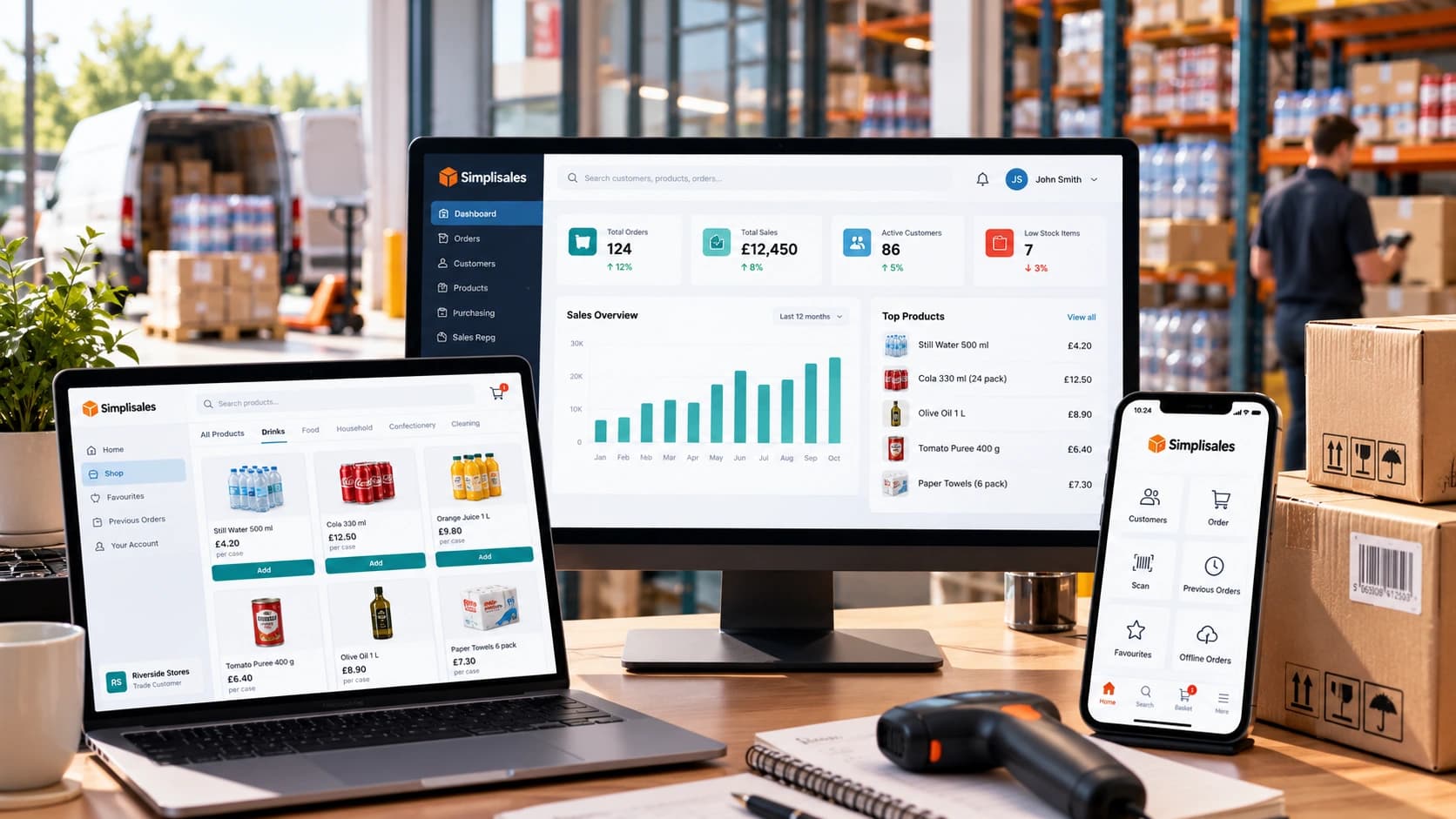
Wholesaling Softwares · 19 OCT 2026
Wholesale Software for Small Businesses
You do not need an ERP just because spreadsheets are failing The minimum wholesale software stack Layer 1, such as accounting is remaining the financial source of truth Layer 2, like ordering and customer-specific trading rules Layer 3 – stock, buying and foundational warehouse control What not to buy too early When the minimum stack […]
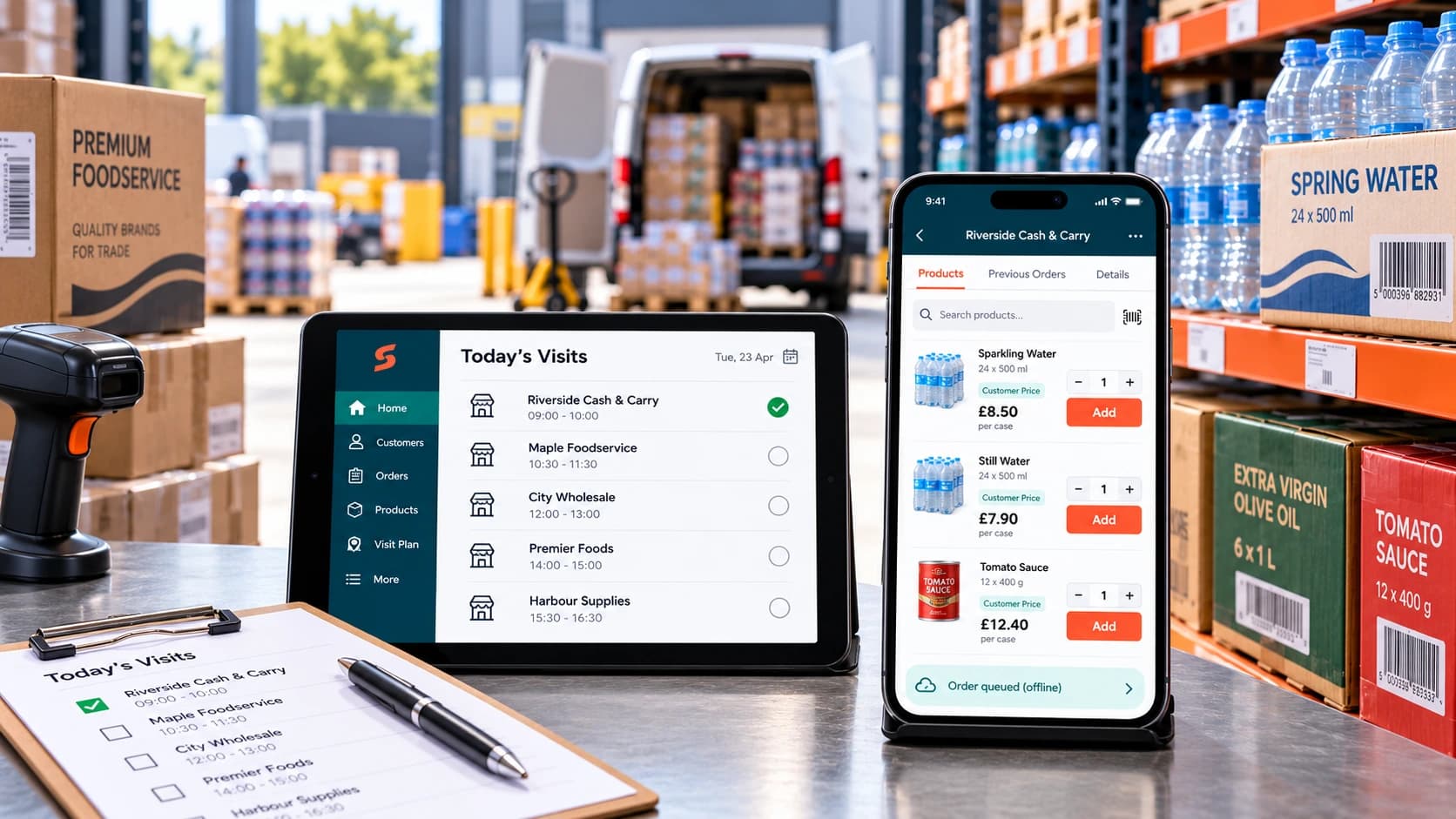
Ecommerce Tips · 12 OCT 2026
How to Roll Out a Sales Rep Ordering App
A […]
Wholesaling Softwares · 18 SEPT 2026
Wholesale Stock Control Software: How to Prevent Overselling Across Sales Channels
Why wholesalers oversell A warehouse holds 50 cases of a product. The website shows all 50 as available. A sales representative promises 20 to a customer, a telesales colleague […]
Run your business,
without the complexity
Start free · Try paid plans for 30 days.
