QuickBooks and Wholesale Ordering Software: A Practical Integration Blueprint


A customer places a £2,400 order through your B2B website.
The warehouse sees it immediately. Stock is reserved. The customer receives confirmation.
Then someone in finance asks:
“Has that order gone into QuickBooks yet?”
If the answer is “someone will enter it later”, you do not really have an integrated ordering process.
But pushing every operational action directly into QuickBooks is not the answer either.
A good QuickBooks B2B ecommerce integration gives QuickBooks responsibility for accounting while allowing specialist wholesale software to manage customer ordering, pricing, inventory operations and fulfilment.
The objective is not to make both systems identical. It is to decide which system owns each type of data and synchronise only what the other side actually needs.
What QuickBooks Already Does Well
QuickBooks Online is primarily accounting software, but the UK Plus and Advanced plans also include stock-management features.
QuickBooks can maintain customers, products and services, VAT information, invoices, payments and supplier transactions. Plus and Advanced can also track stock quantities, reorder points, purchase orders and stock received from suppliers.
That makes QuickBooks useful well beyond bookkeeping.
However, a wholesaler may also need customer-specific catalogues, complex B2B pricing, multi-warehouse availability, case and pallet quantities, sales-rep ordering, picking and packing, mobile ordering and other operational workflows.
That is where QuickBooks wholesale order management usually benefits from an additional wholesale platform.
A Practical Integration Blueprint
A typical connected setup can look like this:
| Layer | Main responsibility | Typical data |
| B2B website, app or sales reps | Customer ordering | Basket, catalogue, agreed pricing, delivery details |
| Wholesale operations platform | Operational control | Orders, pricing rules, stock availability, purchasing, warehouse activity |
| QuickBooks Online | Financial control | Customers, invoices, payments, VAT, accounts receivable and financial reporting |
| Integration | Controlled exchange | Products, customers, orders/invoices, payments, credits and relevant stock data |
The exact setup will depend on your business.
What matters is having one clear owner for every important field.
1. Customers: Synchronise the Account, Not Everything Around It
Customer records are usually worth synchronising.
QuickBooks needs the customer for invoicing, payment allocation and account balances. Your wholesale ordering platform needs the same customer to decide who is ordering and which commercial rules apply.
Useful shared information may include:
- Customer name and account reference
- Billing and delivery information
- Contact details
- Payment terms
- VAT information
- Account status
But ecommerce passwords, favourites, saved baskets, app sessions and marketing behaviour have little reason to enter QuickBooks.
If customers can register online, you should also decide when they become a genuine QuickBooks customer.
Creating a financial account automatically every time someone completes a registration form can fill QuickBooks with duplicate or unapproved accounts.
A cleaner workflow may be:
Online registration → account reviewed → wholesale account approved → QuickBooks customer created or matched.
2. Products: Share Accounting Data, Keep Rich Ecommerce Content Outside
QuickBooks stock products can contain information such as a product name, SKU, category, sales price, cost, VAT treatment, quantity on hand, reorder point and preferred supplier.
Those fields can be valuable to an integrated wholesale system.
However, the ecommerce platform may contain considerably richer product information.
| Product data | Recommended owner |
| SKU / product reference | Shared |
| VAT treatment | QuickBooks or controlled master |
| Accounting cost/value | QuickBooks |
| Standard selling price | Depends on pricing model |
| Product images | Wholesale/ecommerce platform |
| Long descriptions | Wholesale/ecommerce platform |
| Customer catalogue visibility | Wholesale platform |
| Barcode and ordering presentation | Wholesale platform |
| SEO content | Ecommerce platform |
There is little benefit in forcing website merchandising information into an accounting system.
3. B2B Pricing Needs Special Attention
Wholesale pricing is rarely one number.
One customer may receive contract pricing, another a percentage discount, while a third uses an entirely separate price list.
QuickBooks UK now documents Price Rules, but the feature remains beta and is available only to selected customers; it is not available on Simple Start or Essentials.
That means you should not design a major wholesale pricing architecture on the assumption that every QuickBooks UK account can provide all the customer-specific pricing logic you require.
If your wholesale platform already controls customer price lists, quantity discounts, catalogue restrictions and account-specific rules, it may be more practical for that platform to calculate the validated selling price.
QuickBooks then receives the resulting financial transaction at the correct price.
Whichever approach you choose, avoid manually maintaining the same price structure independently in two systems.
4. Inventory: Decide What “Stock” Actually Means
This is probably the most important part of QuickBooks wholesale inventory management.
QuickBooks Online Plus and Advanced can track stock quantities. When stock products are sold through invoices or sales receipts, quantity on hand decreases. When goods are received from suppliers, stock can increase. Reorder points can also generate low-stock warnings.
That can work well for straightforward stock operations.
But wholesalers may need a different question answered:
“How much can I promise to this customer right now?”
Imagine QuickBooks says there are 500 cases in stock.
Operationally:
- 120 may already be allocated to orders
- 40 may be damaged
- 80 may be in another warehouse
- 60 may currently be undergoing picking
- another 200 may be due from a supplier tomorrow
The accounting quantity and available-to-sell quantity are not always the same thing.
If QuickBooks genuinely controls every stock movement, it can remain the inventory master.
If your wholesale platform manages multiple warehouses, bins, reservations, transfers and fulfilment, it may be better positioned to calculate live operational availability.
Do not allow both platforms to independently adjust stock without a defined synchronisation rule.
5. Purchase Orders: Decide Where Buyers Work
QuickBooks Online Plus and Advanced support purchase orders.
You can create a PO for a supplier, receive stock against it and track what remains outstanding.
For a relatively straightforward operation, that may be enough.
A larger wholesaler may instead handle purchasing inside its operational platform, particularly if buyers need warehouse-specific replenishment, goods received notes, supplier history or more detailed receiving workflows.
Again, either model can work.
The dangerous model is raising the same PO independently in both systems.
Choose one purchasing workflow and send the financial consequences to the other platform when appropriate.
6. Orders and Invoices Should Not Be Confused
A customer order and an accounting invoice are related, but they are not necessarily the same event.
Consider this workflow:
Customer orders → pricing validated → stock allocated → warehouse picks → goods dispatched → invoice created → payment received.
Creating the final QuickBooks invoice immediately when the customer clicks “Place Order” may be too early for some wholesalers.
The order could still change.
Products may be unavailable. Quantities may be adjusted during picking. The customer could cancel a line.
A better integration defines when the commercial order becomes an accounting transaction.
That point might be order approval, dispatch or another controlled event depending on the business.
7. Invoices, Credit Notes and Payments: QuickBooks Should Usually Remain Authoritative
This is where the boundary becomes clearer.
Invoices, credit notes and payments affect:
- Accounts receivable
- VAT
- Customer balances
- Bank reconciliation
- Financial reports
For most integrations, QuickBooks should remain the financial source of truth.
The wholesale portal may display an invoice or show whether it has been paid, but it should receive that financial status from the accounting workflow rather than inventing a second balance.
The same principle applies to credits and refunds.
What Should Usually Stay in QuickBooks?
Not every piece of accounting data needs to be exposed to your ordering platform.
| QuickBooks data | Send to wholesale platform? |
| Customer account basics | Usually |
| Relevant products | Usually |
| Invoice status | Usually |
| Customer balance | Often |
| Payments | Relevant status only |
| Credit notes | Often |
| VAT configuration | Relevant transaction data |
| Bank reconciliation | No |
| General ledger journals | No |
| Management accounts | No |
| Expense receipts | No |
| Payroll | No |
Integration becomes more reliable when you remove unnecessary data rather than trying to synchronise the entire QuickBooks company file.
Where Simplisales Fits
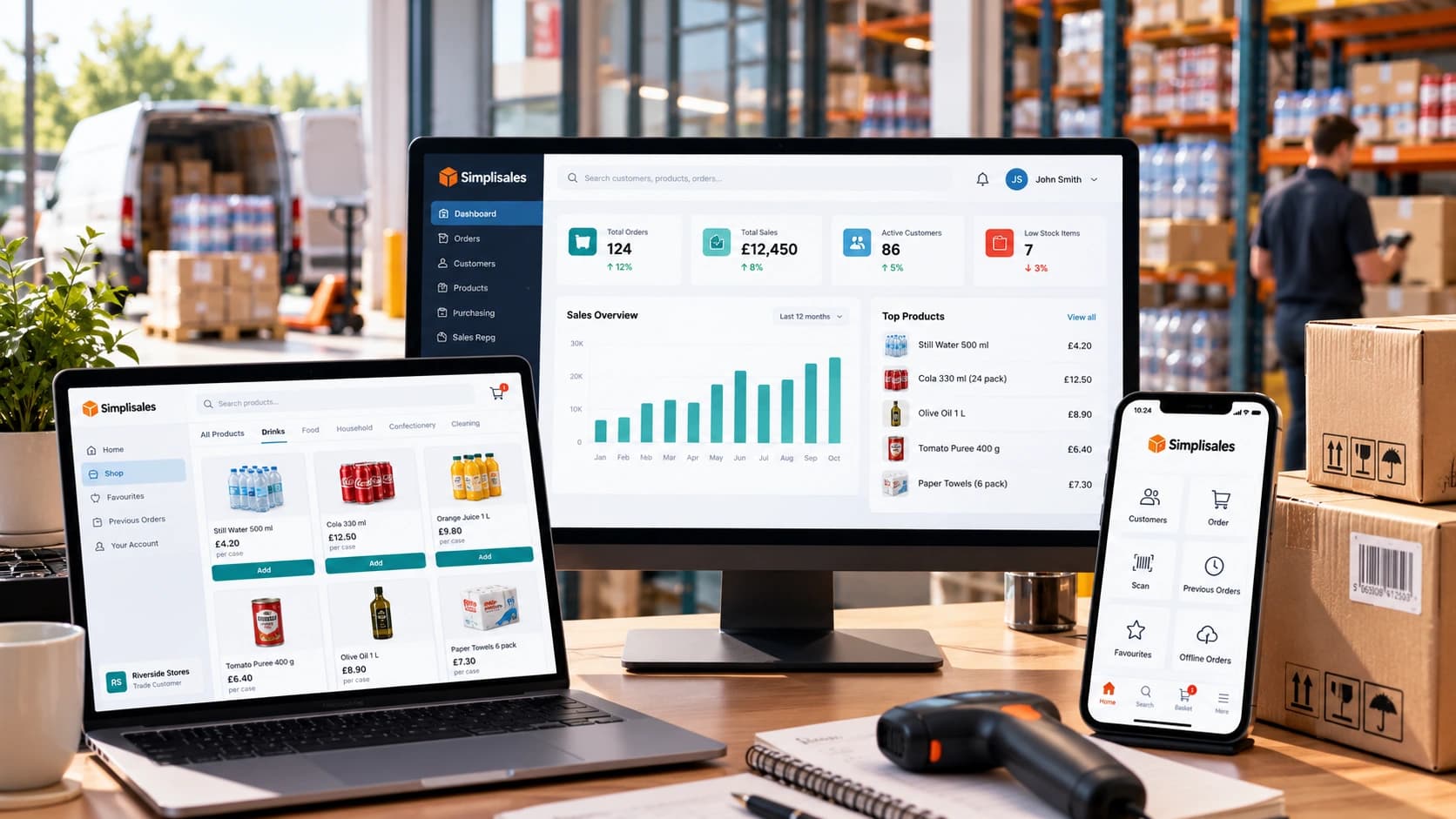
Simplisales can provide the wholesale operational layer around QuickBooks.
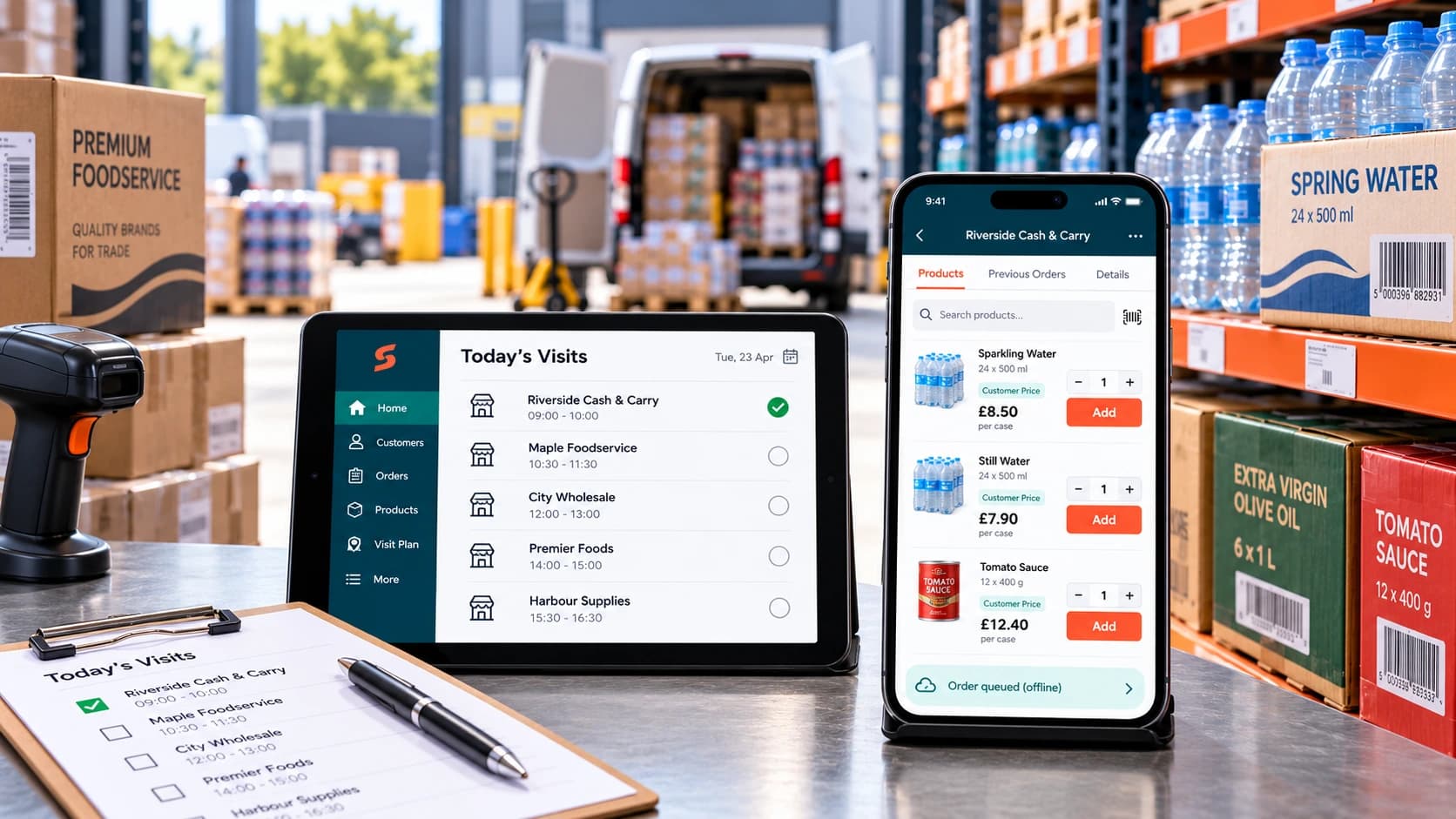
Customers can order through the Simplisales Ecommerce Website or branded Simplisales Ecommerce App, while sales representatives and internal staff can place orders through the same connected environment.
The Simplisales Dashboard can manage customer-specific price lists, catalogues, purchasing, suppliers, multiple warehouses, stock, fulfilment, returns and credit notes.
QuickBooks can continue handling the accounting side.
Simplisales currently describes its QuickBooks integration as two-way and states that orders, credit notes and payments can post into QuickBooks while retaining VAT codes and customer-ledger information.
The important principle remains the same:
Simplisales runs the wholesale workflow. QuickBooks keeps the financial books controlled.
That avoids forcing accounting software to become a warehouse platform while also preventing finance from re-entering transactions that already exist elsewhere.
QuickBooks B2B Integration Checklist
Before going live:
- Decide which system owns customer records.
- Define when new ecommerce customers enter QuickBooks.
- Decide where product master data is maintained.
- Establish which system controls customer-specific pricing.
- Define what “available stock” means.
- Choose one master workflow for purchase orders.
- Decide when a wholesale order becomes a QuickBooks invoice.
- Confirm how credit notes and returns synchronise.
- Define how payment status flows between systems.
- Prevent duplicate products and customers.
- Document what happens when a sync fails.
- Test VAT, discounts, partial orders, returns and payments before launch.
Final Thoughts
The best QuickBooks B2B ecommerce integration does not try to put the entire wholesale operation inside QuickBooks.
Nor should it treat QuickBooks as nothing more than somewhere to copy invoices at month-end.
QuickBooks already handles important product, stock, purchasing and customer information, particularly on Plus and Advanced. It should be used where those capabilities genuinely fit the business.
But as wholesale complexity grows, customer ordering, specialised pricing, multi-warehouse stock and fulfilment may be better managed by dedicated wholesale software.
The integration blueprint is therefore simple:
Let operational software control operational complexity.
Let QuickBooks control financial accounting.
Then synchronise the information each side needs to do its job.
Related Blogs
Explore more insights for your wholesale business.
Wholesaling Softwares · 19 OCT 2026
Wholesale Software for Small Businesses
You do not need an ERP just because spreadsheets are failing The minimum wholesale software stack Layer 1, such as accounting is remaining the financial source of truth Layer 2, like ordering and customer-specific trading rules Layer 3 – stock, buying and foundational warehouse control What not to buy too early When the minimum stack […]
Ecommerce Tips · 12 OCT 2026
How to Roll Out a Sales Rep Ordering App
A […]

Wholesaling Softwares · 18 SEPT 2026
Wholesale Stock Control Software: How to Prevent Overselling Across Sales Channels
Why wholesalers oversell A warehouse holds 50 cases of a product. The website shows all 50 as available. A sales representative promises 20 to a customer, a telesales colleague […]
Run your business,
without the complexity
Start free · Try paid plans for 30 days.
